





























































































































































































The Leading AI Headshot Generator for Professionals
THE #1 RANKED AI PHOTO EDITOR
FREE AI Photo Enhancer: Improve Image Quality and Resolution
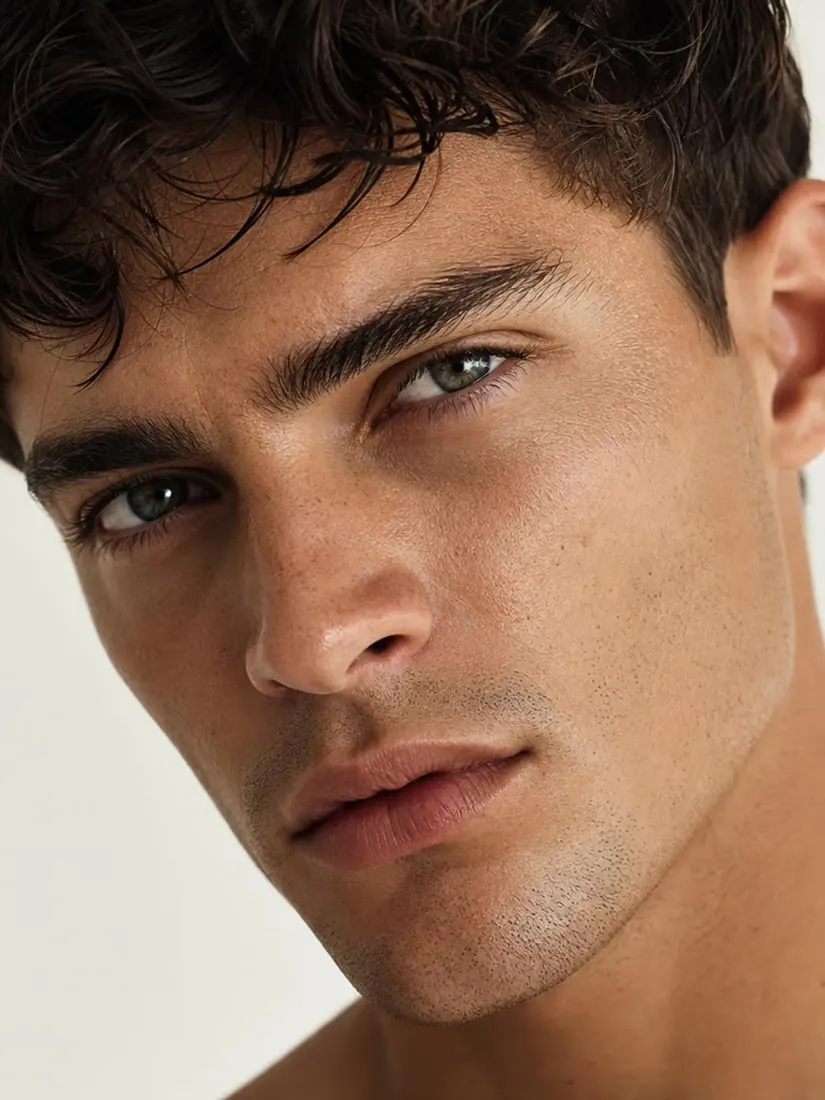
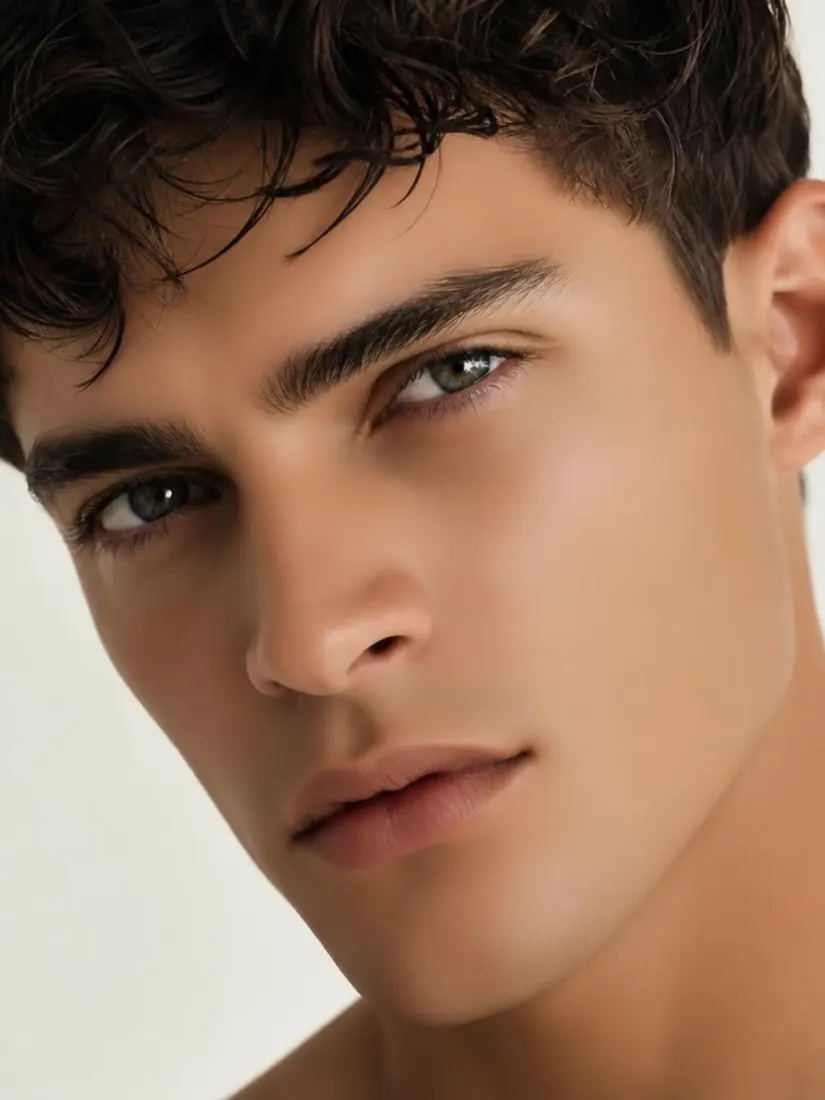
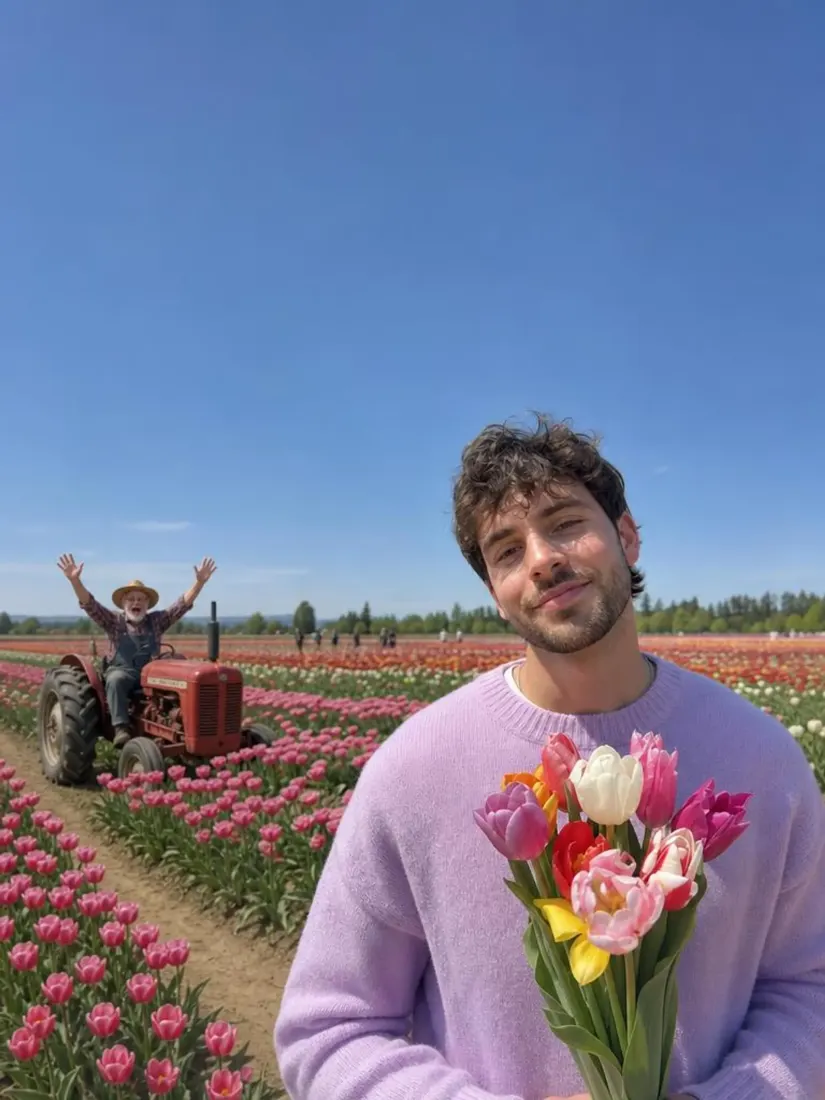
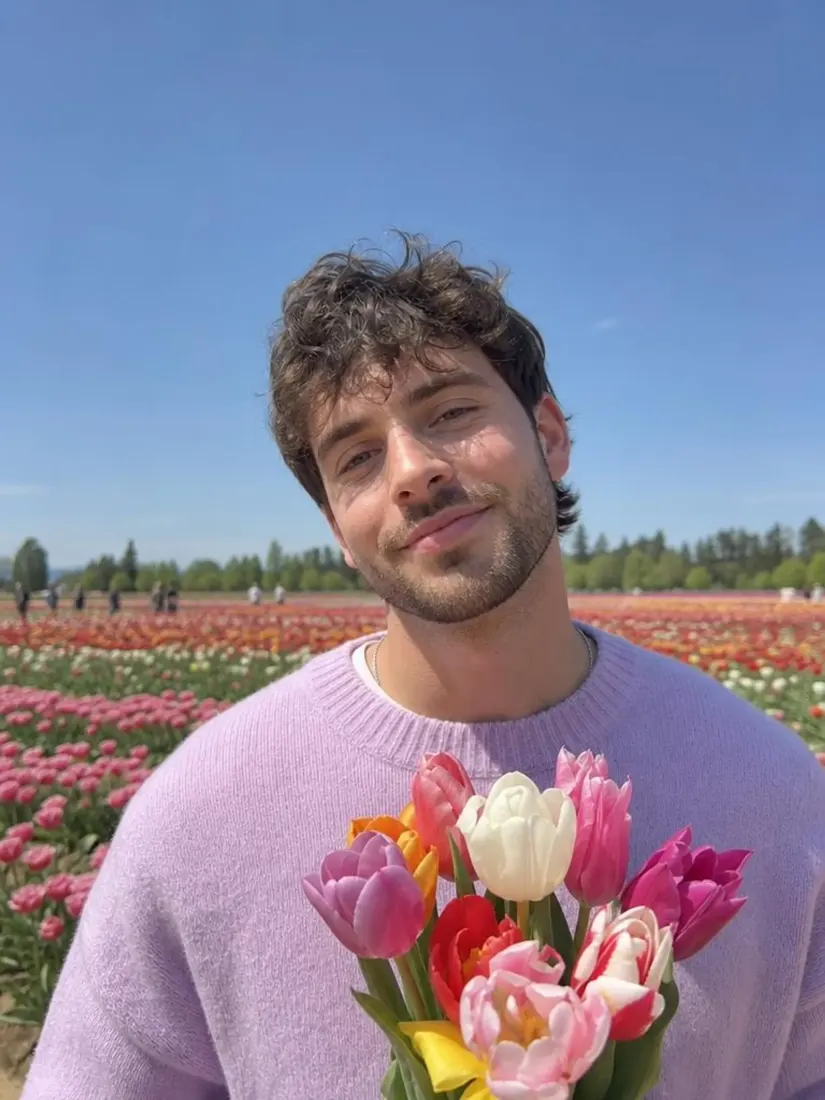
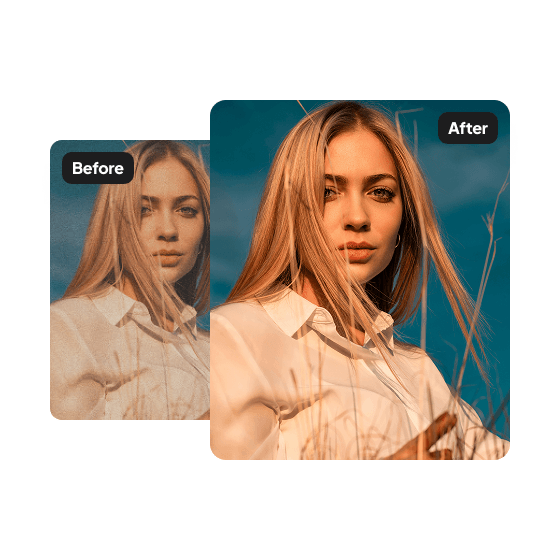
Use Aragon's free AI photo enhancer to sharpen blurry photos, boost resolution, and remove noise in minutes. Works on portraits, real estate listings, product shots, and old photos. No editing skills required.
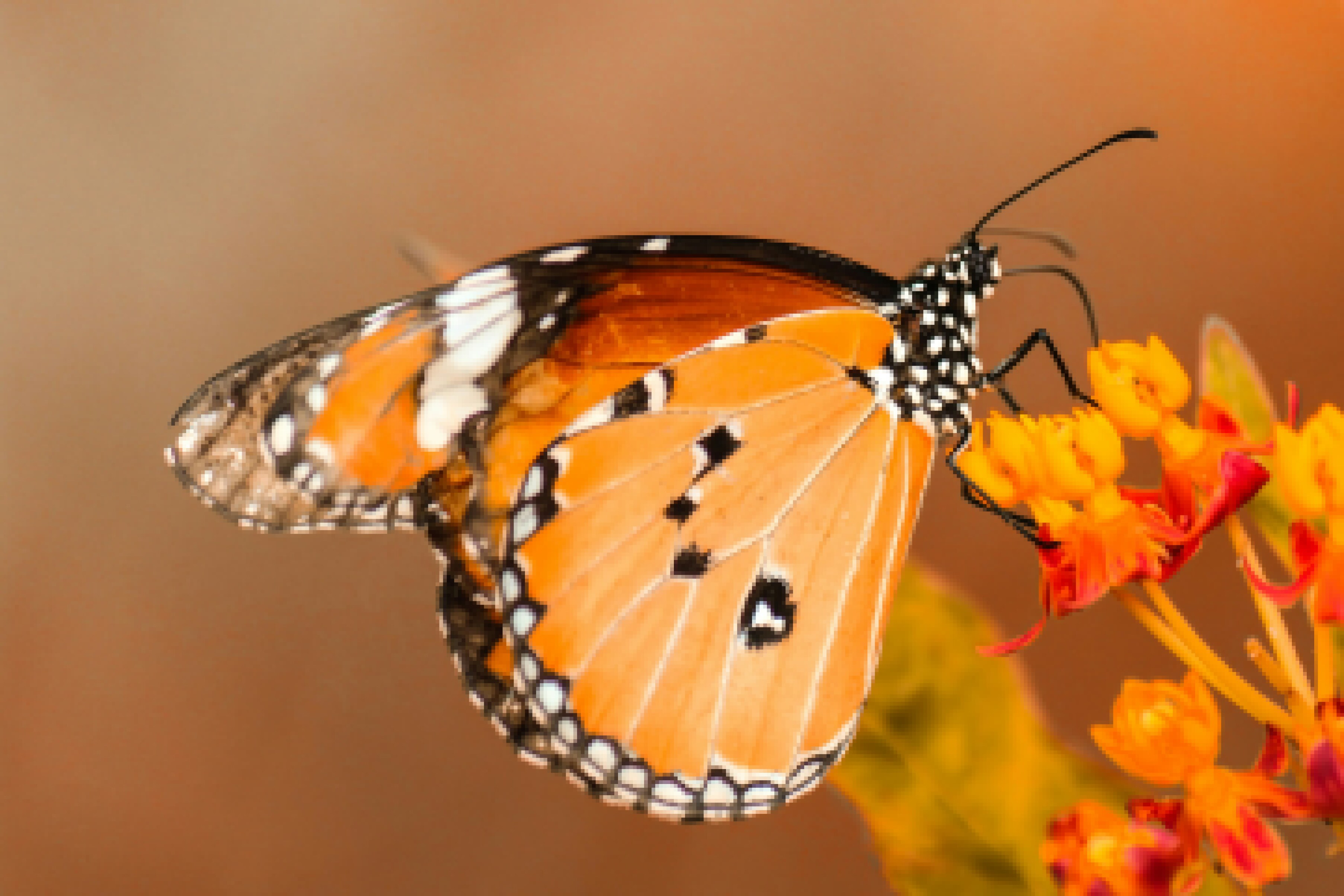
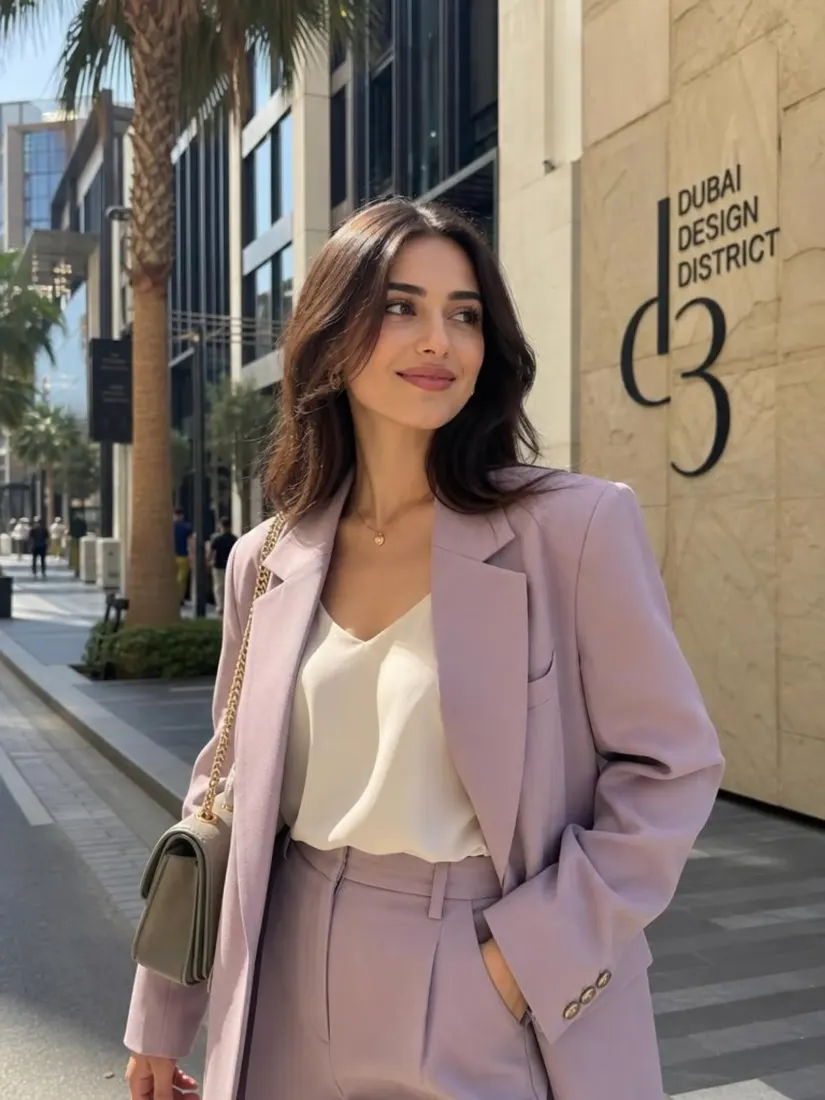
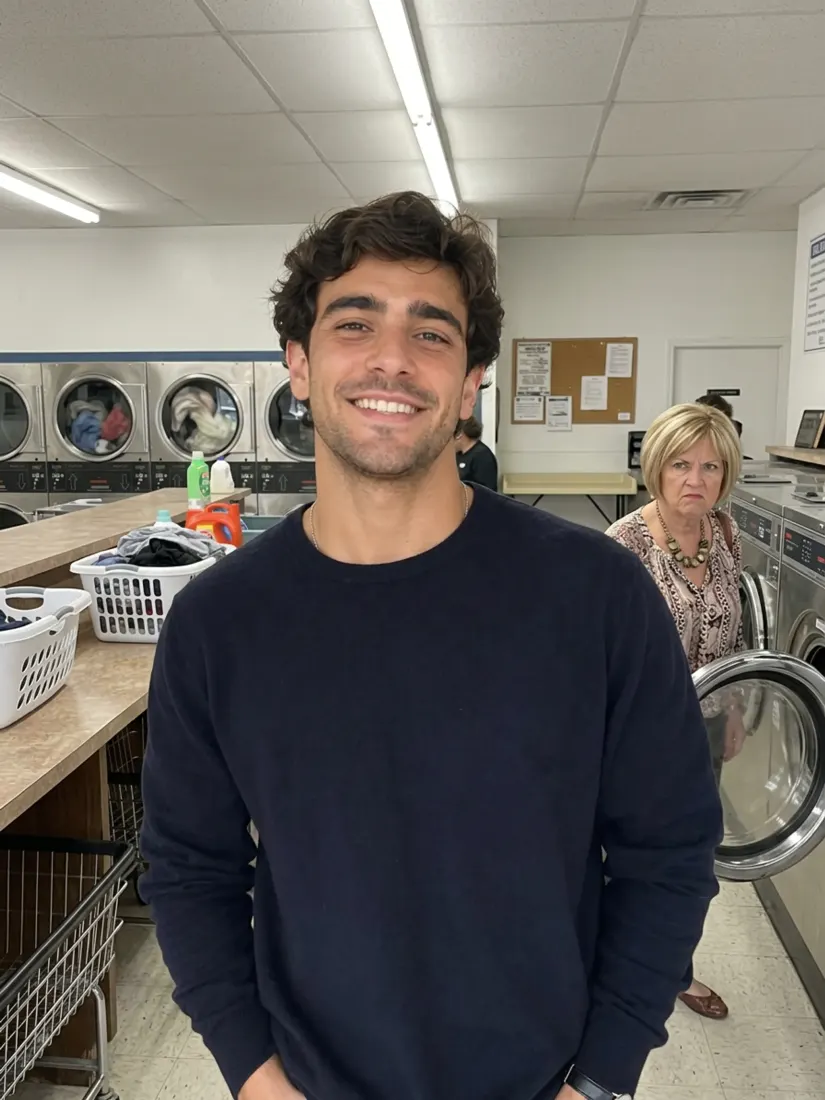
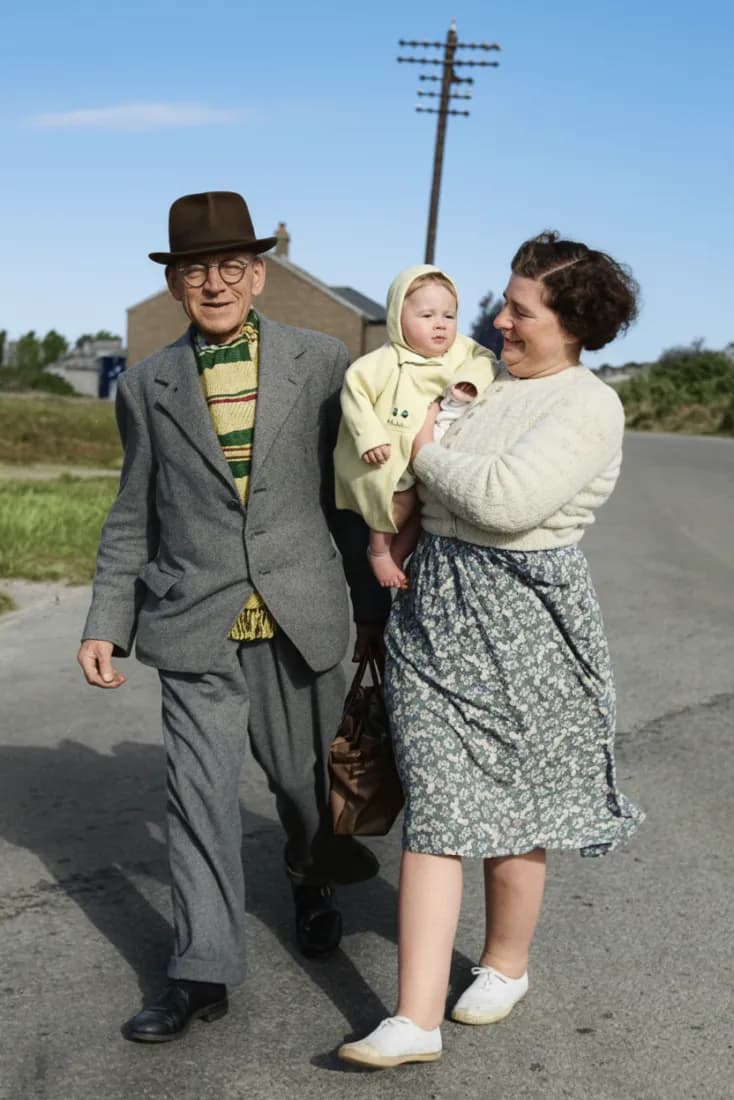
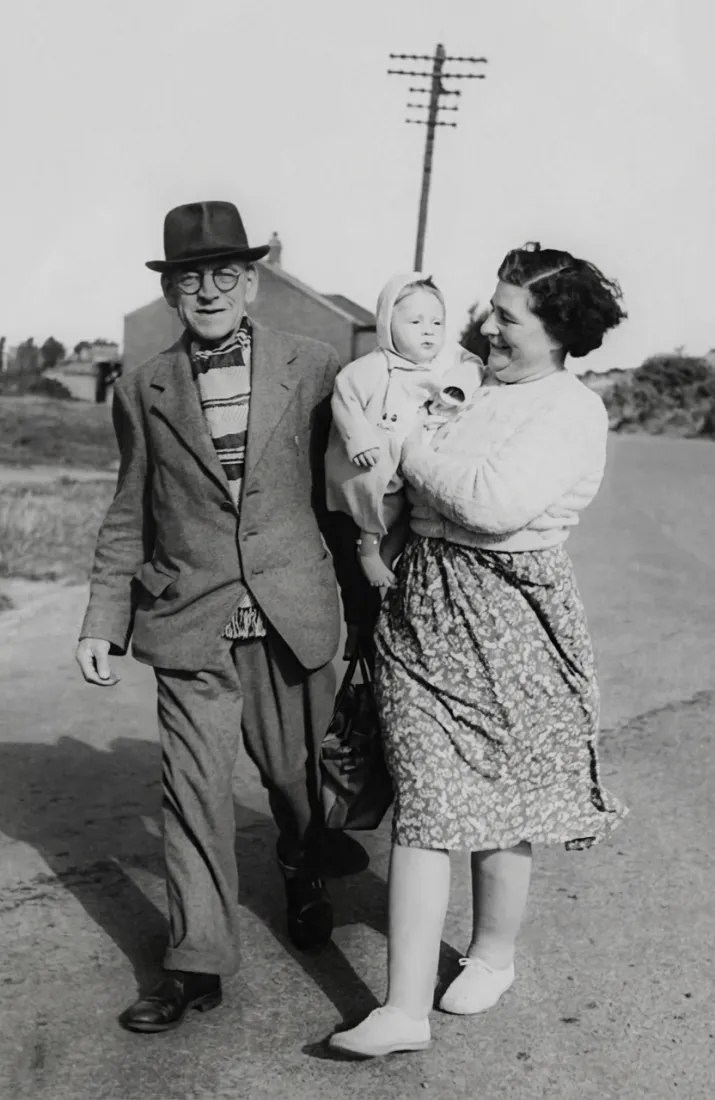
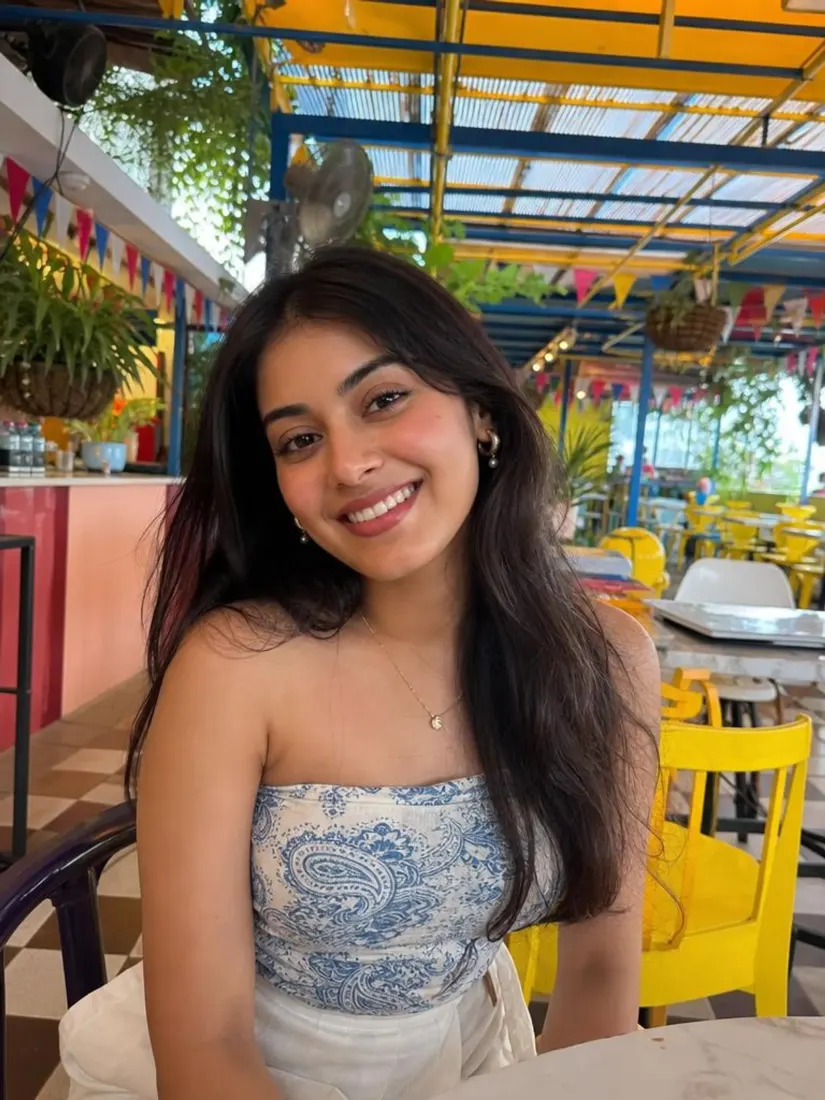
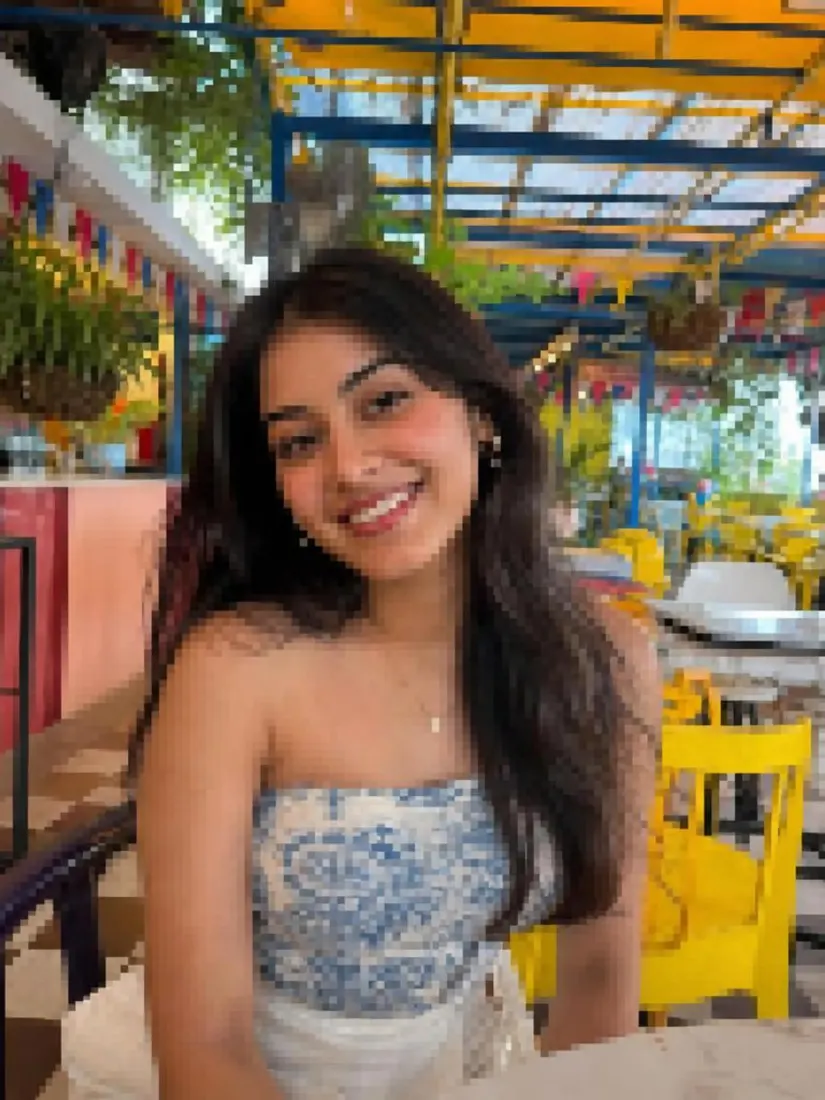
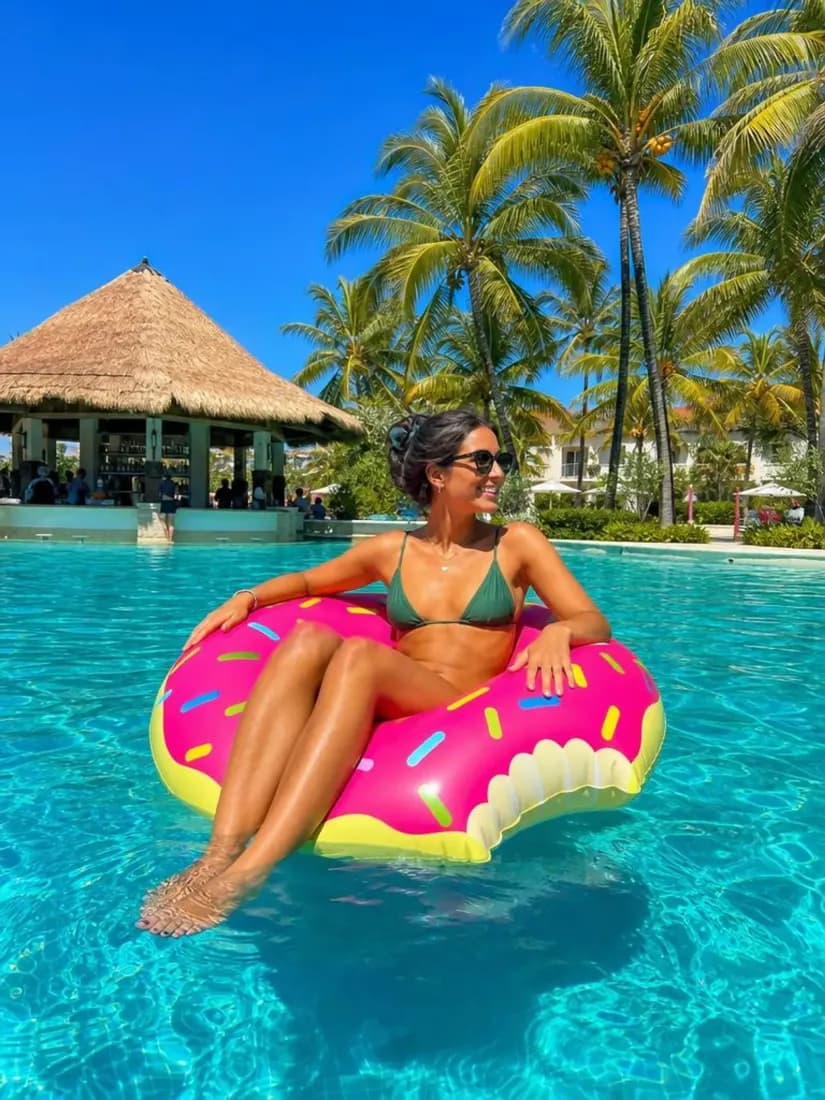
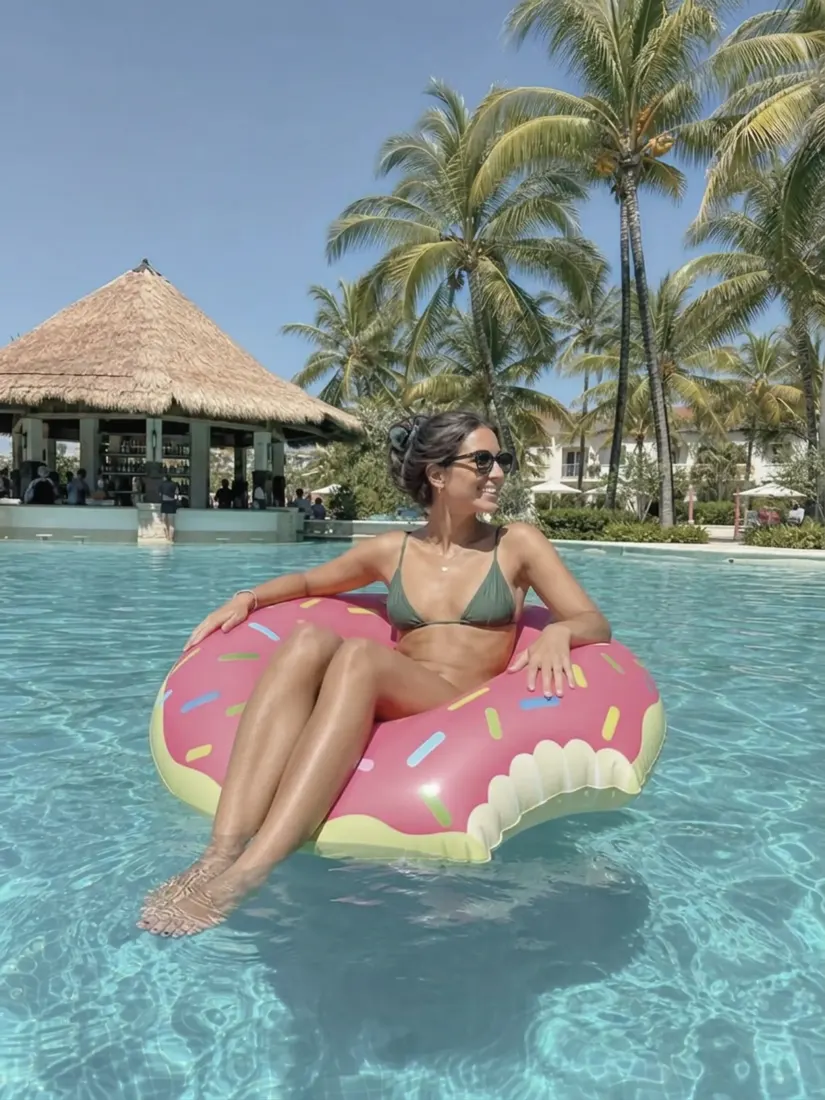
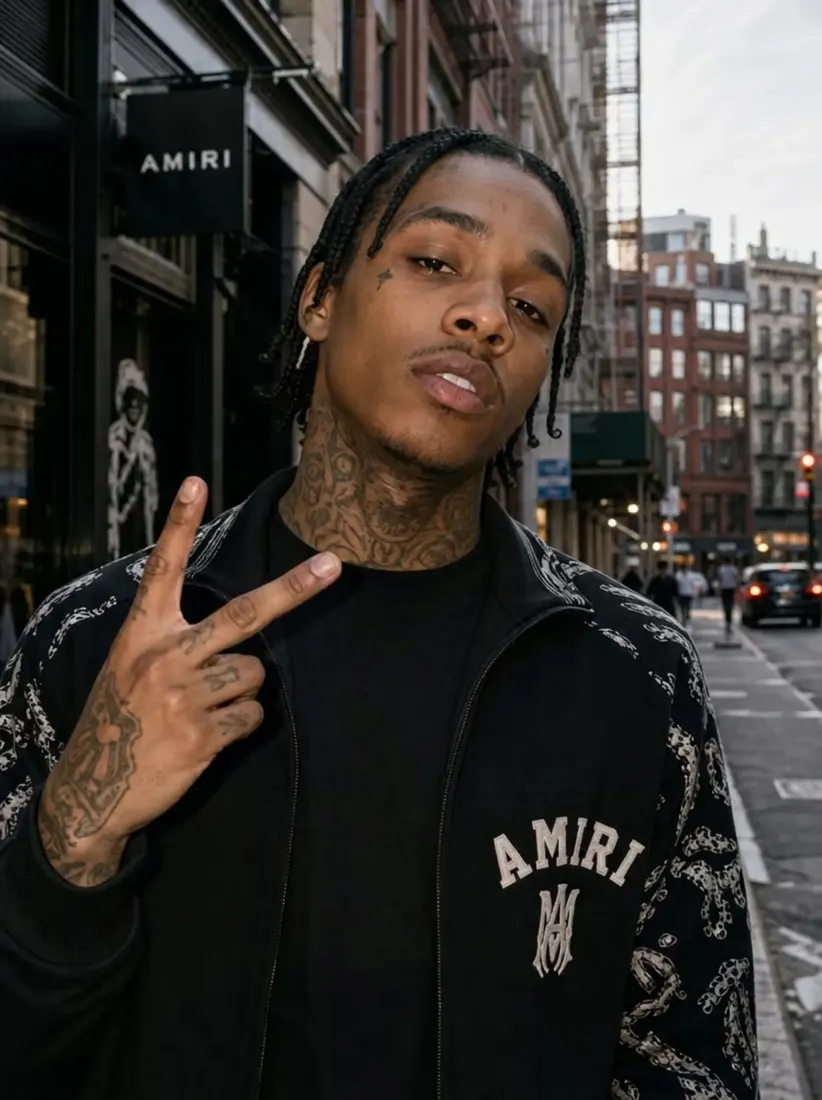
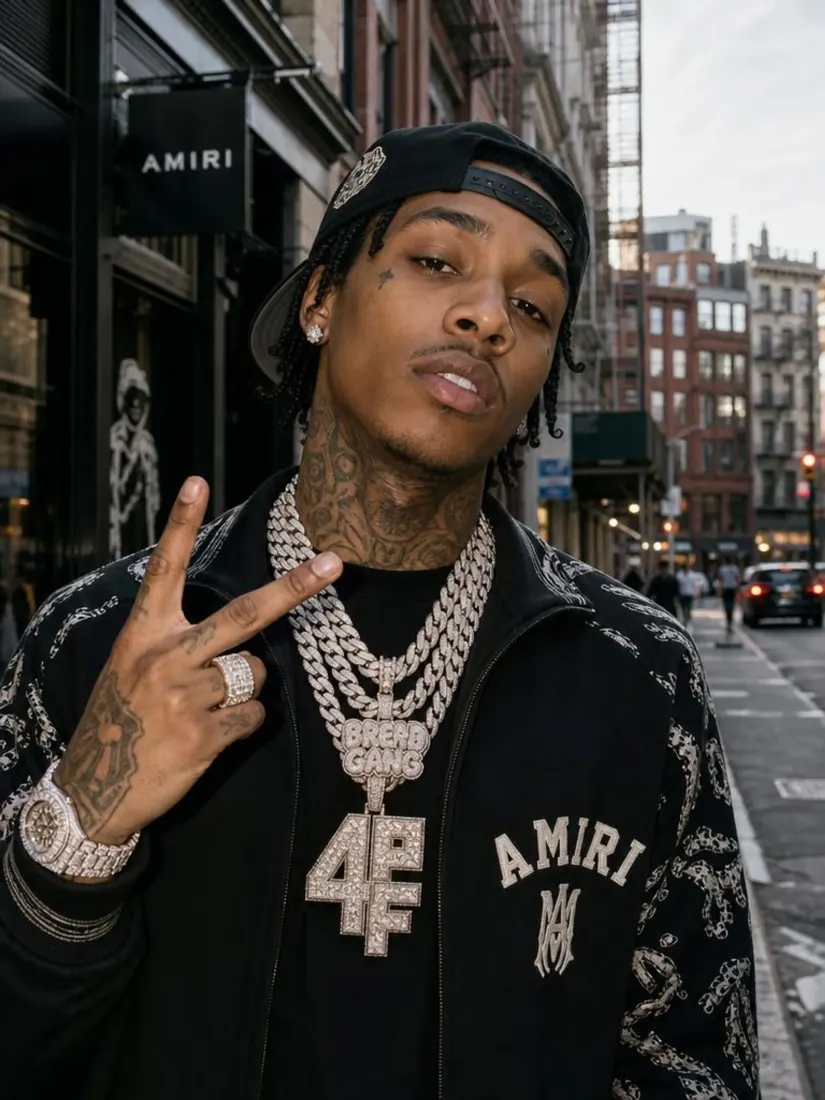
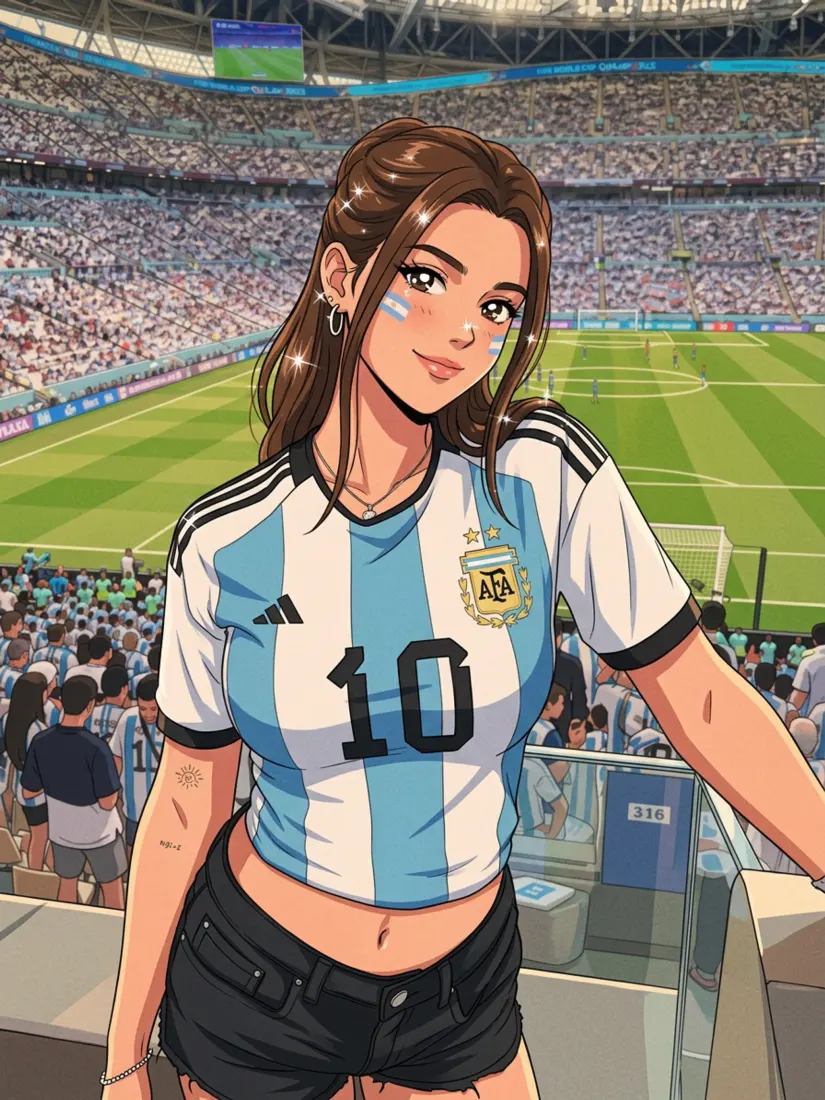
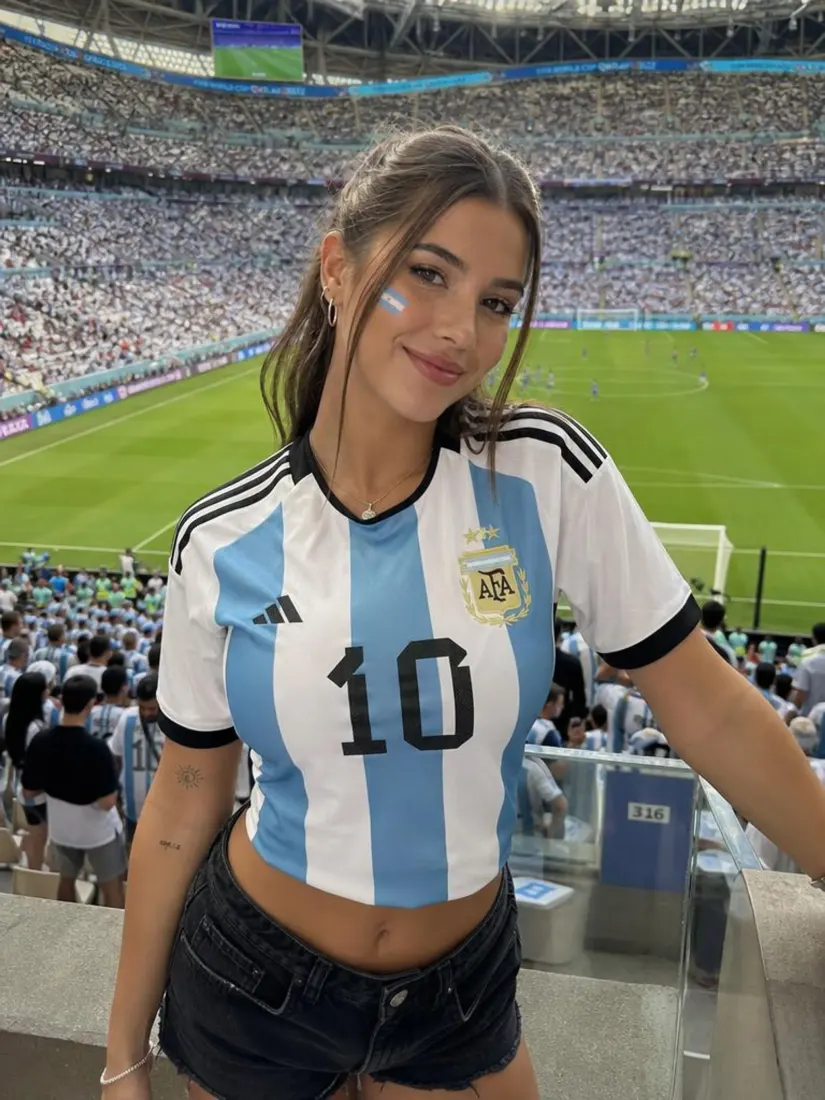
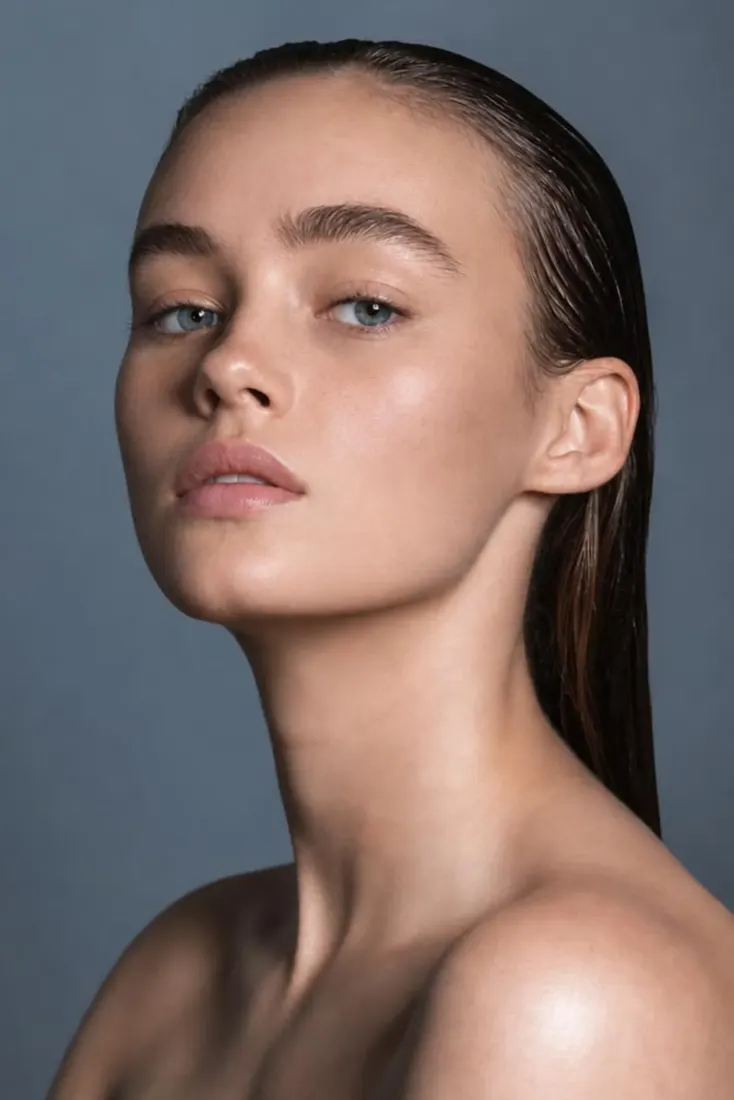
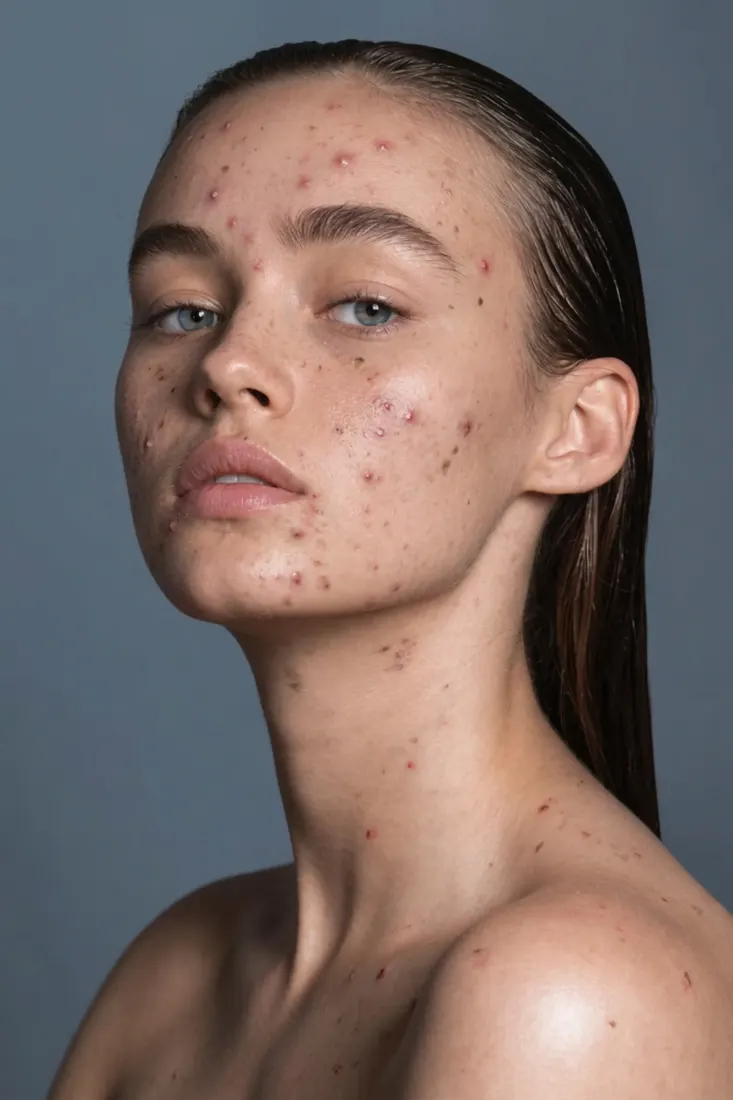
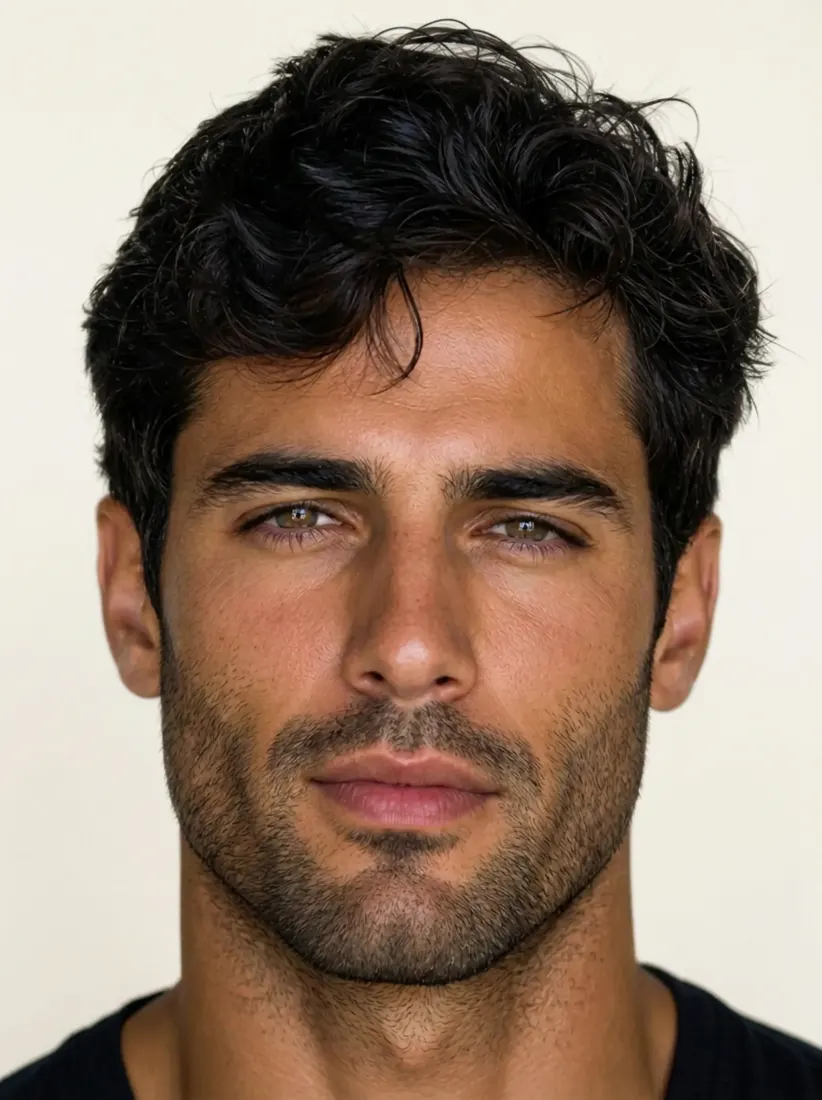
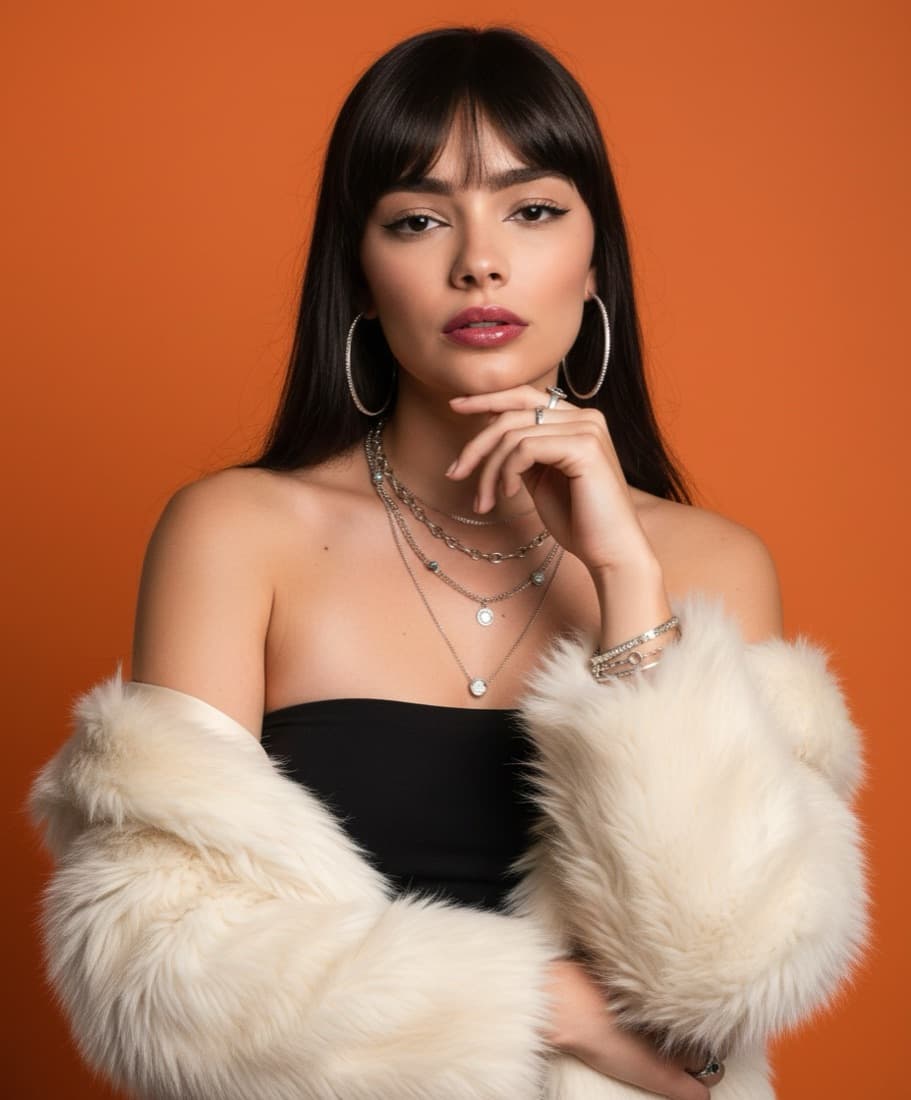
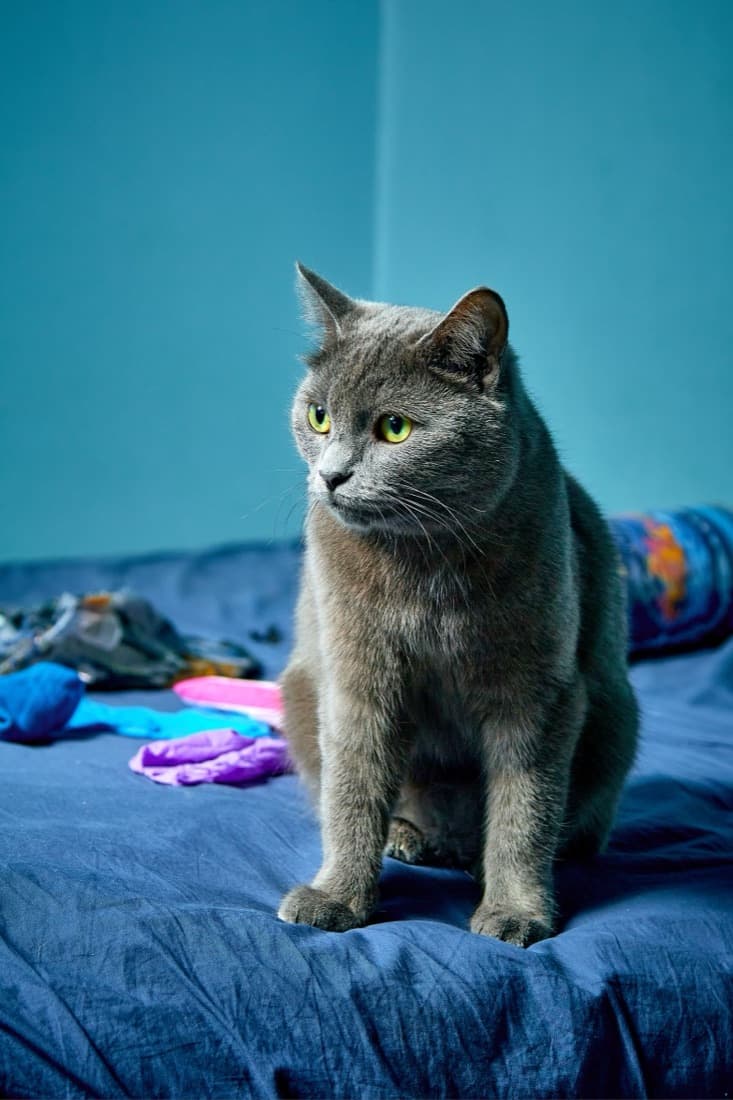
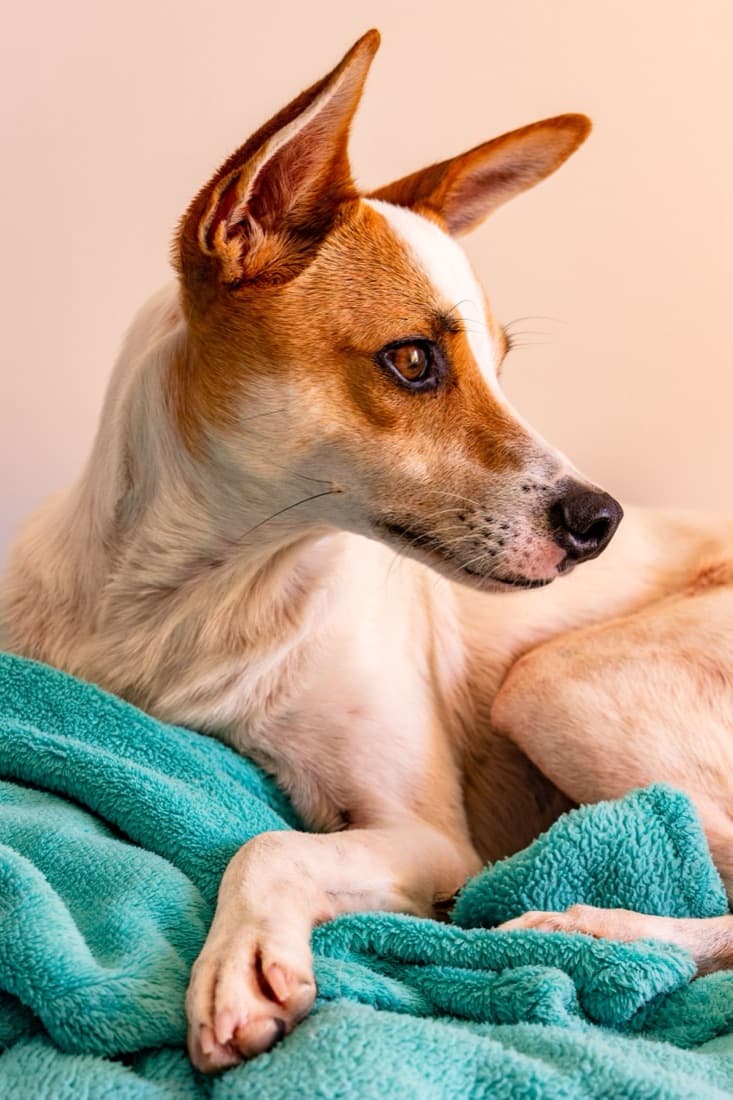
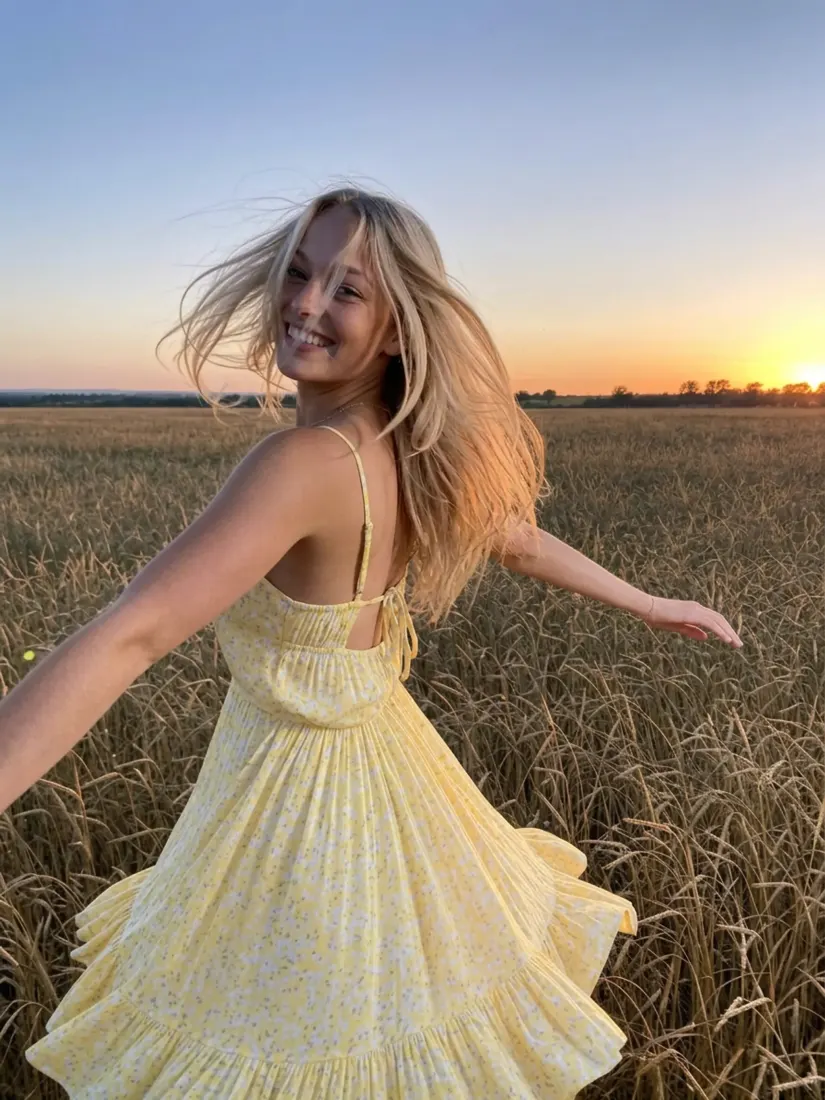
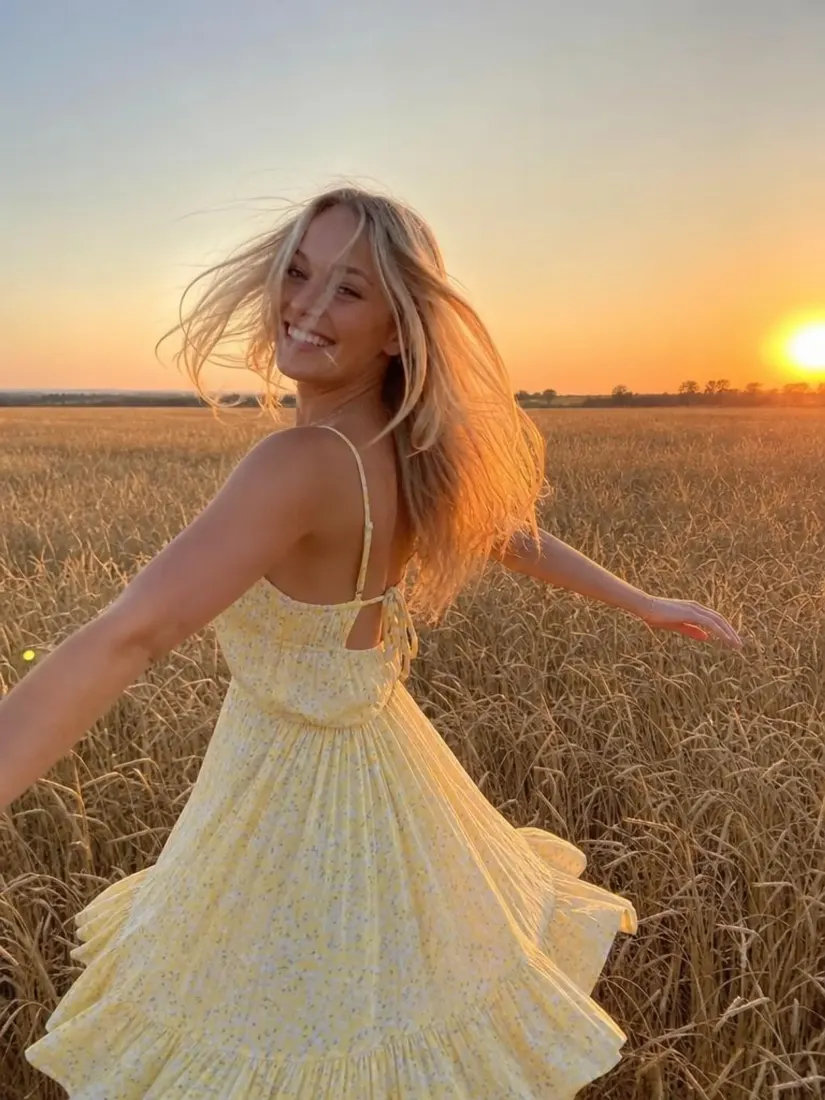
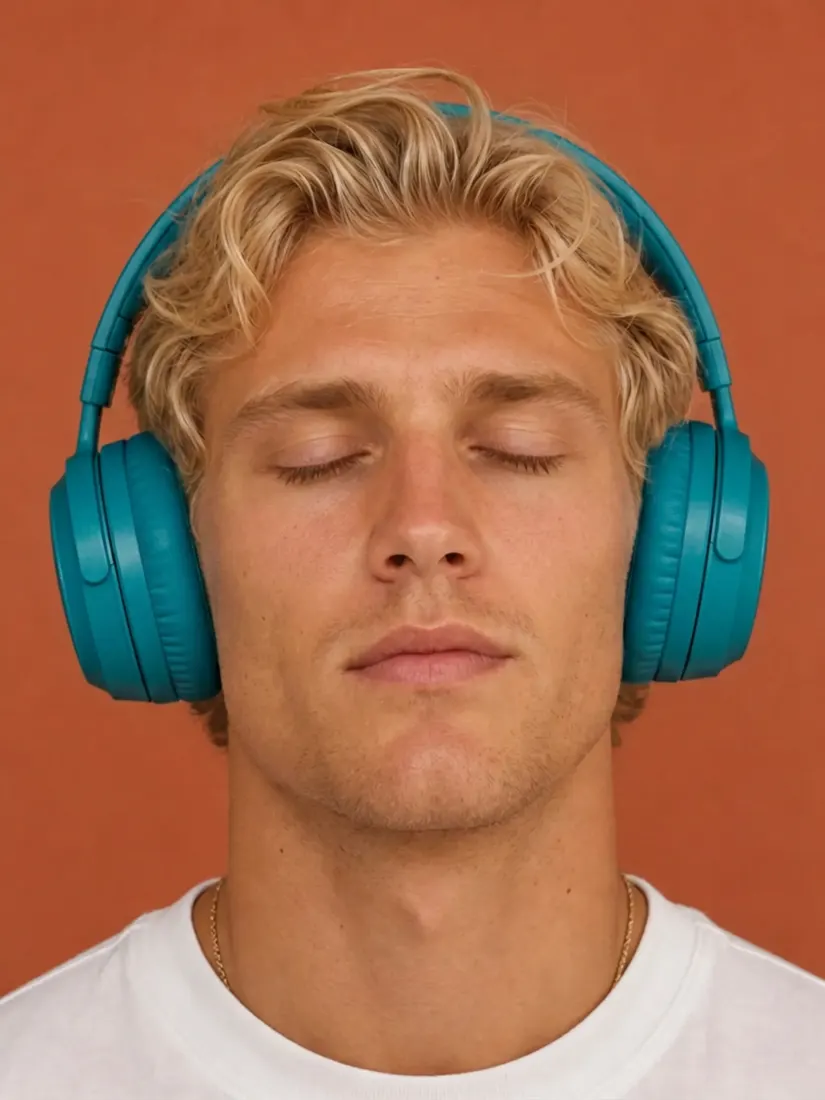
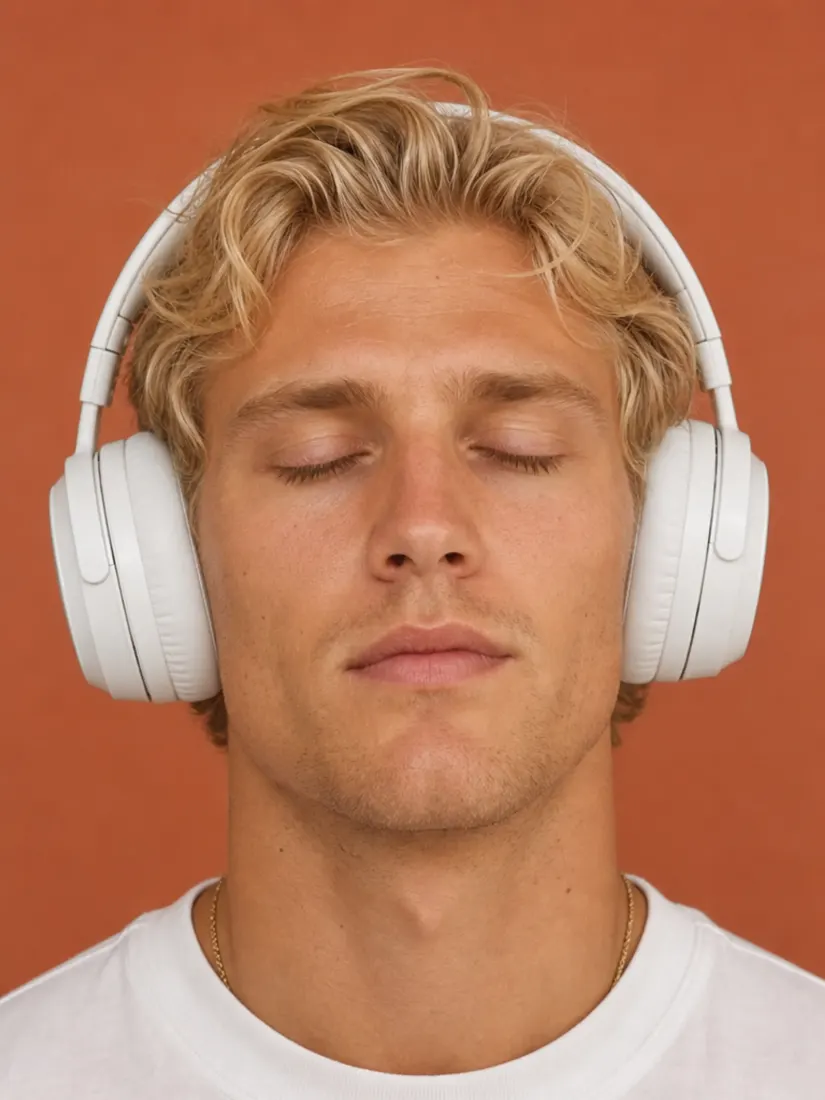
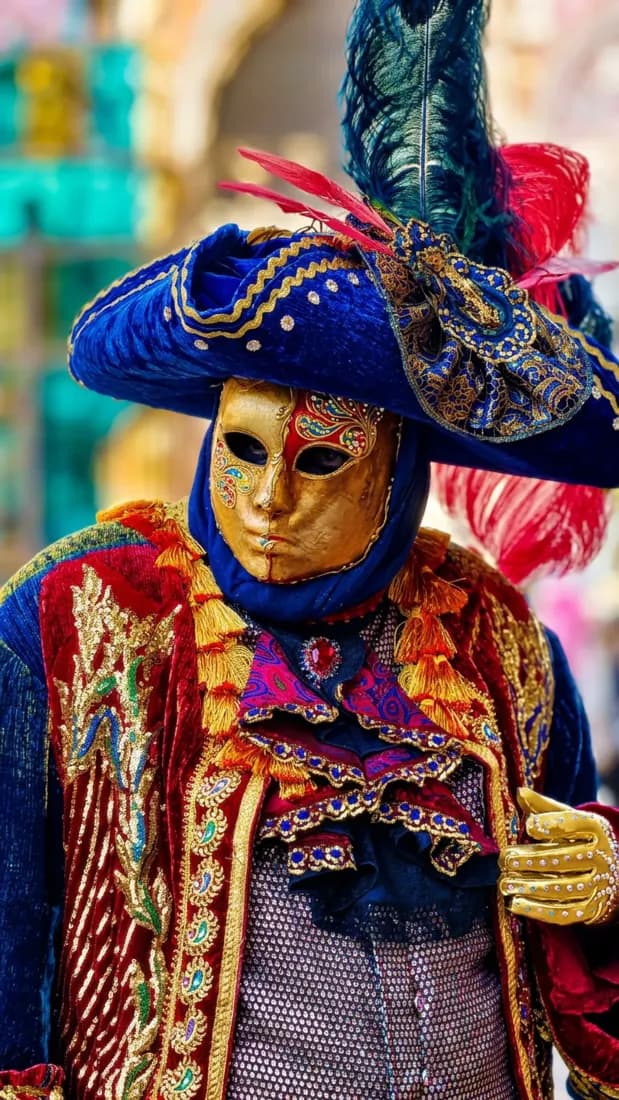
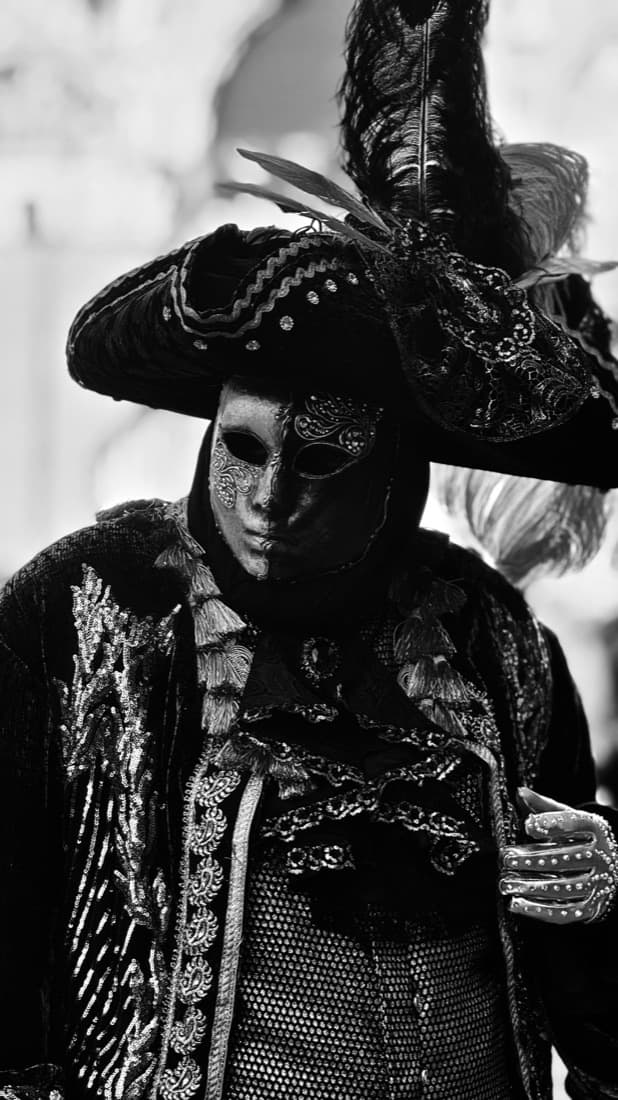
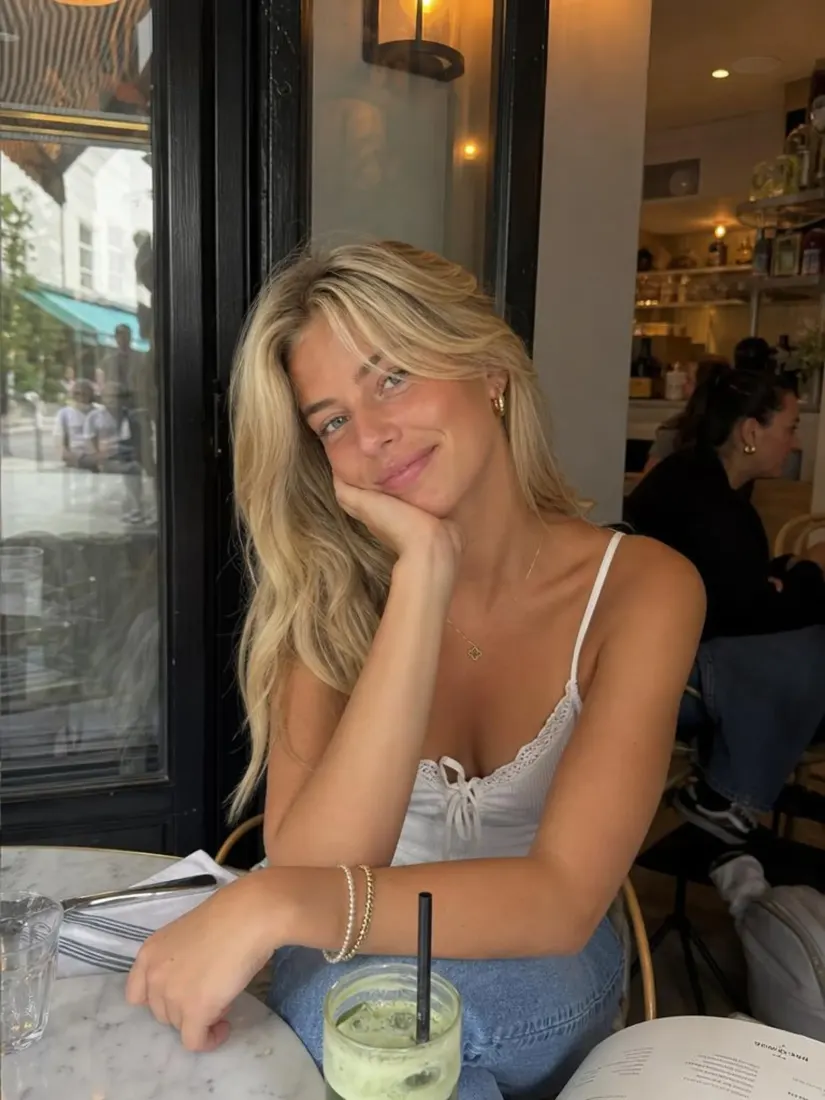
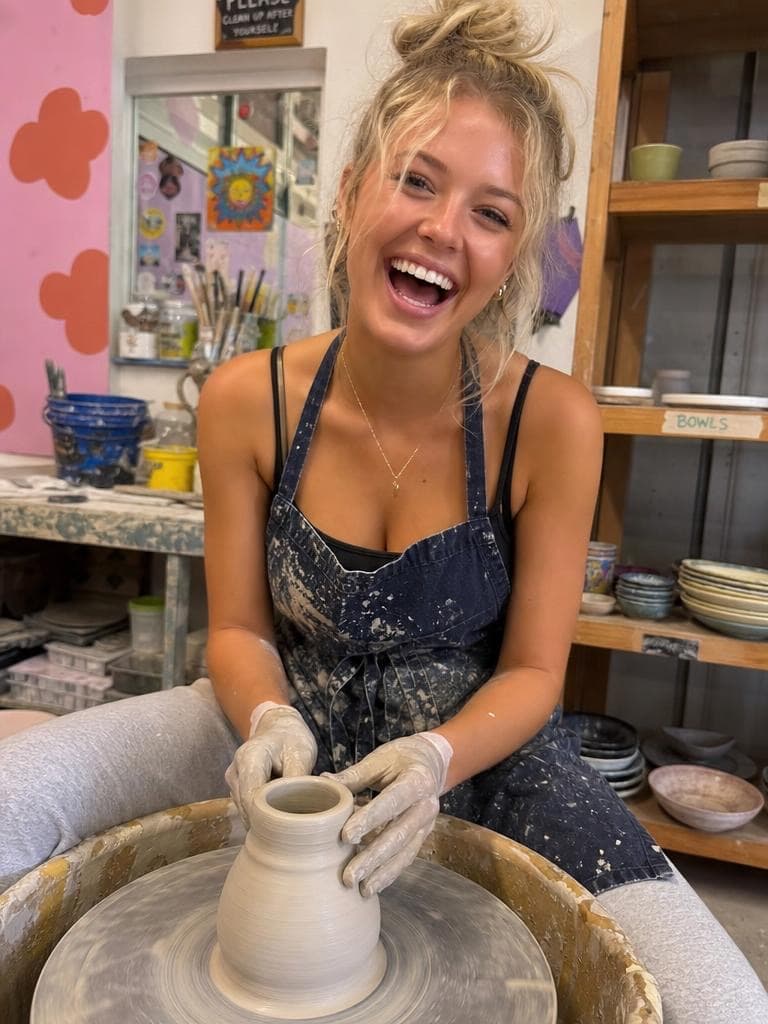
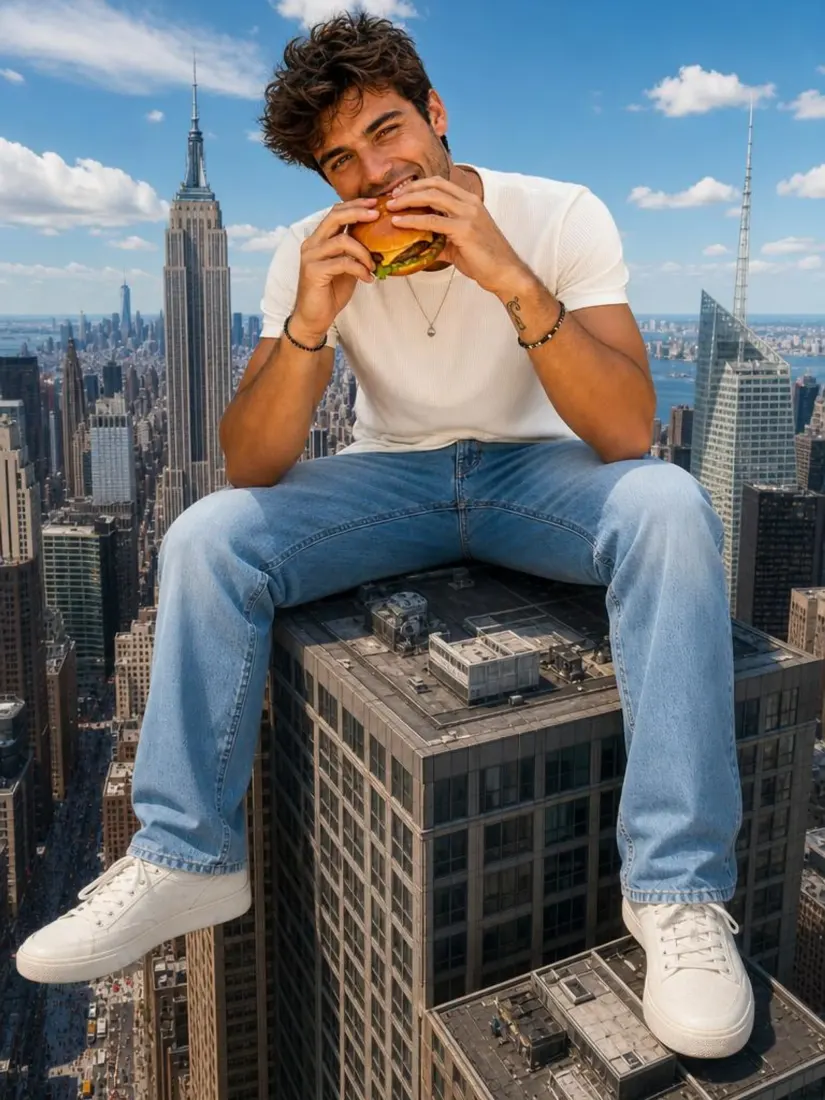
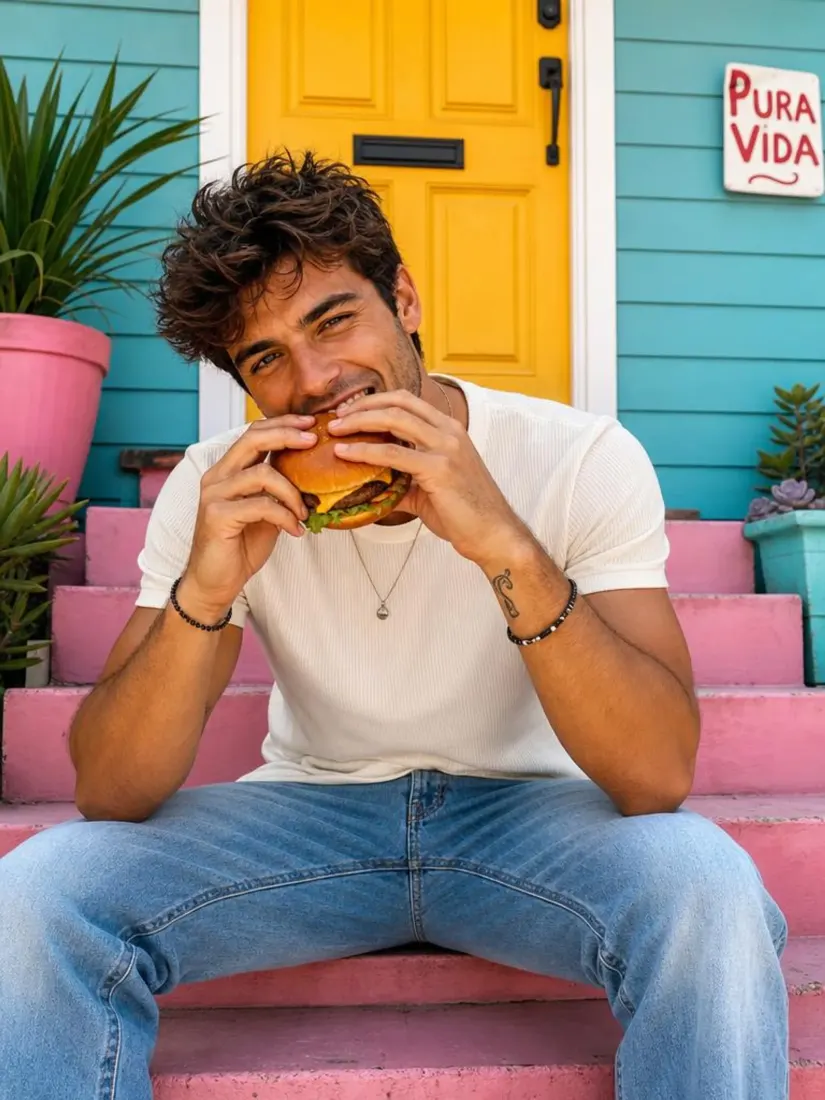
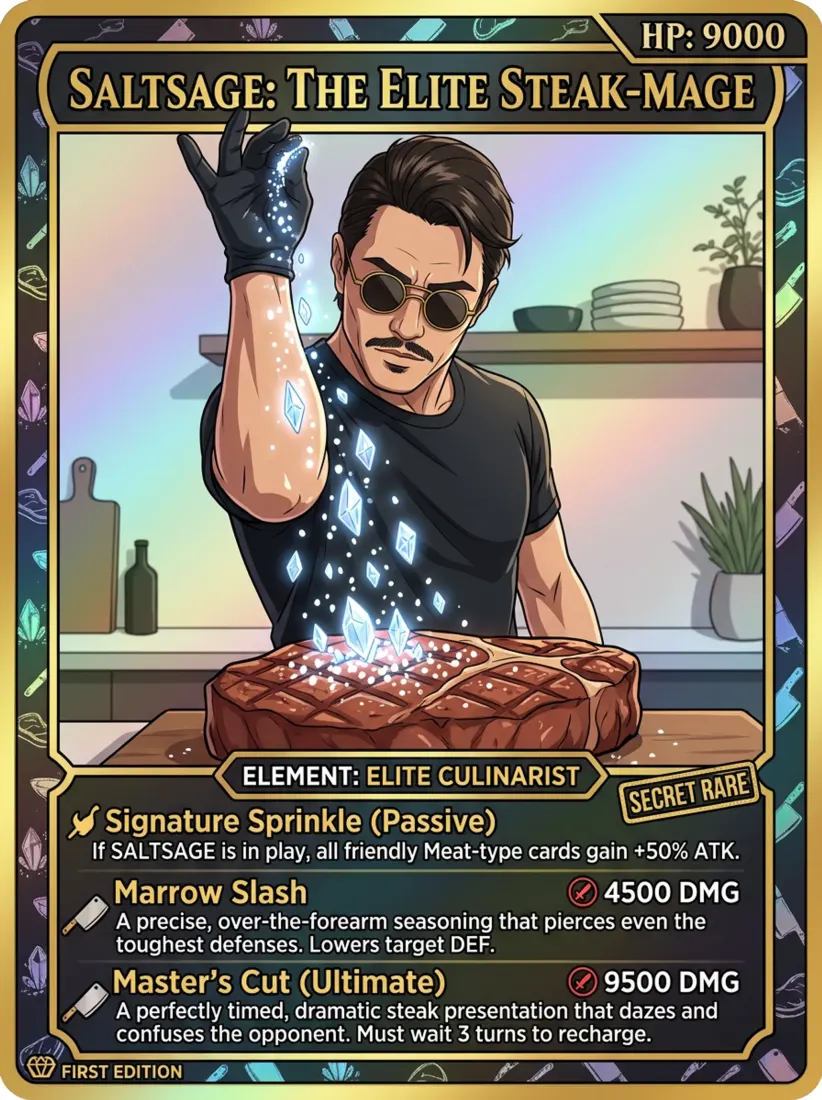
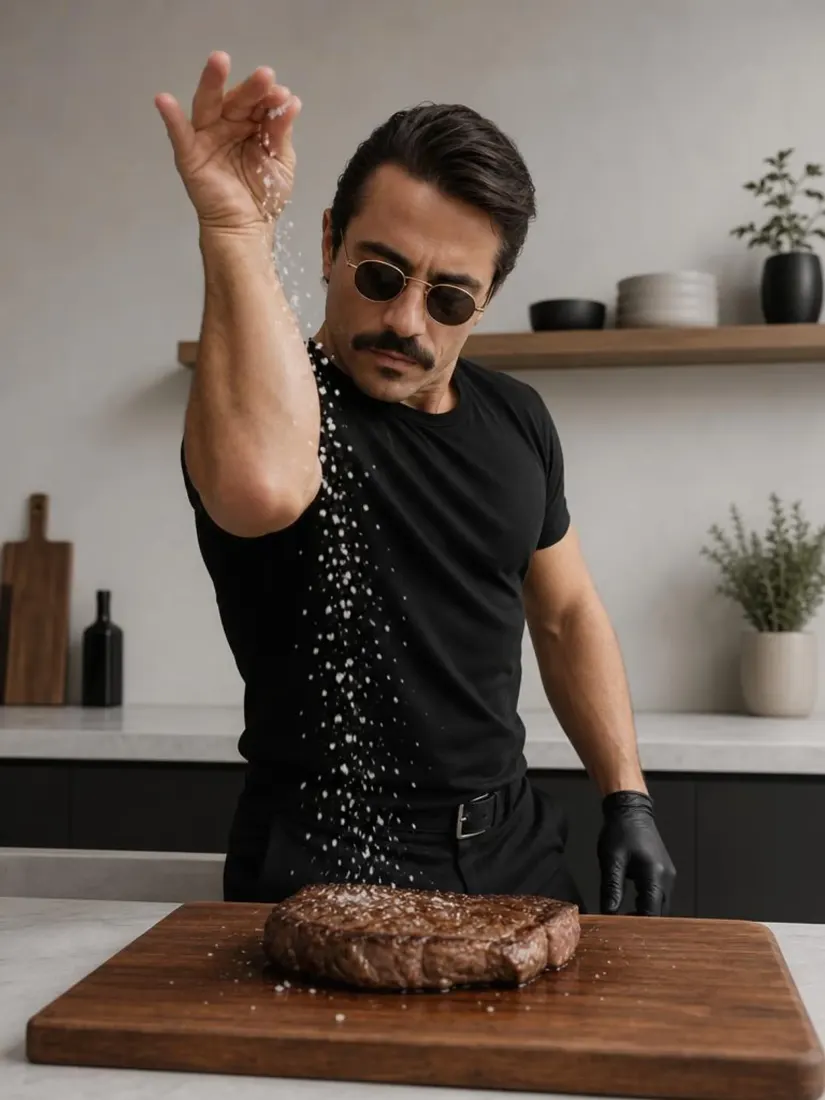
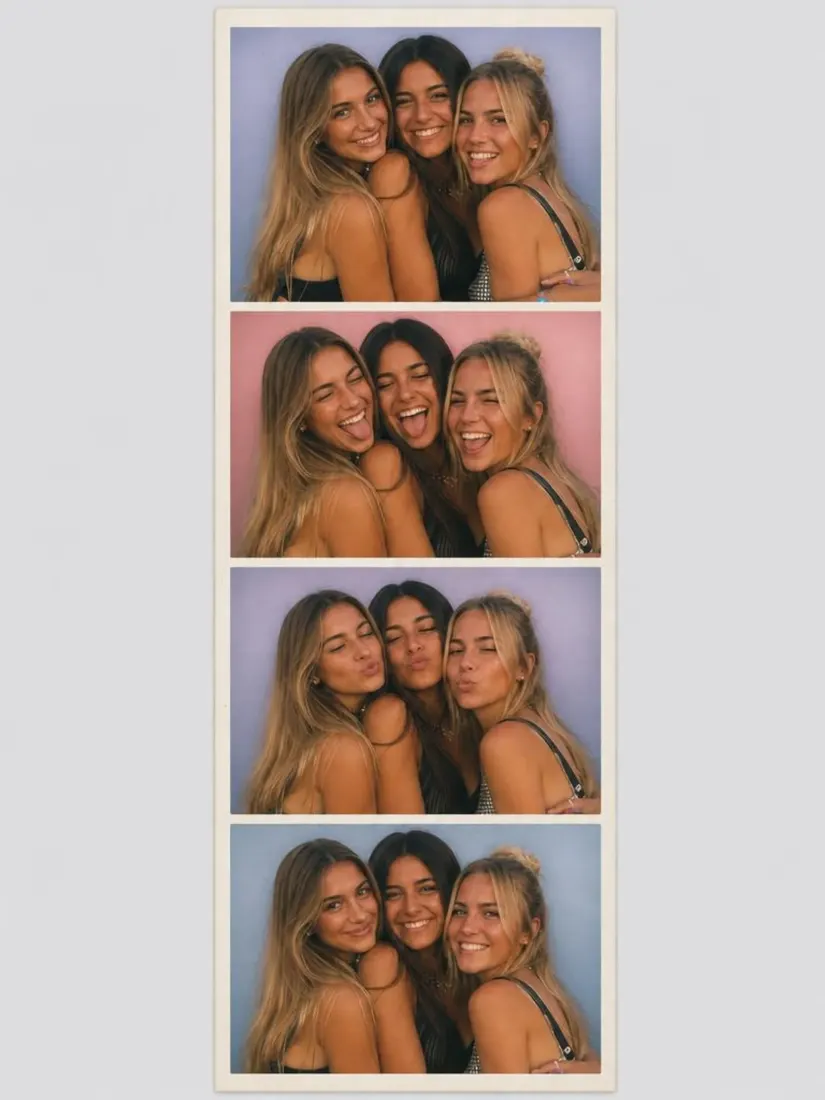
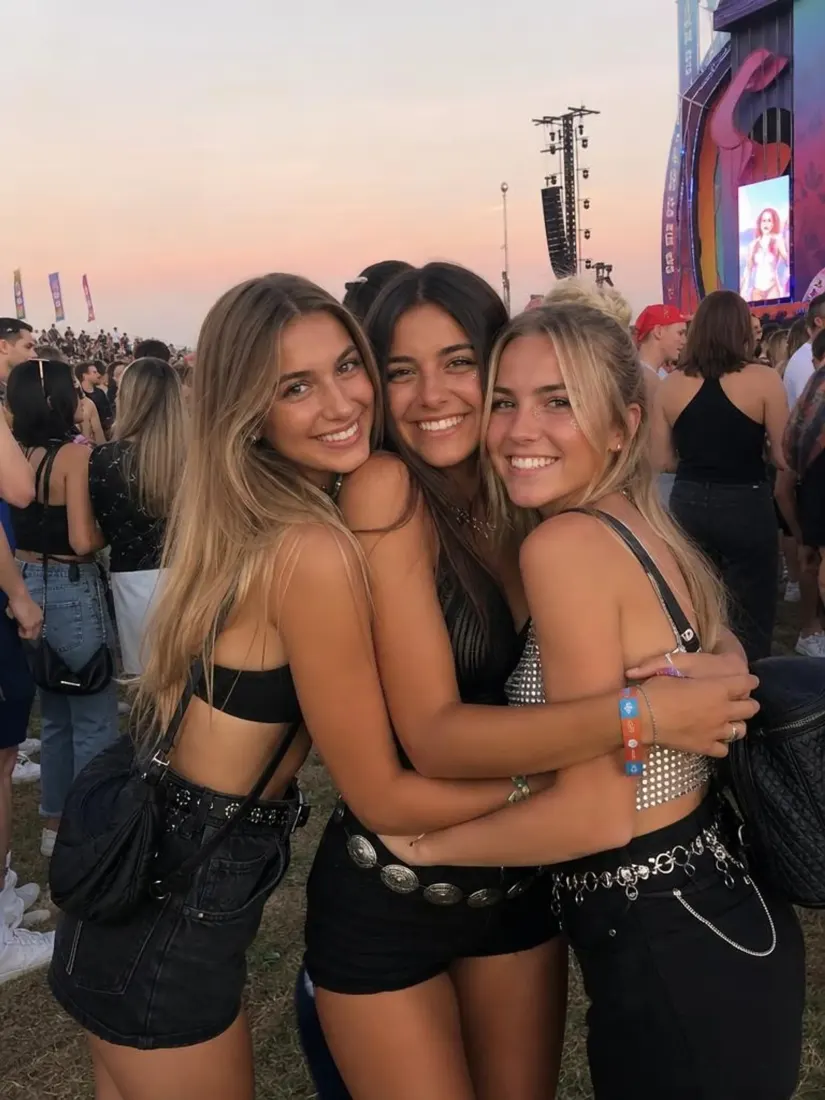
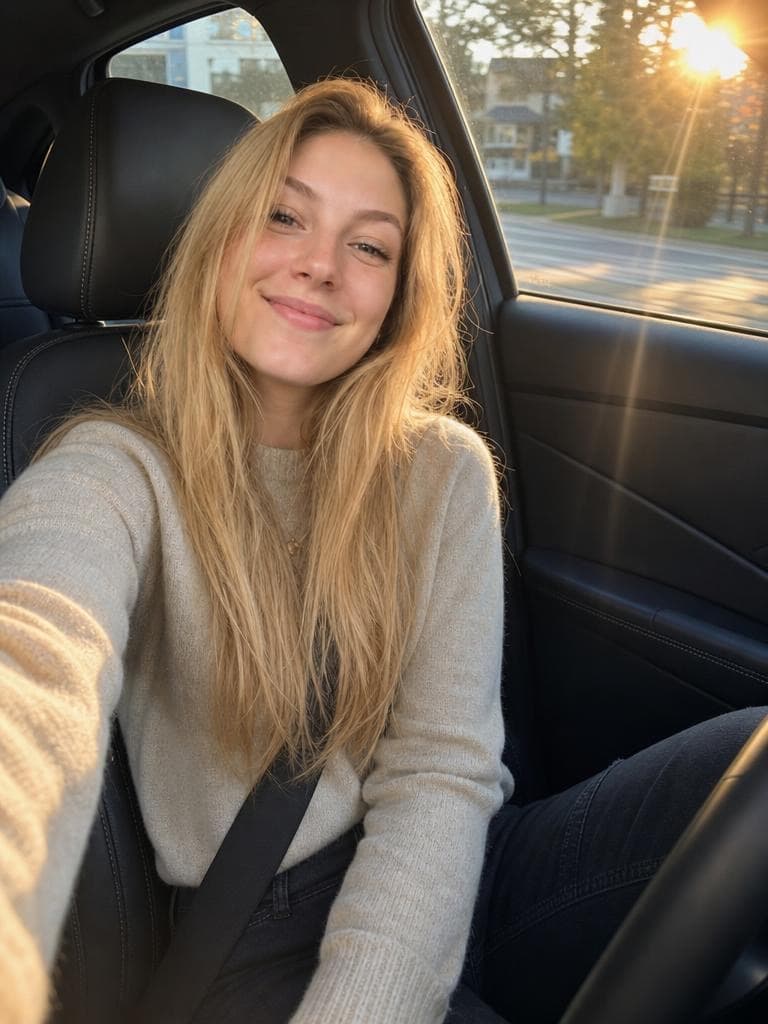
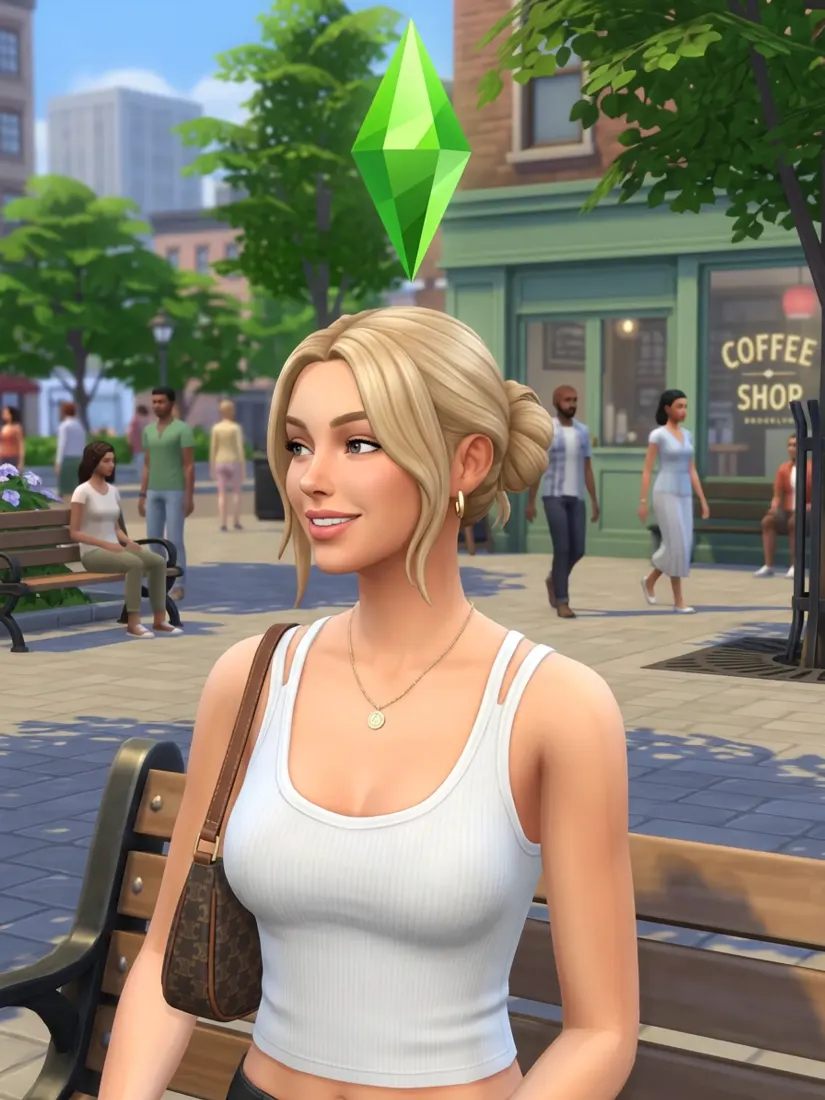
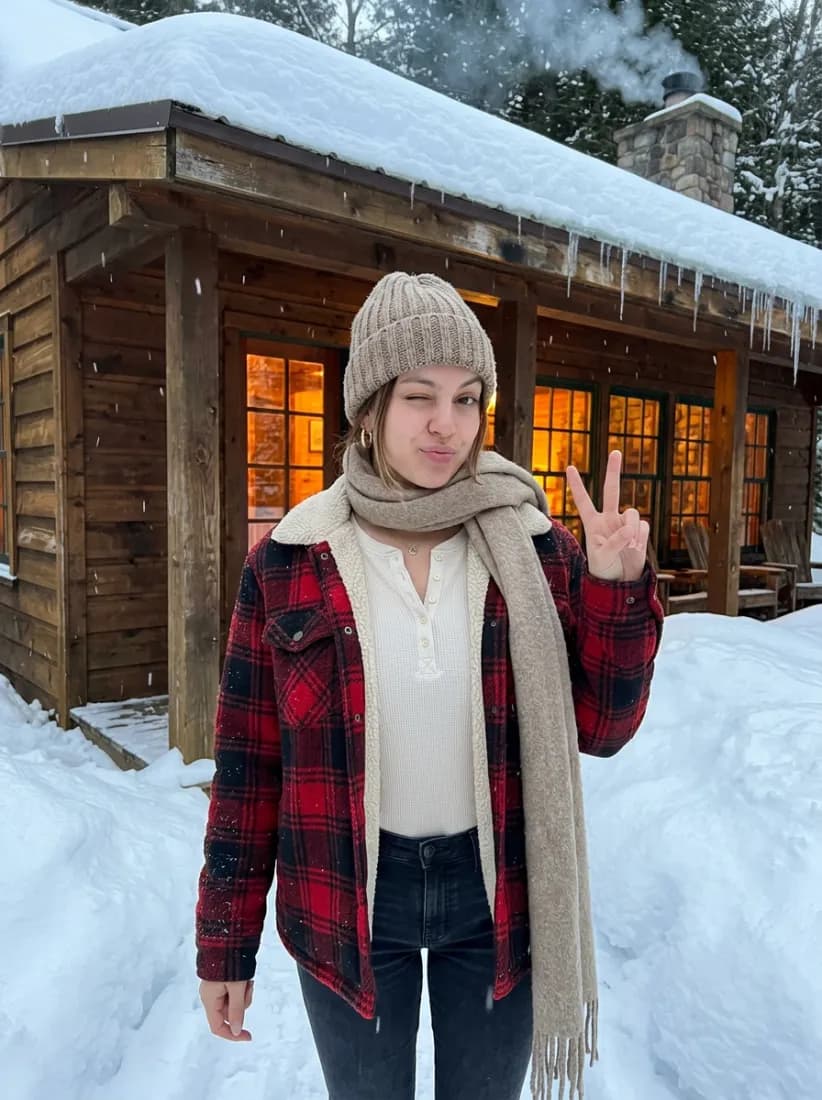
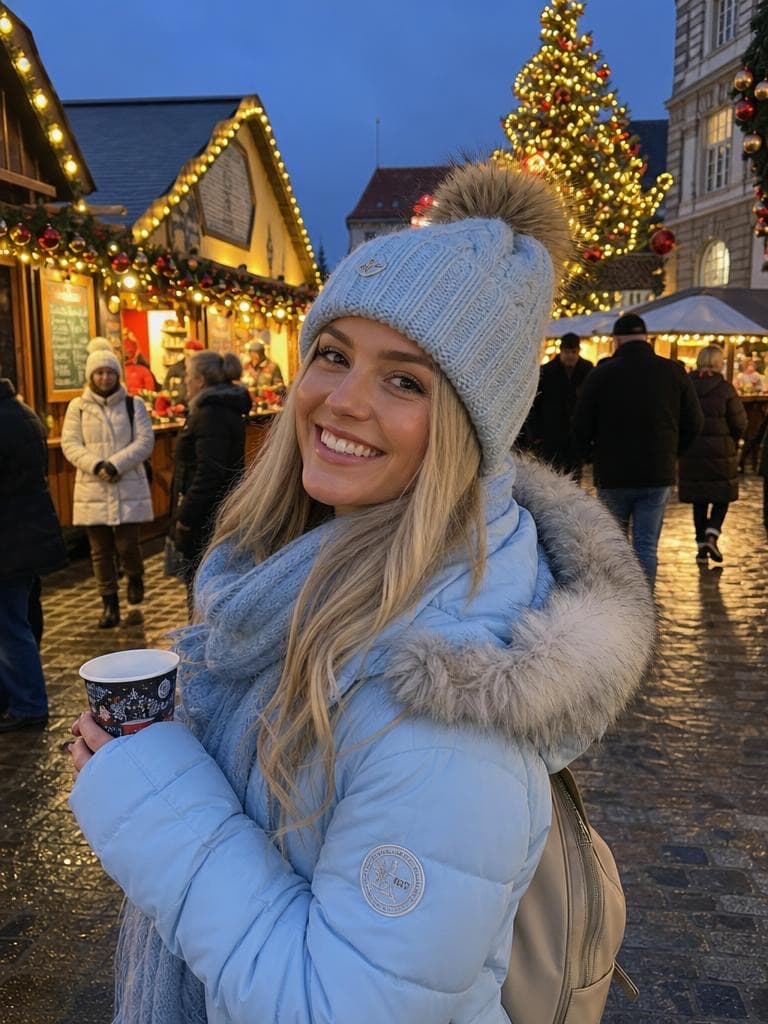
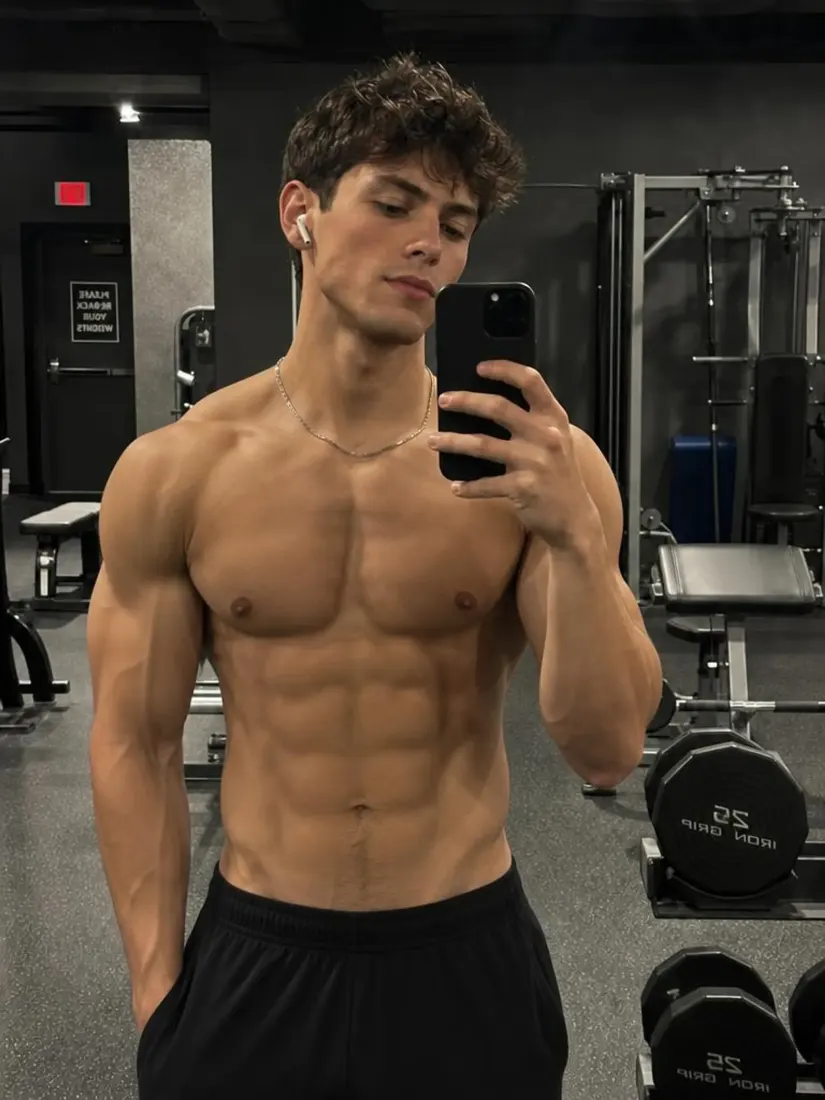
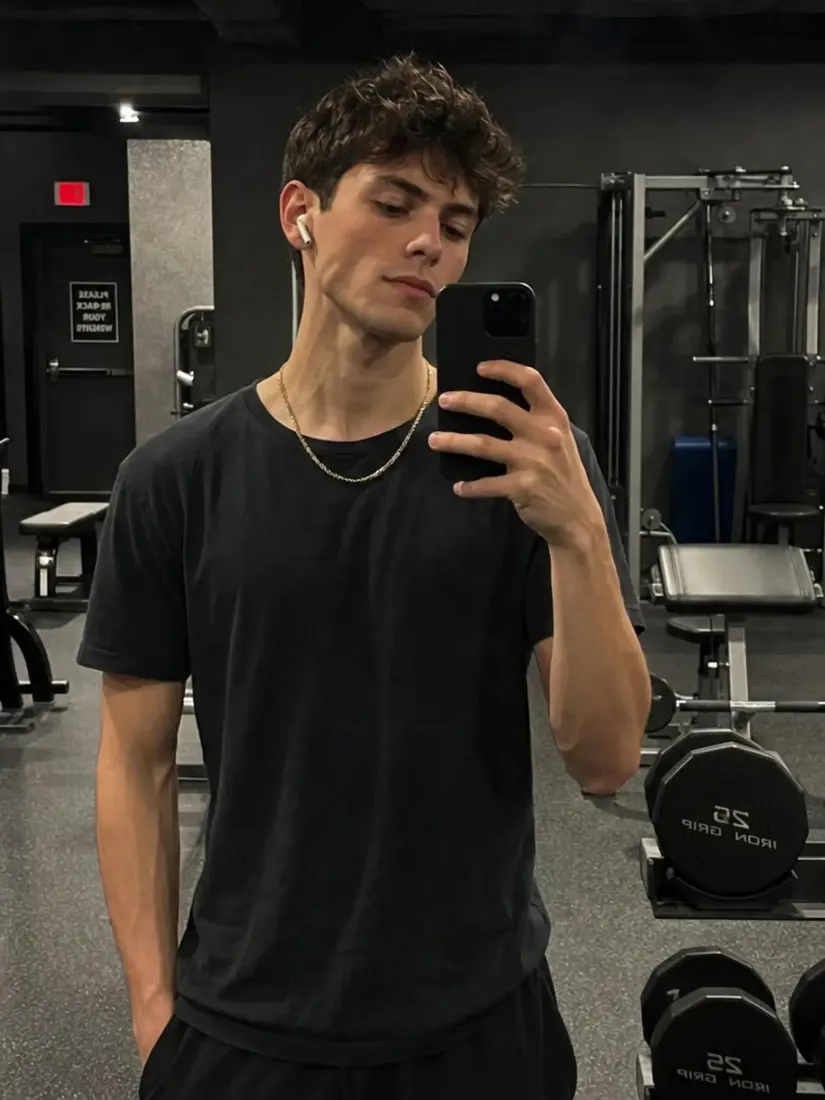
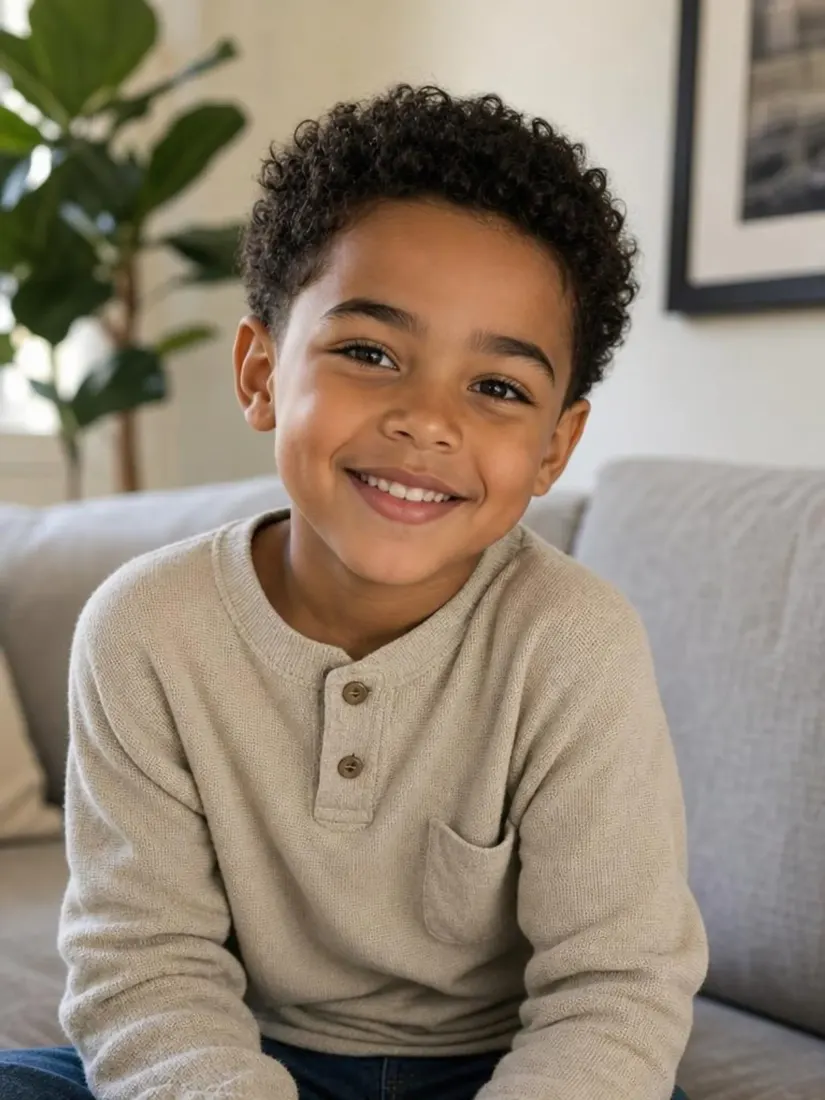
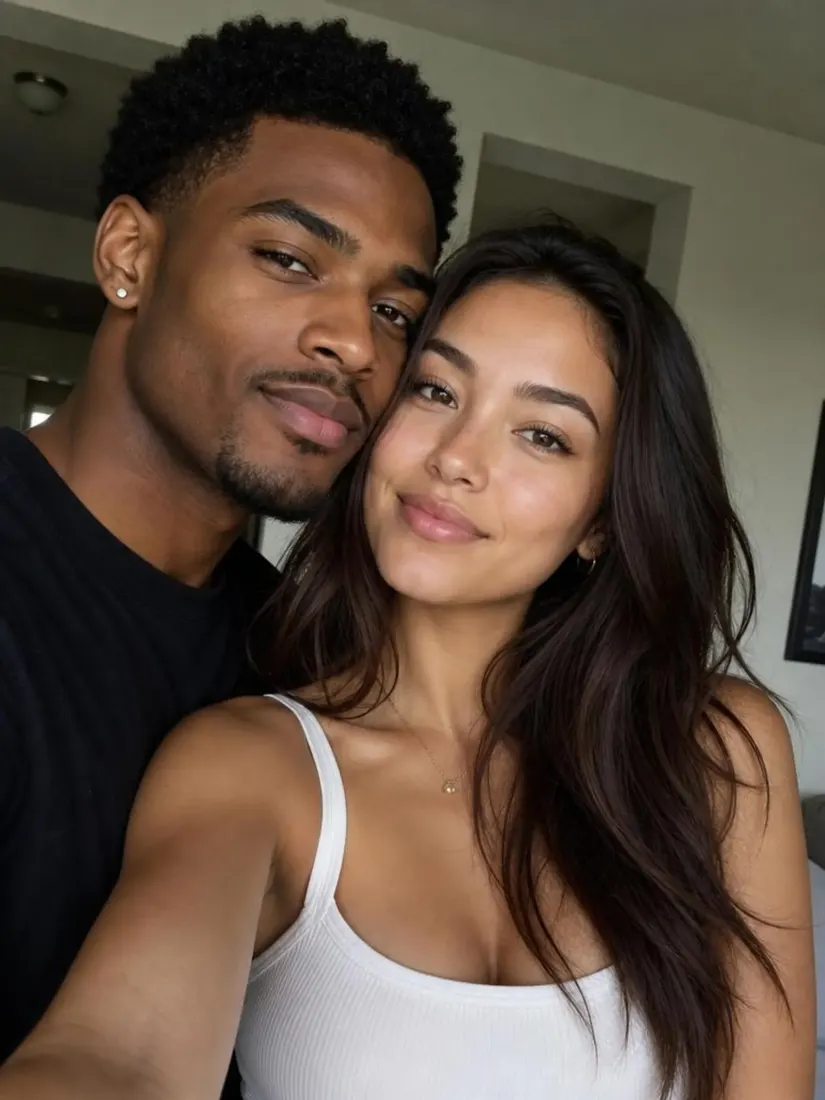
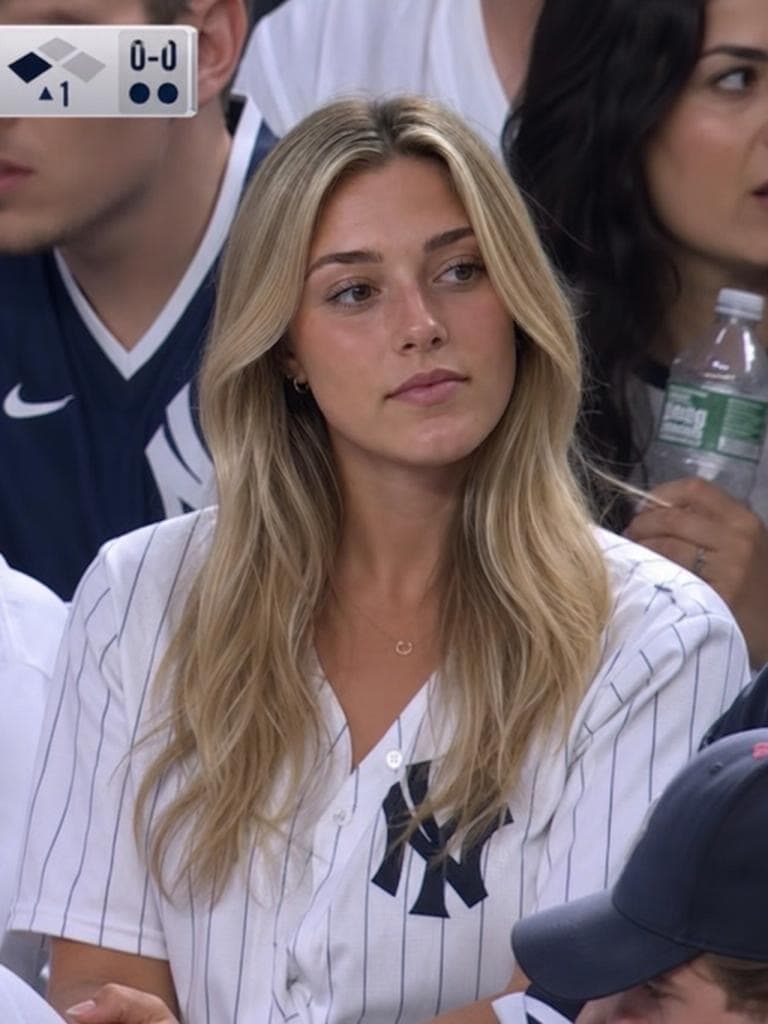
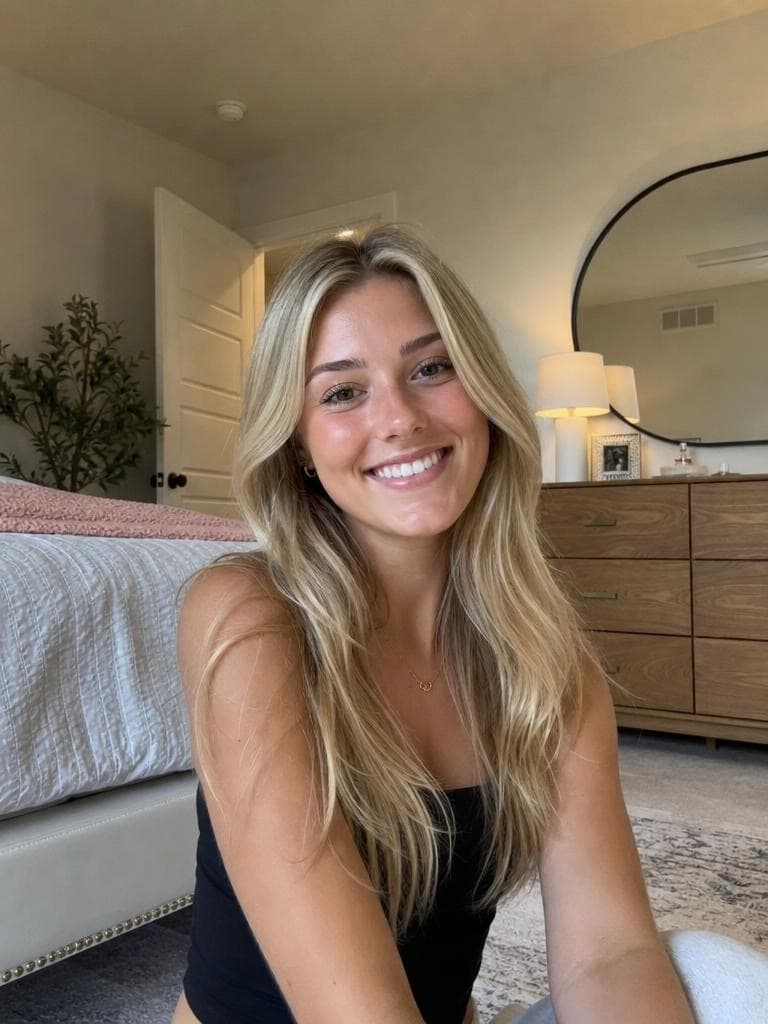
Click on one of these photos to try:
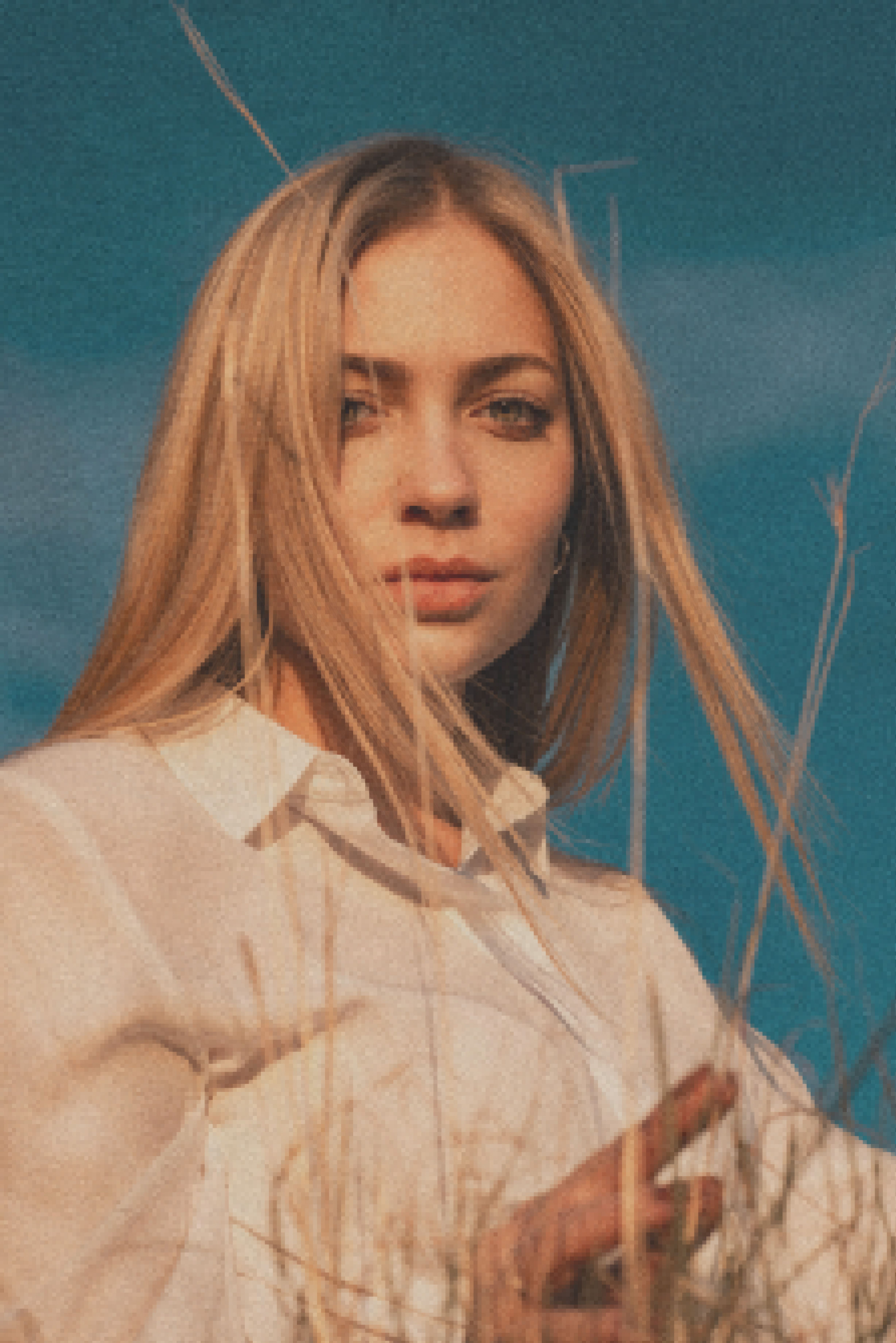
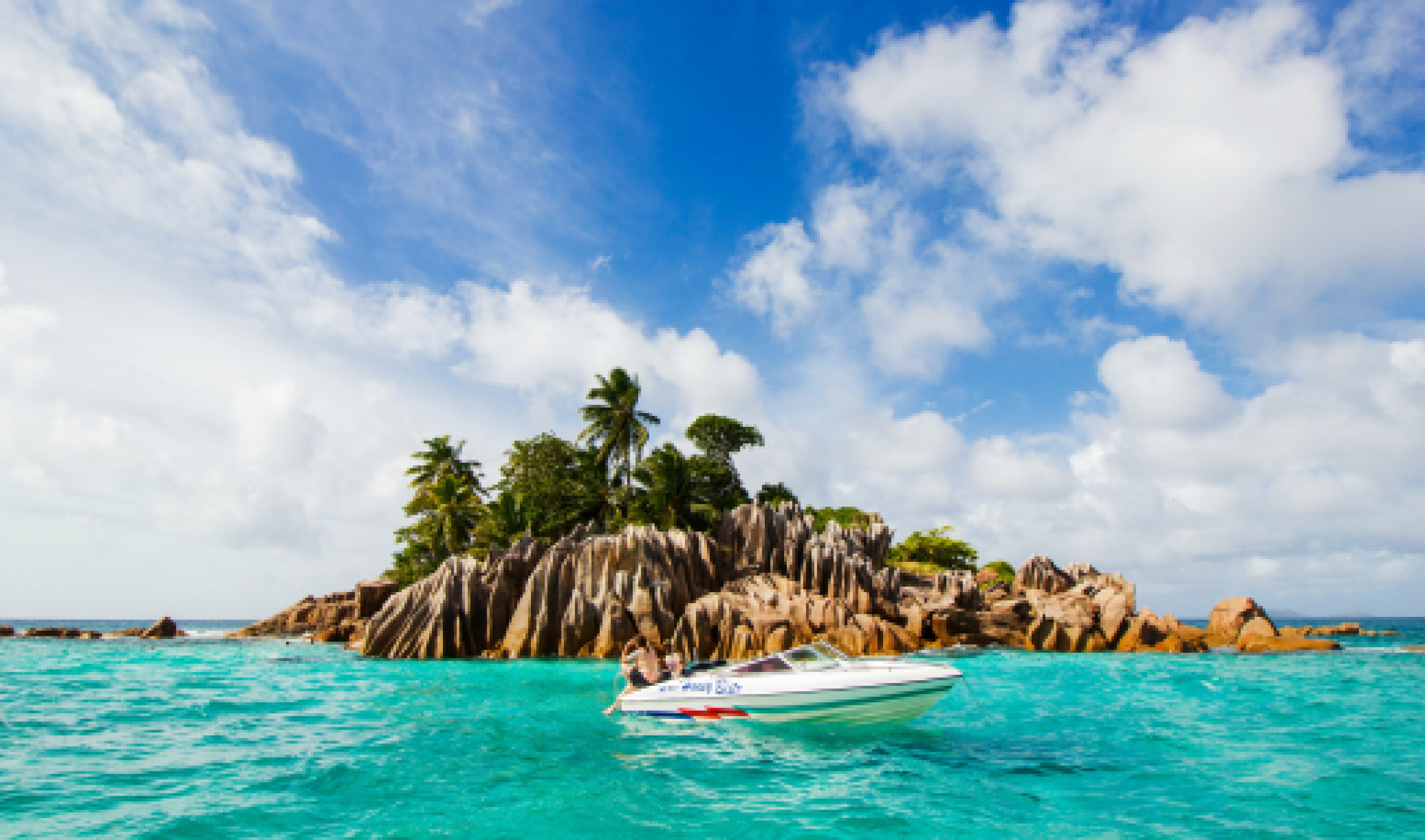
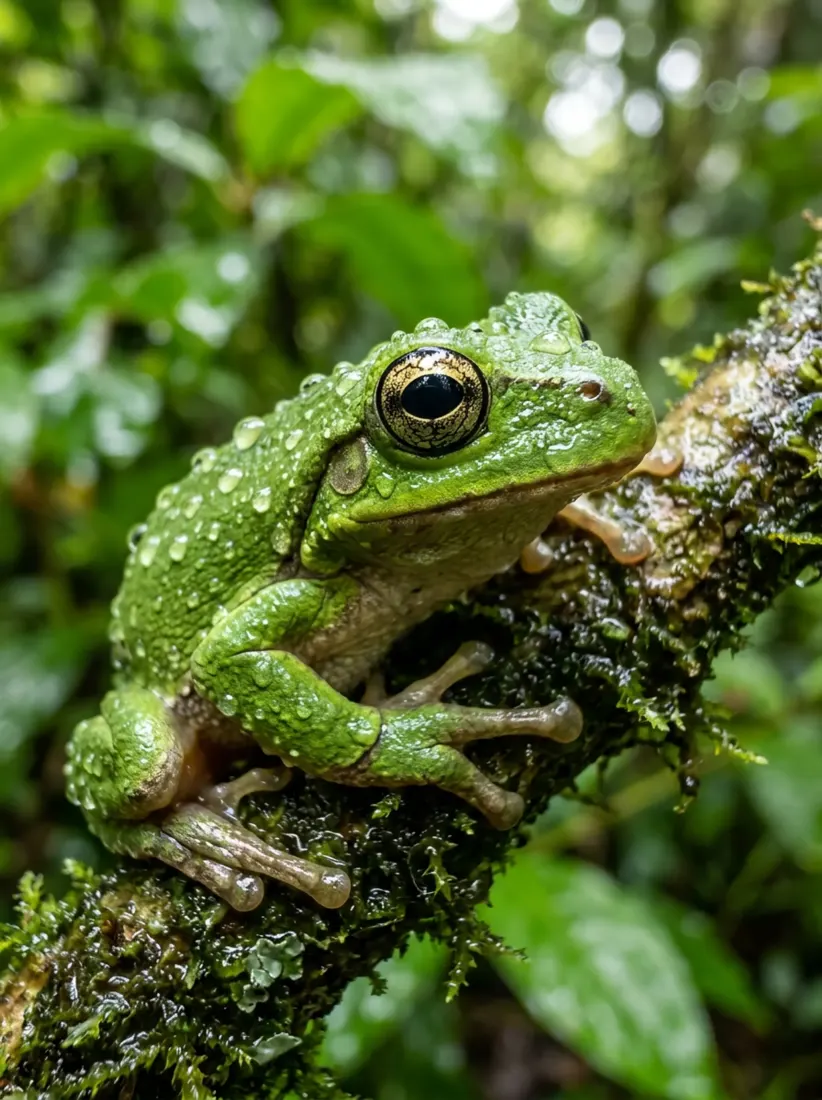
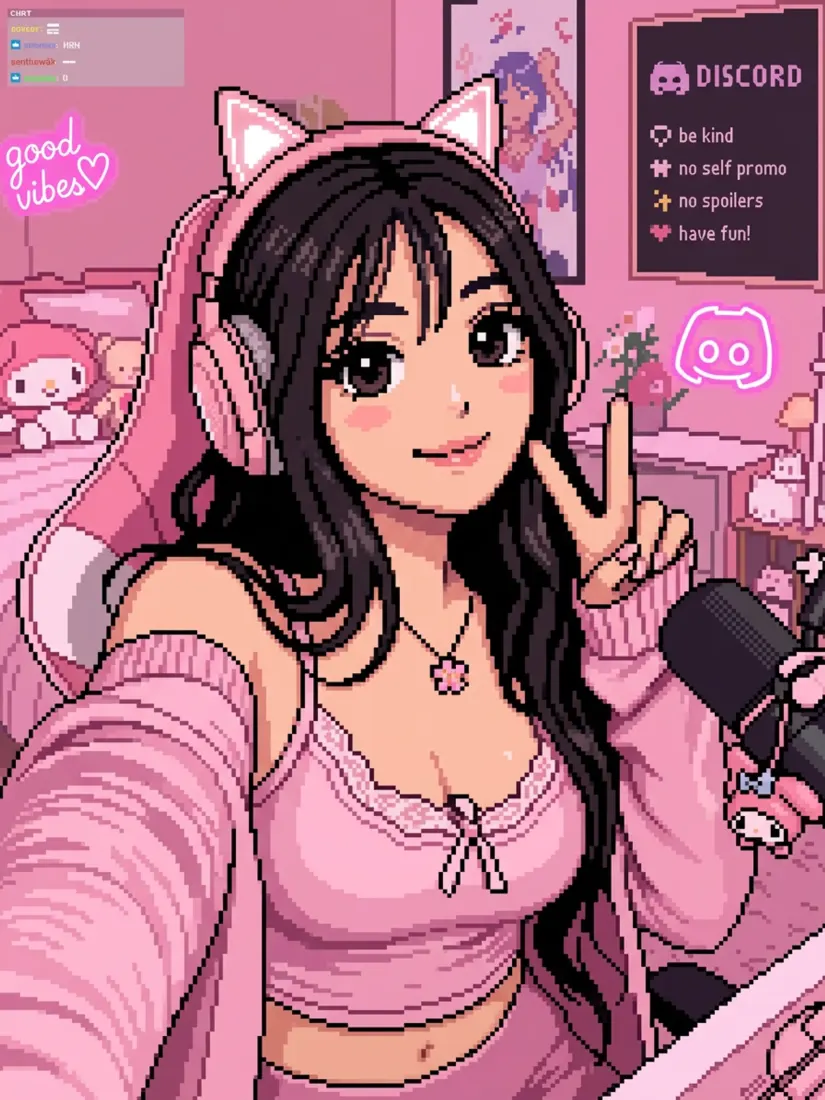
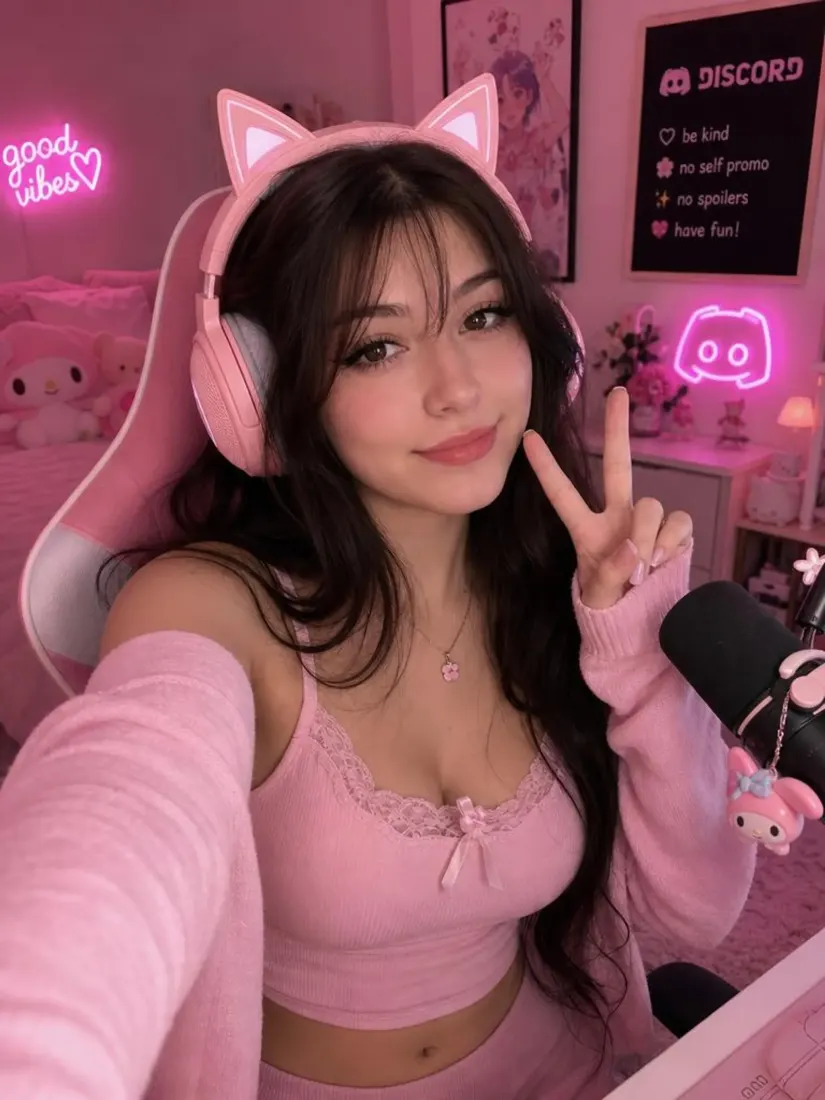
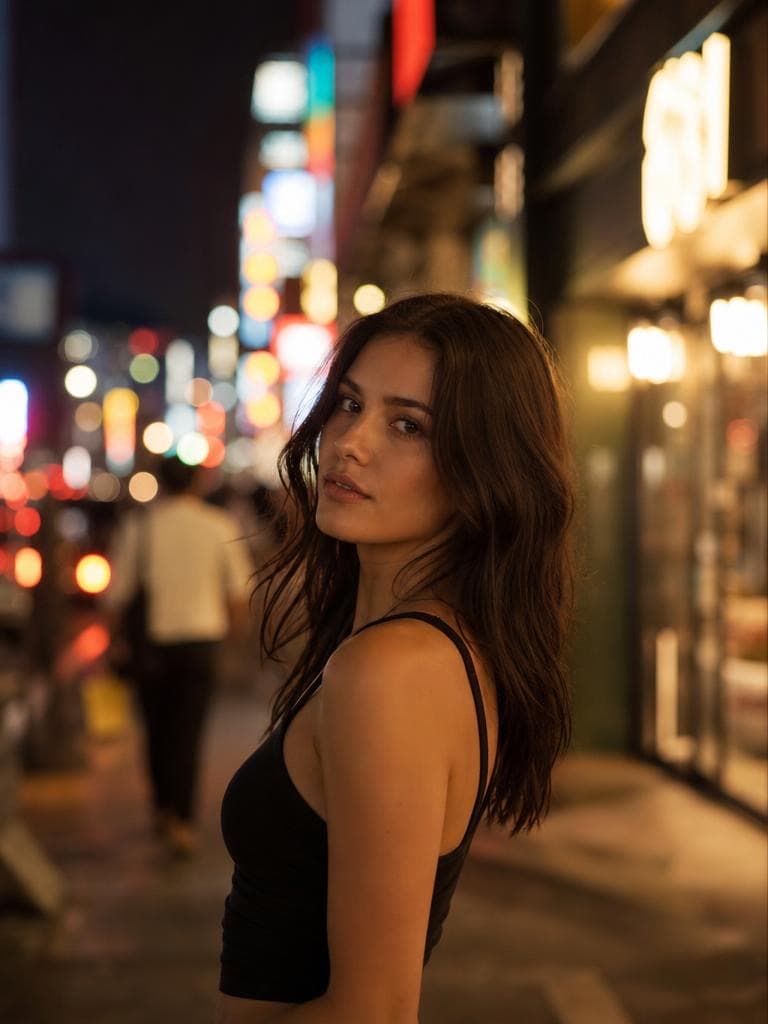
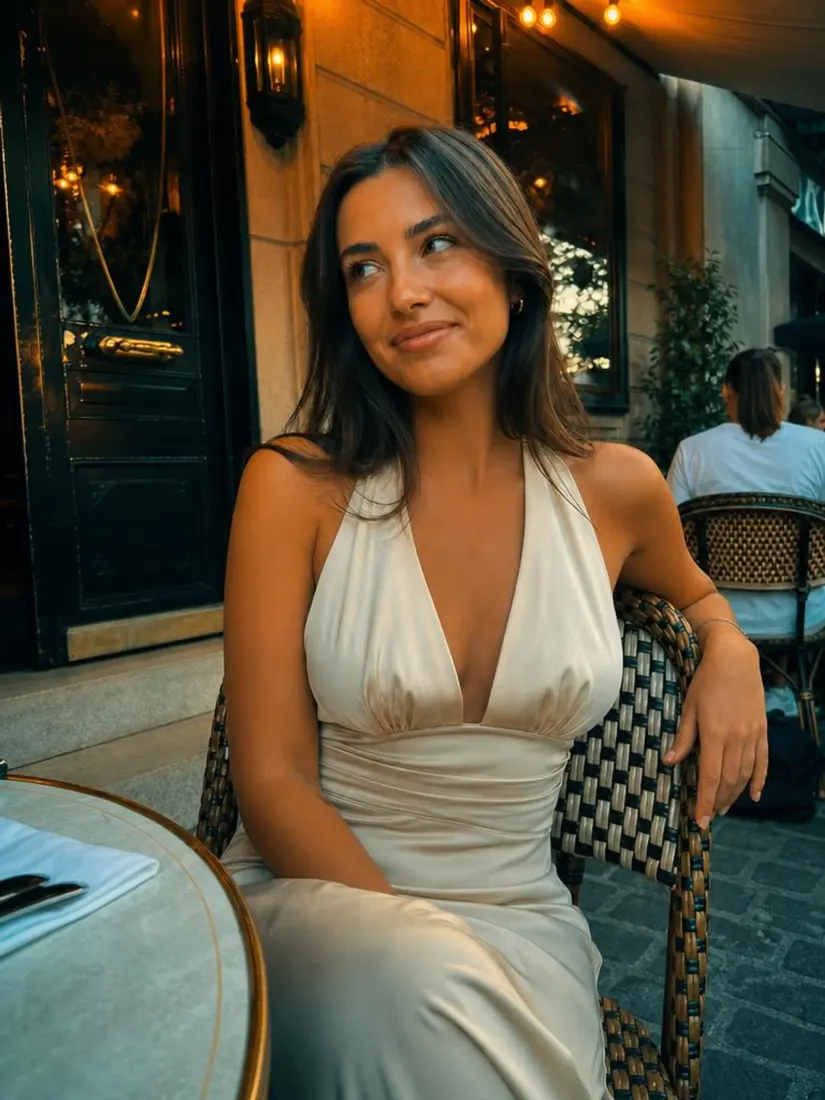
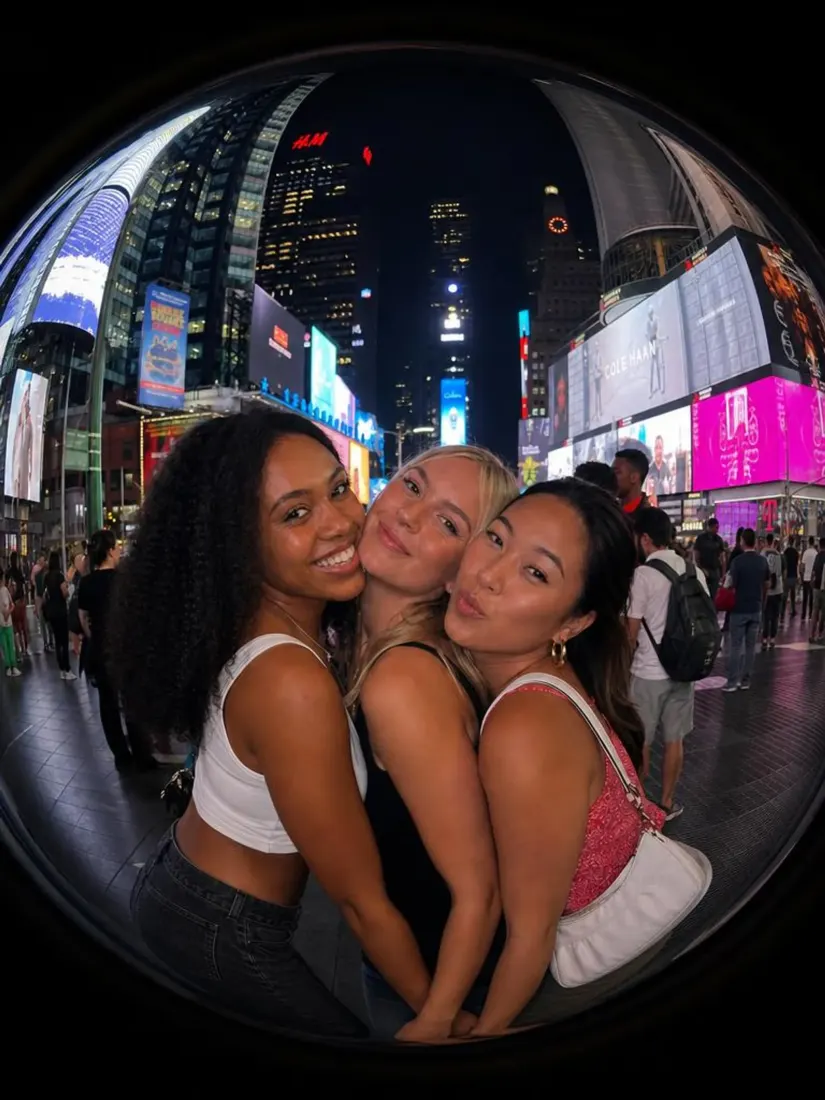
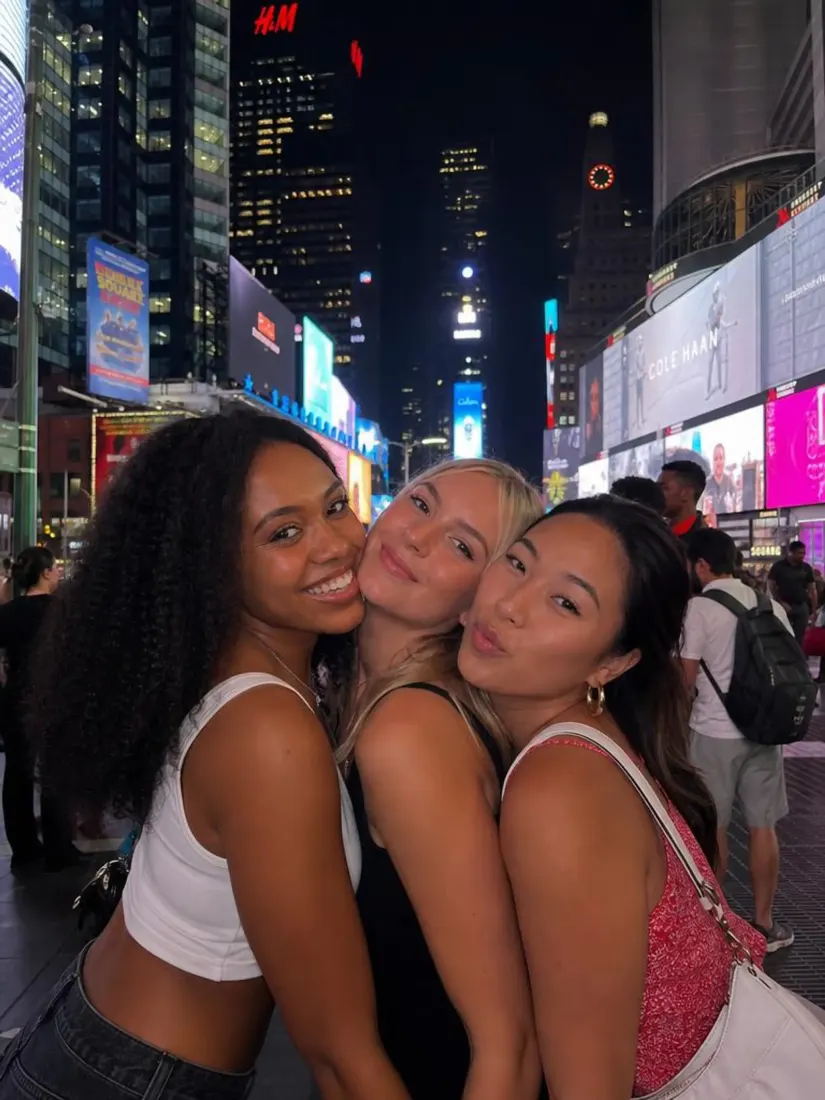
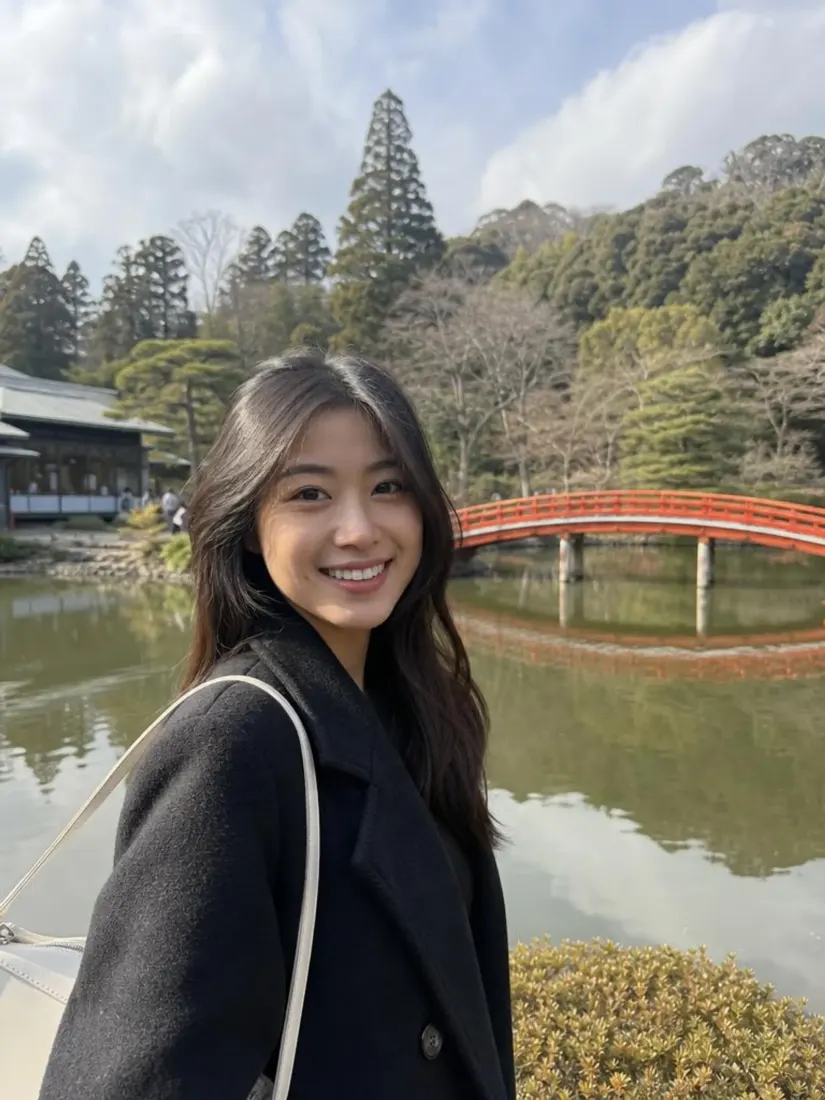
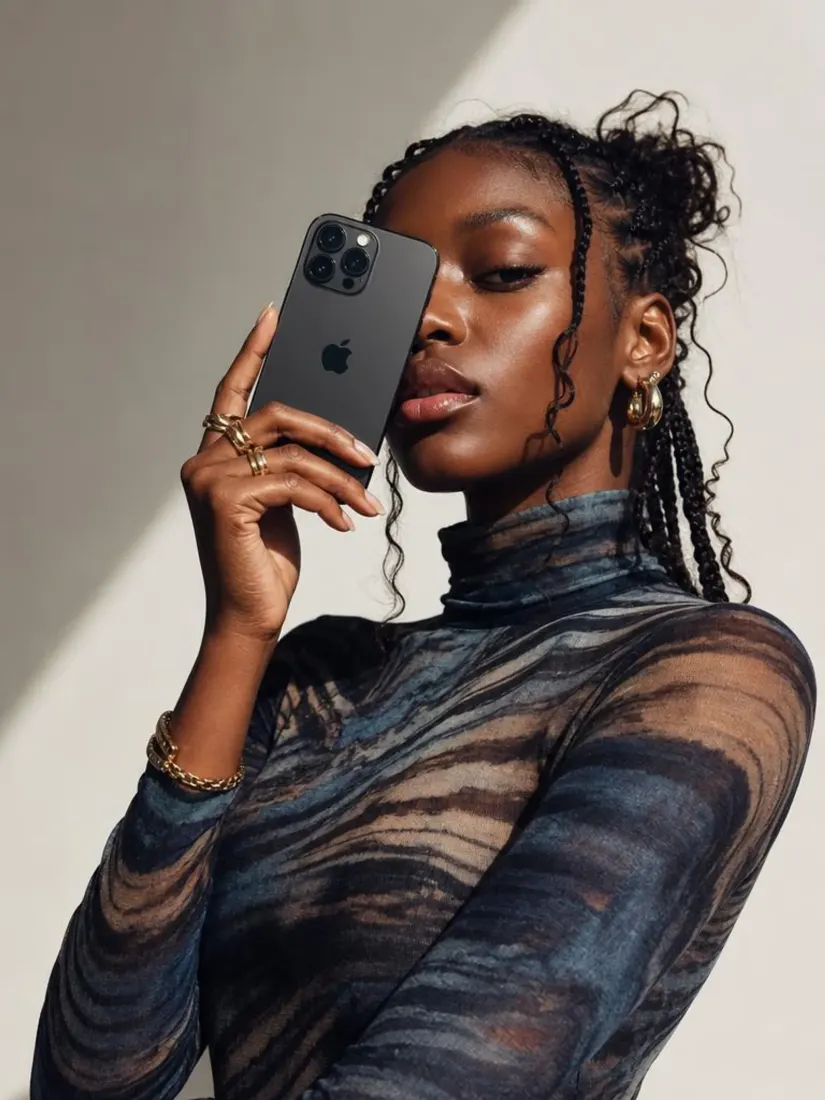
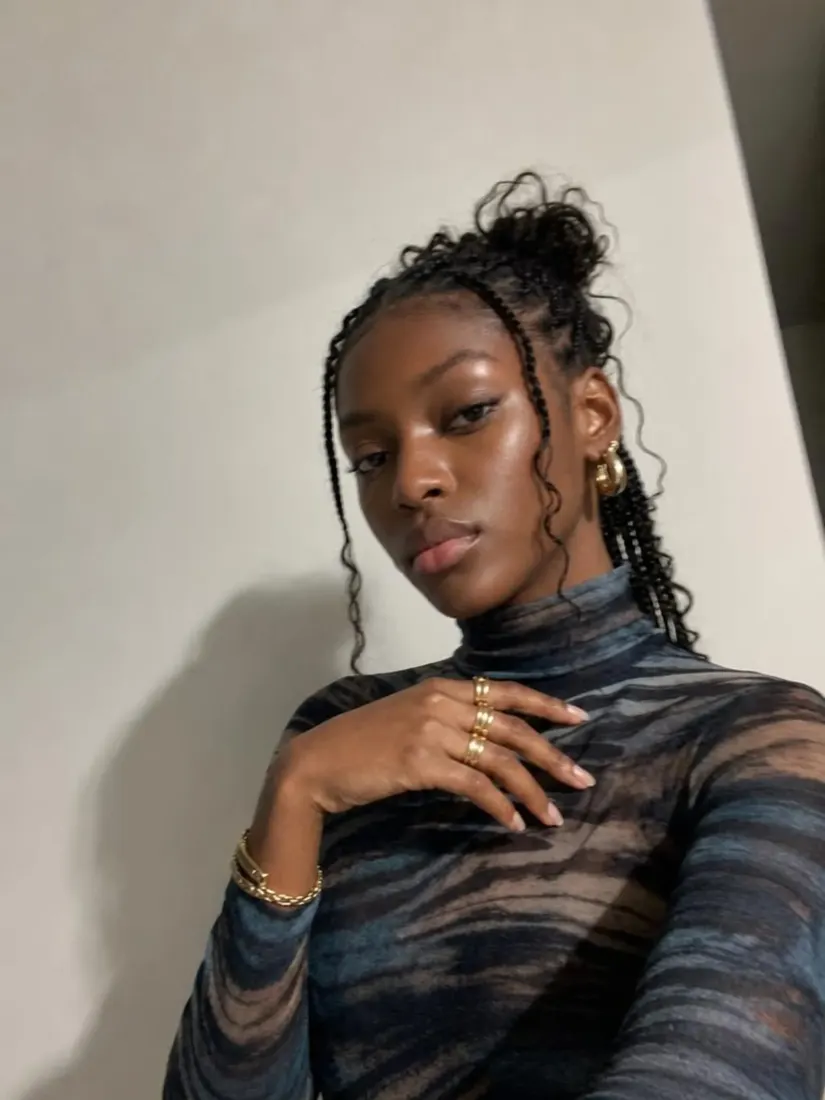
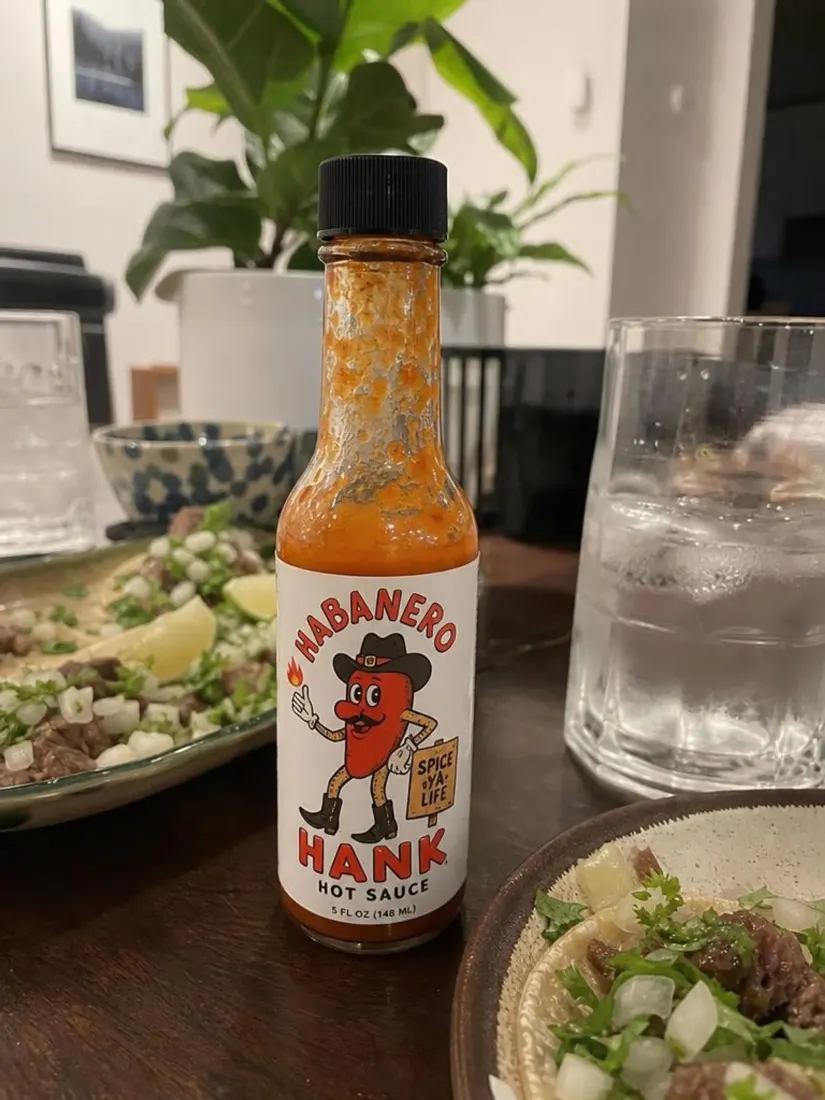
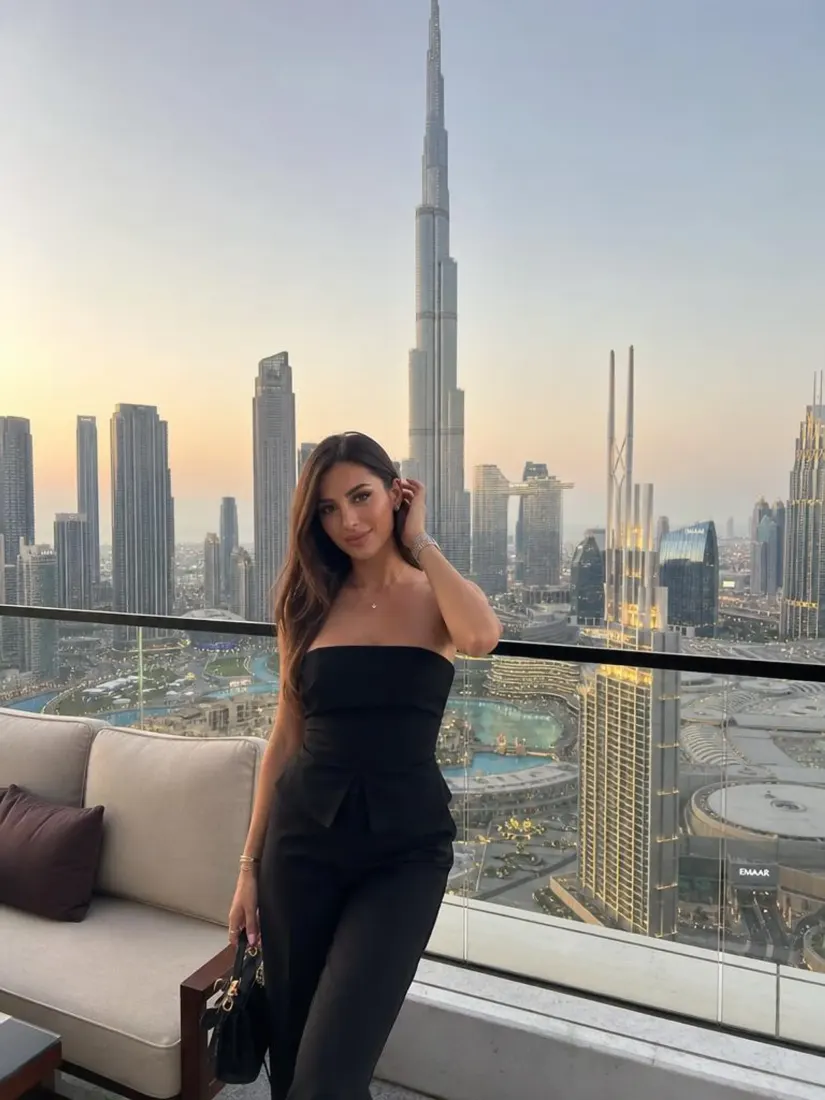
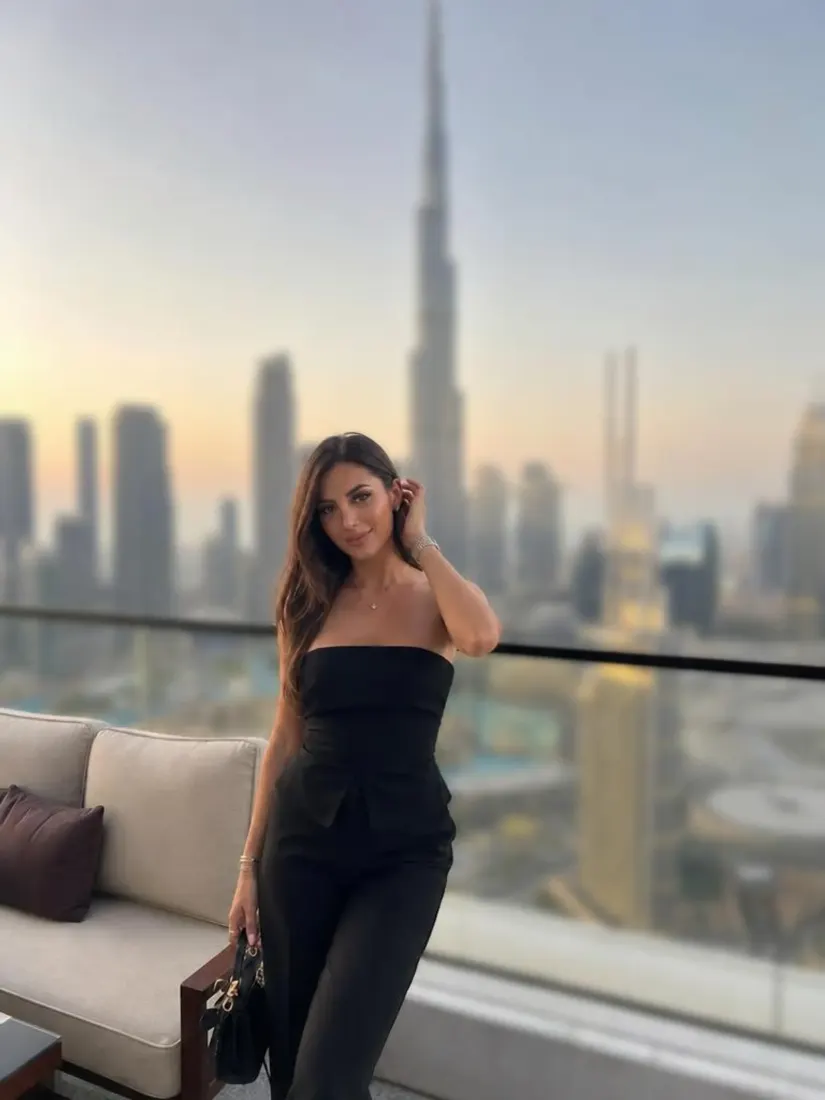
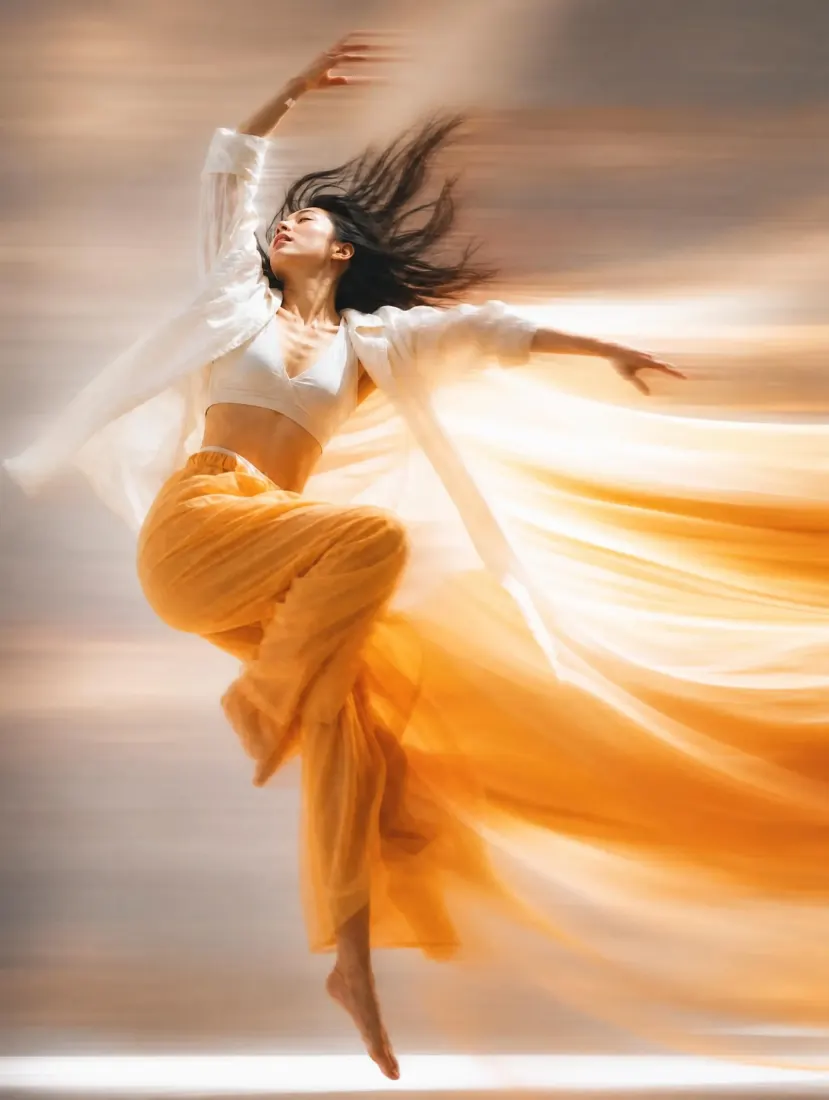
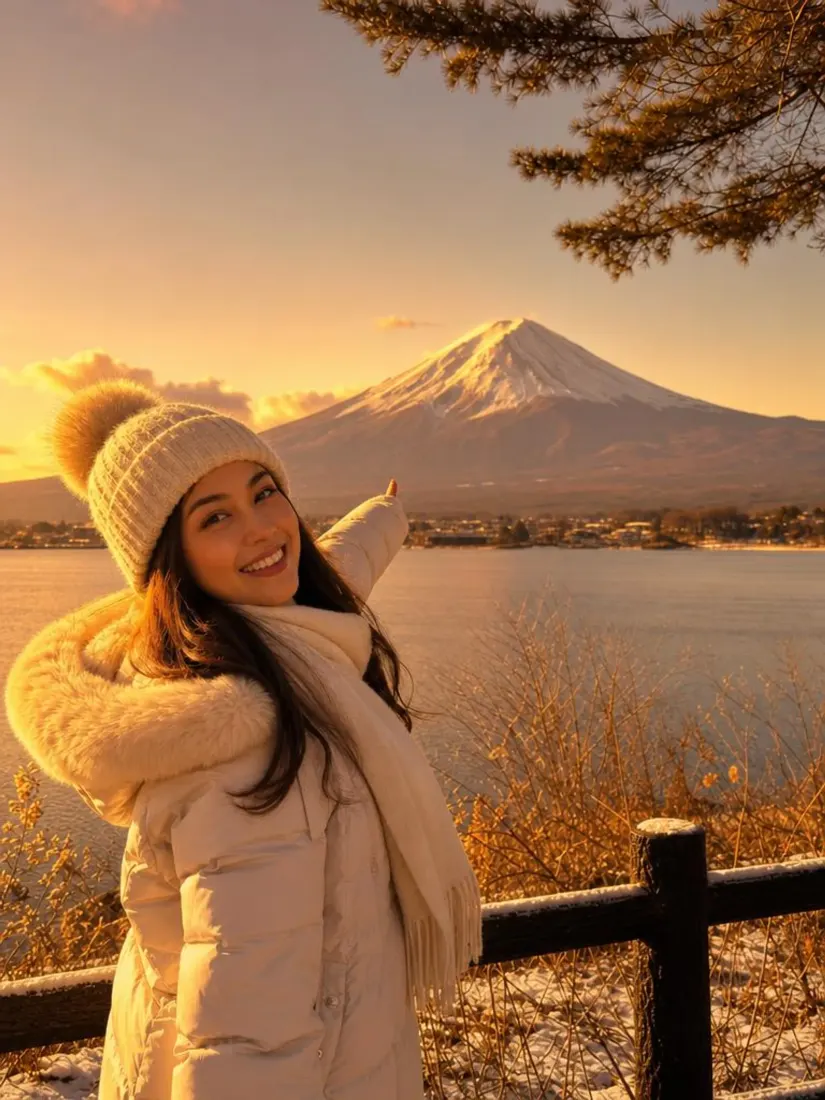
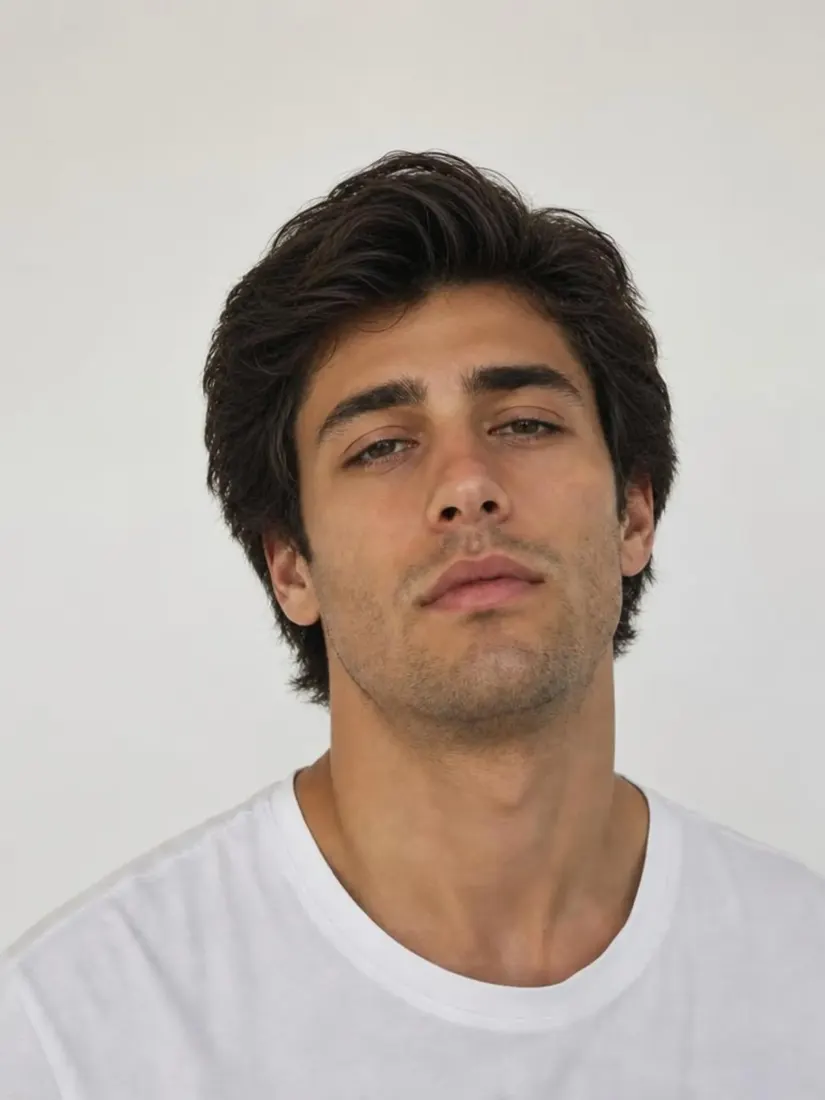
Before
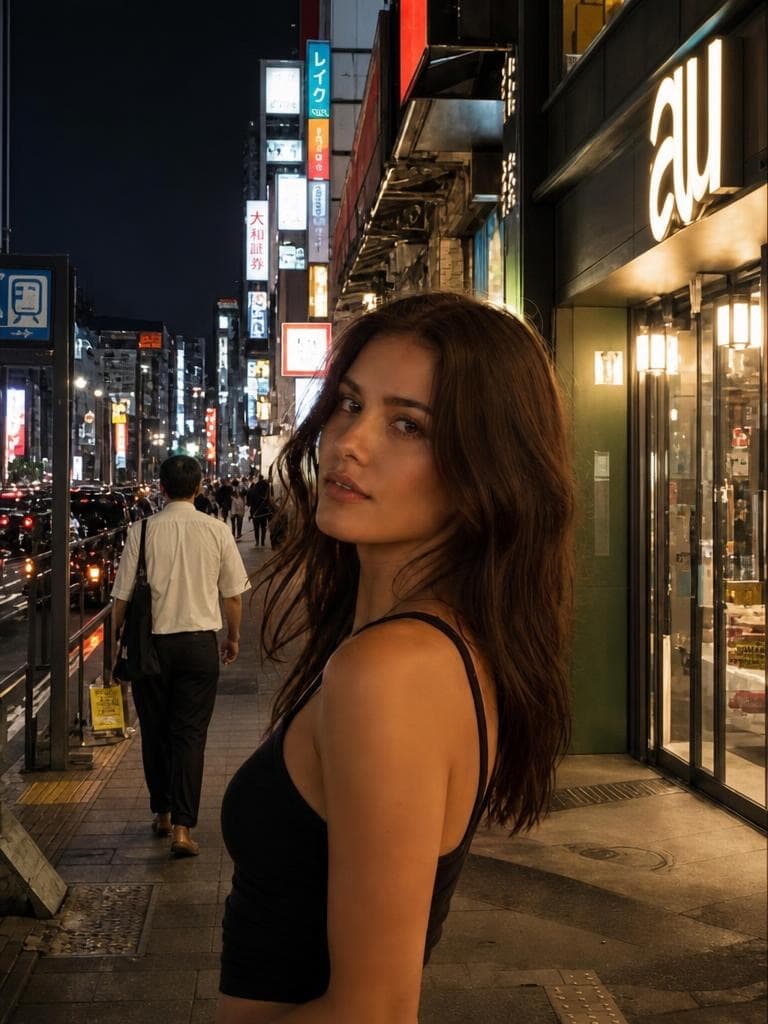
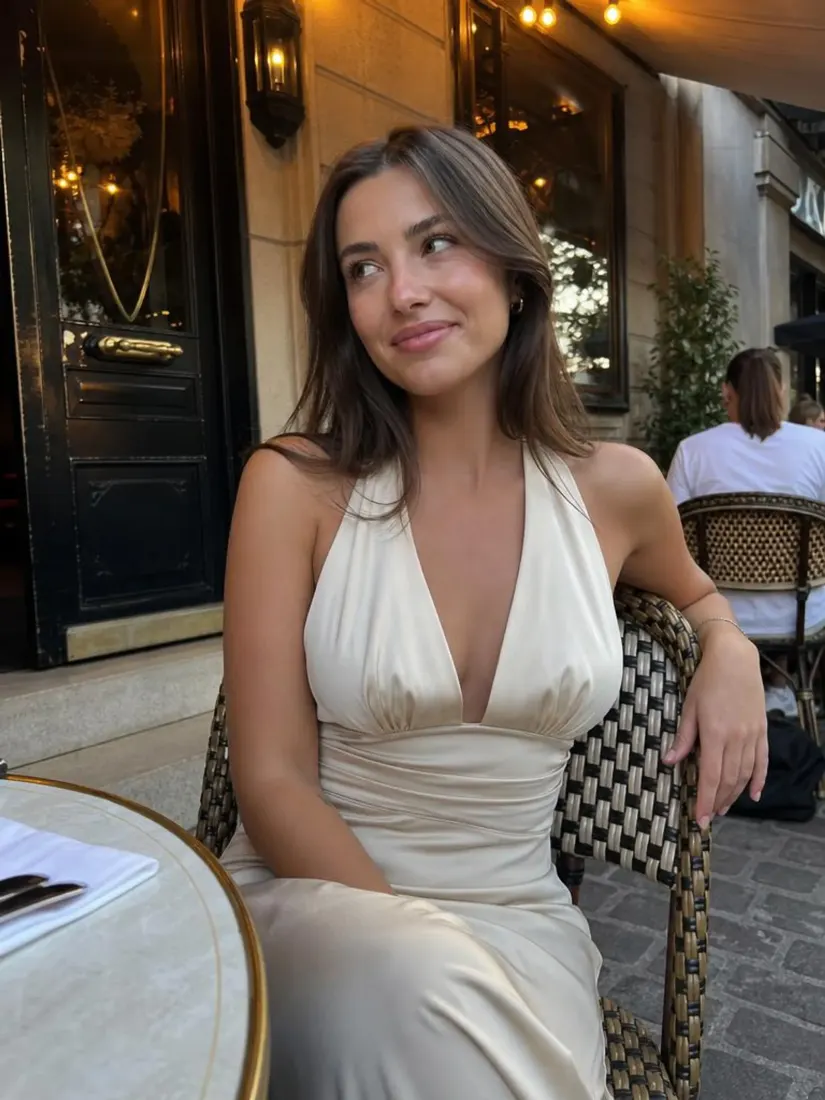
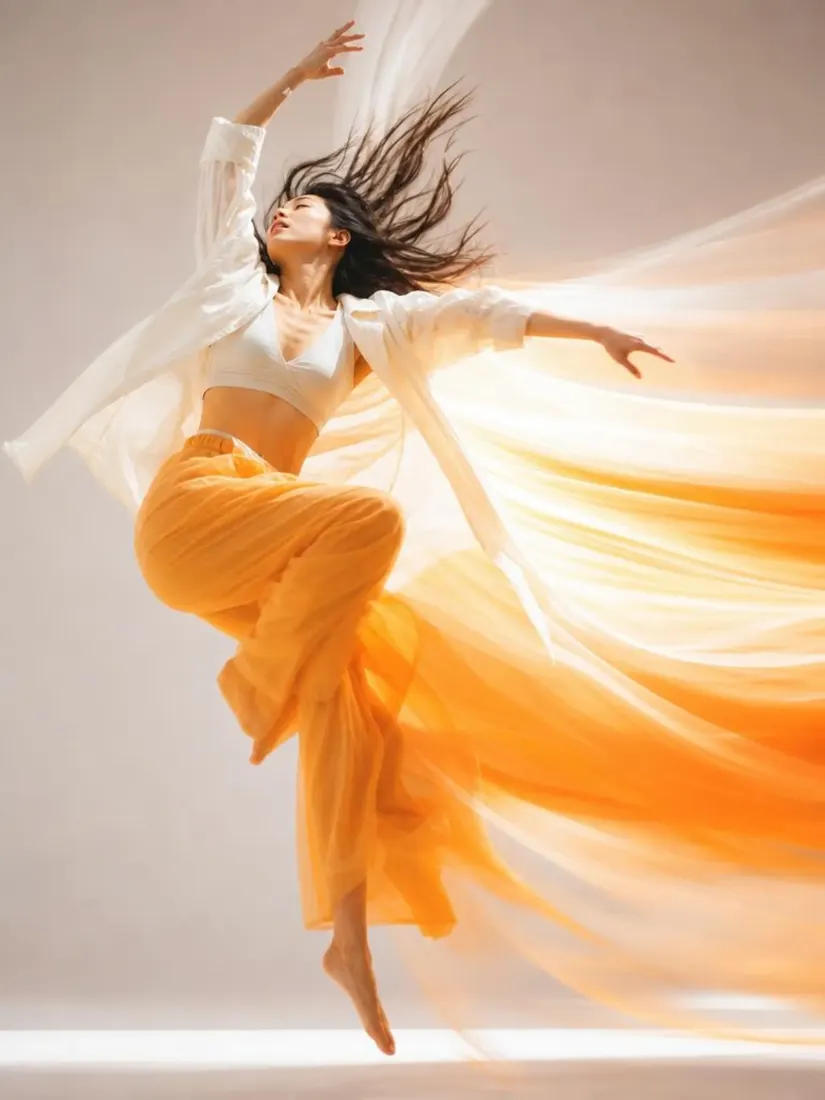
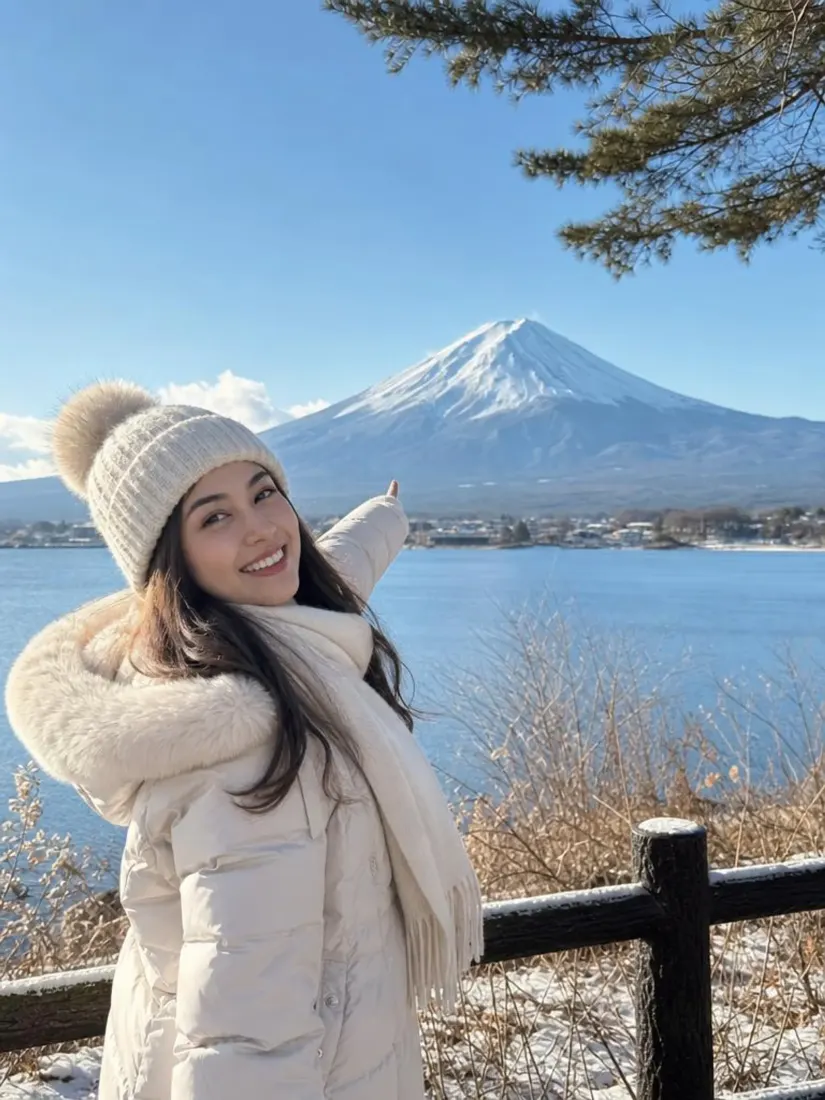
After


Trusted by Industry Leaders. Millions of images edited to date.









How does the Photo Enhancer work?
1
Upload your image
Drop in the photo you want to enhance. Aragon's AI photo enhancer works on portraits, product shots, real estate listings, old family photos, and any image where you want sharper detail.
2
Let the AI enhance the image
Aragon analyzes the photo and rebuilds detail, sharpens edges, removes noise, and increases resolution. The original lighting and color stay intact, so the result looks naturally improved.
3
Download your image
Review the result and download a clearer, higher-resolution version. Use Aragon's other photo editor tools to swap backgrounds, restore old photos, or remove objects before saving the final image.
What makes it special?
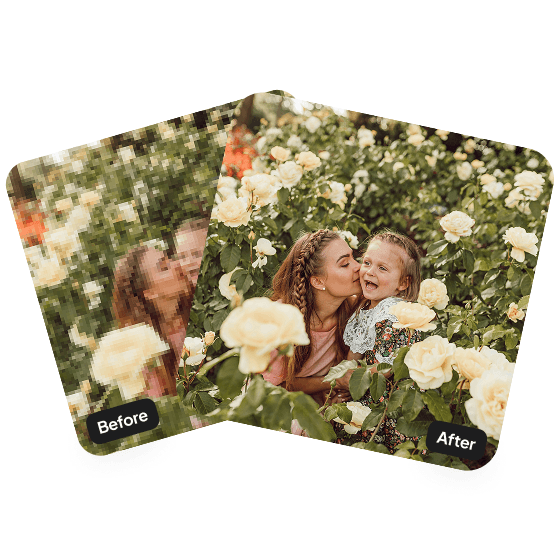
Polish your photos
Before posting anything on social media, make sure to enhance them using this tool for better engagement and views. Aragon fixes this in just a few minutes!
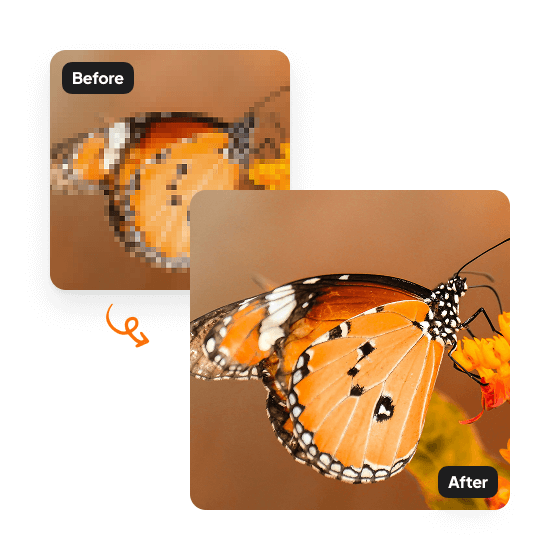
Sharpen profile pictures and selfies
Improve LinkedIn, dating app, and social profile photos in minutes. Aragon's AI photo enhancer fixes blurry selfies, increases resolution for crisp profile thumbnails, and adds clarity without making the photo look artificial.
Improve product photos for e-commerce
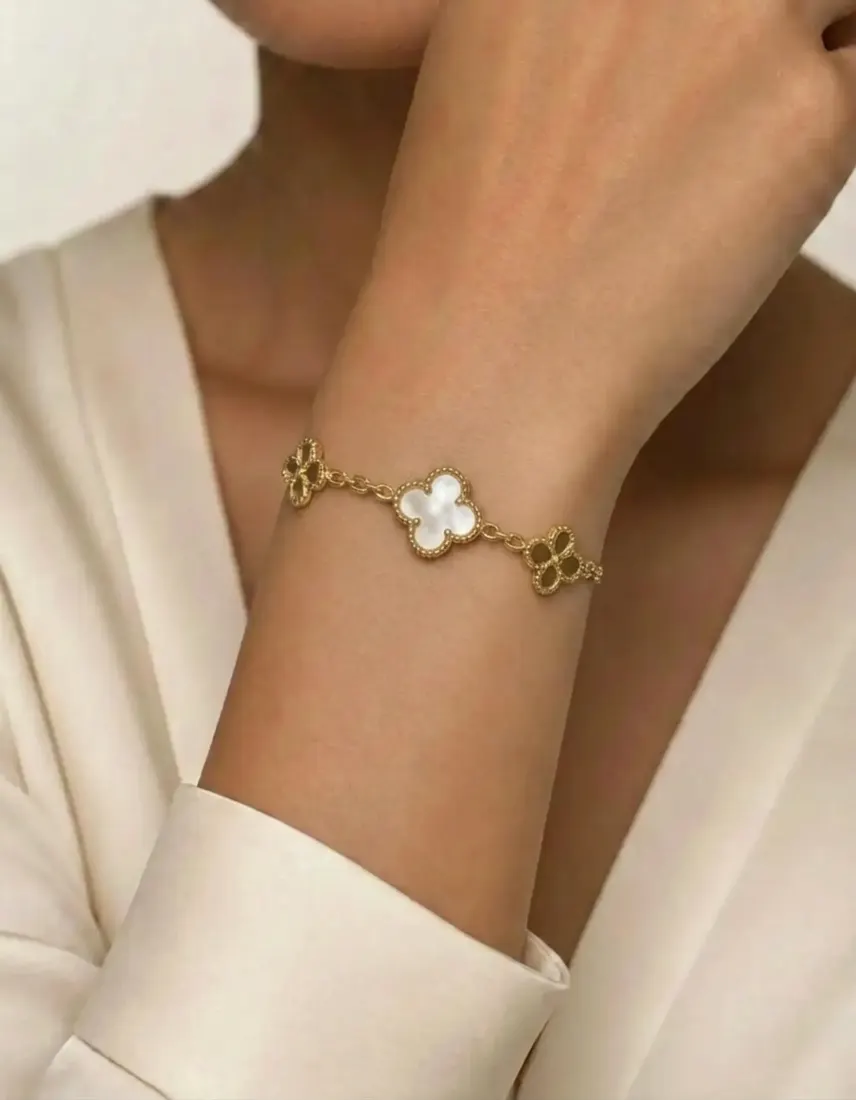
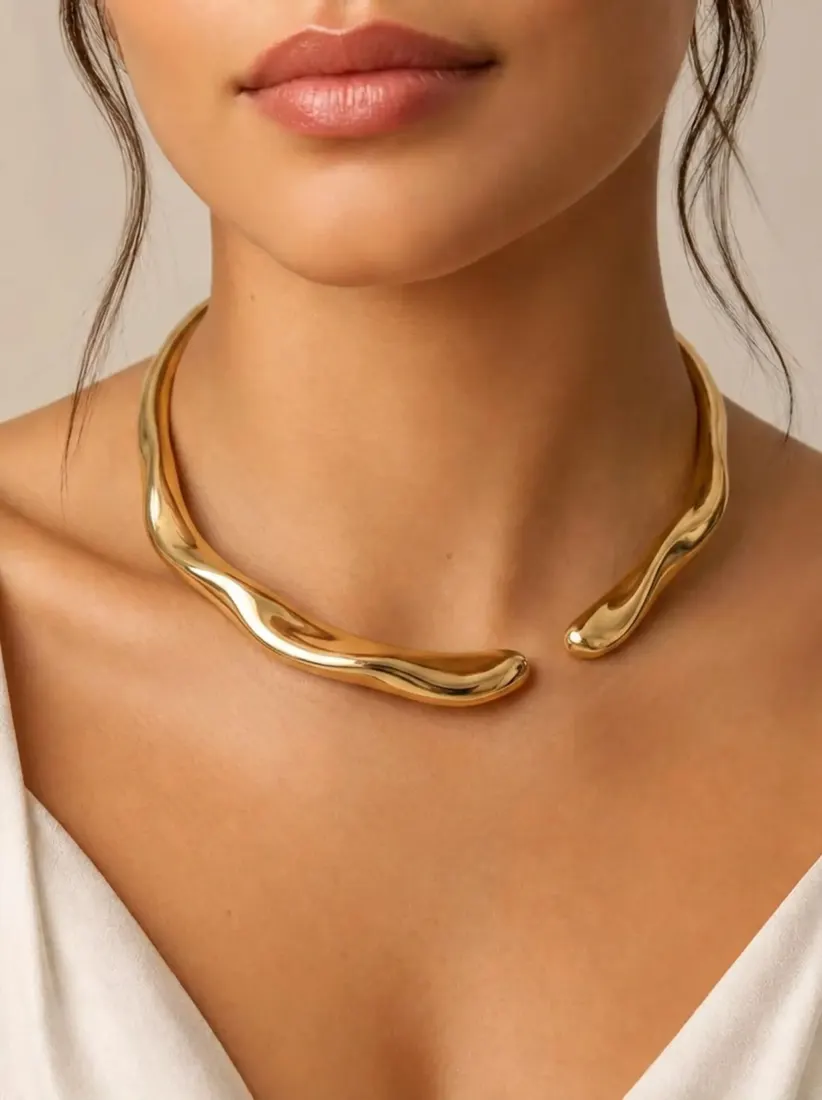
Sharp product photos drive sales. Aragon's AI photo enhancer fixes low-resolution product shots, removes noise from quick captures, and upscales images to meet marketplace requirements like Amazon, Shopify, and Etsy listings.
What kinds of photos can you enhance?
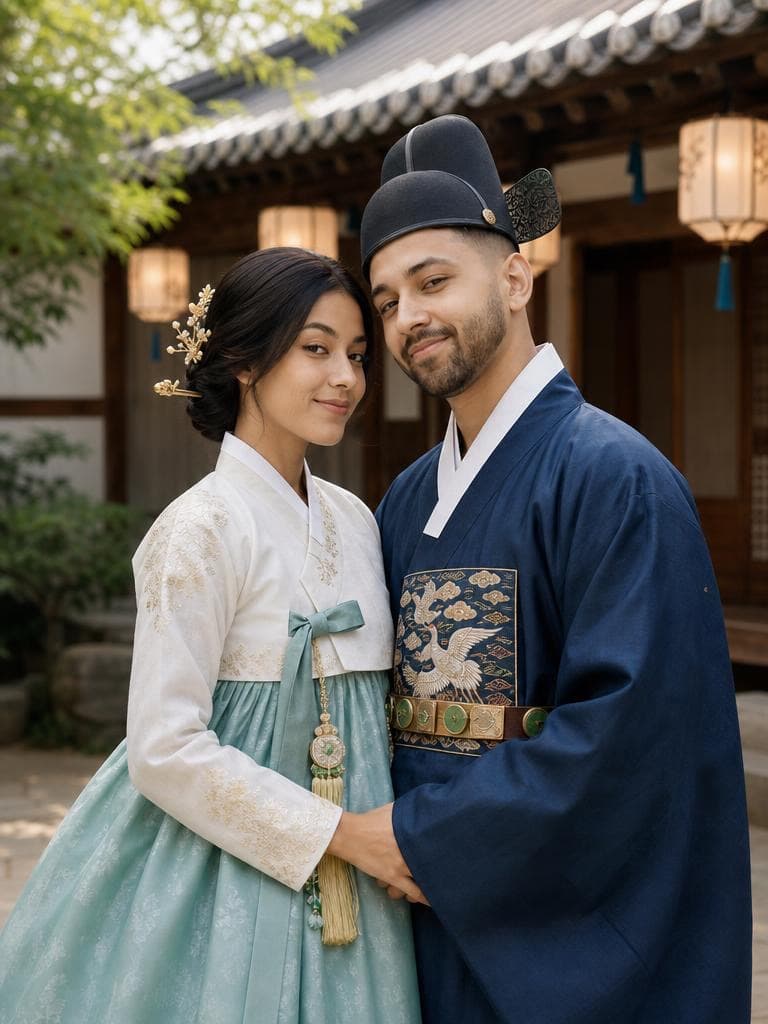
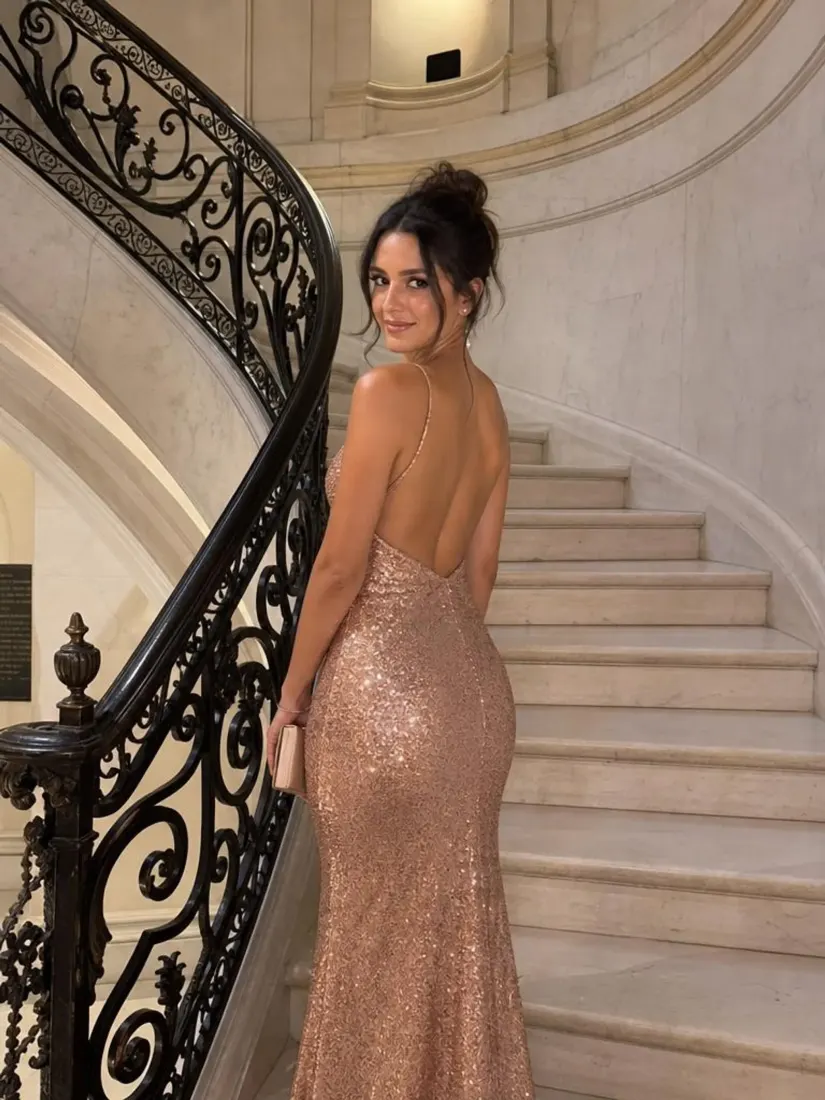
There’s a variety of use cases for your newly edited photos. Feel free to use the photos as you please. Here are some ideas!

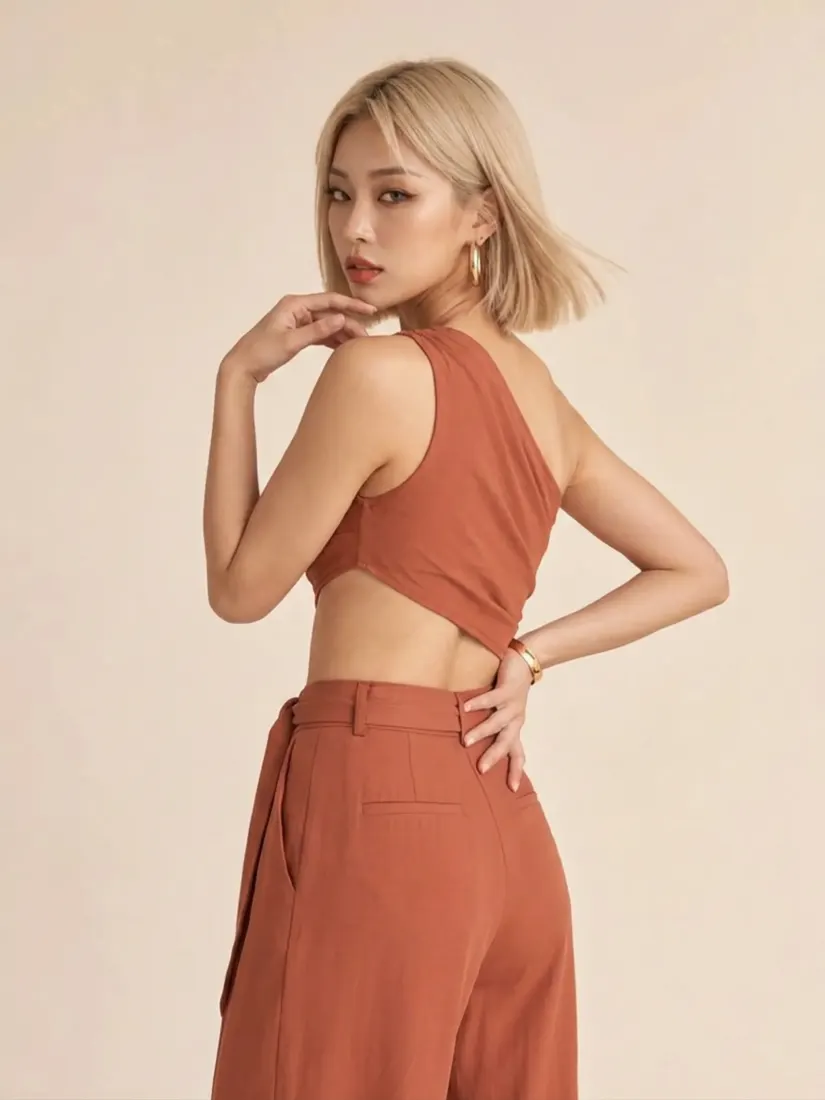
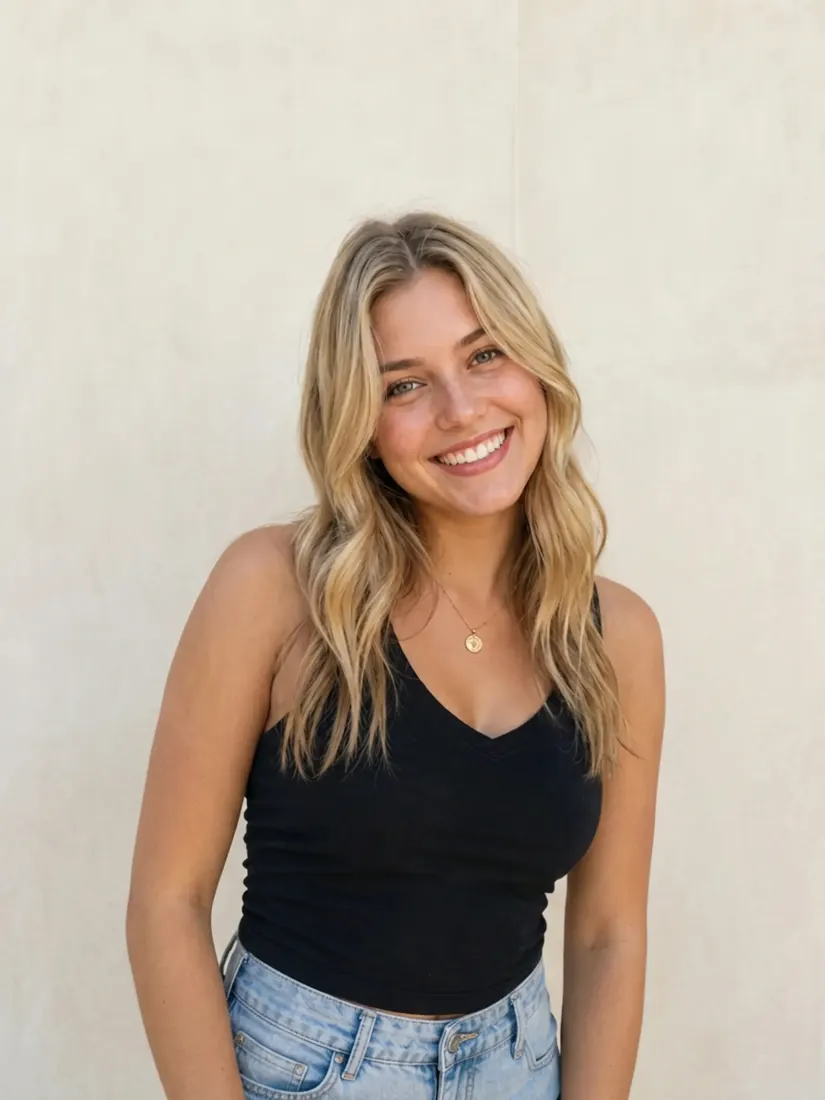
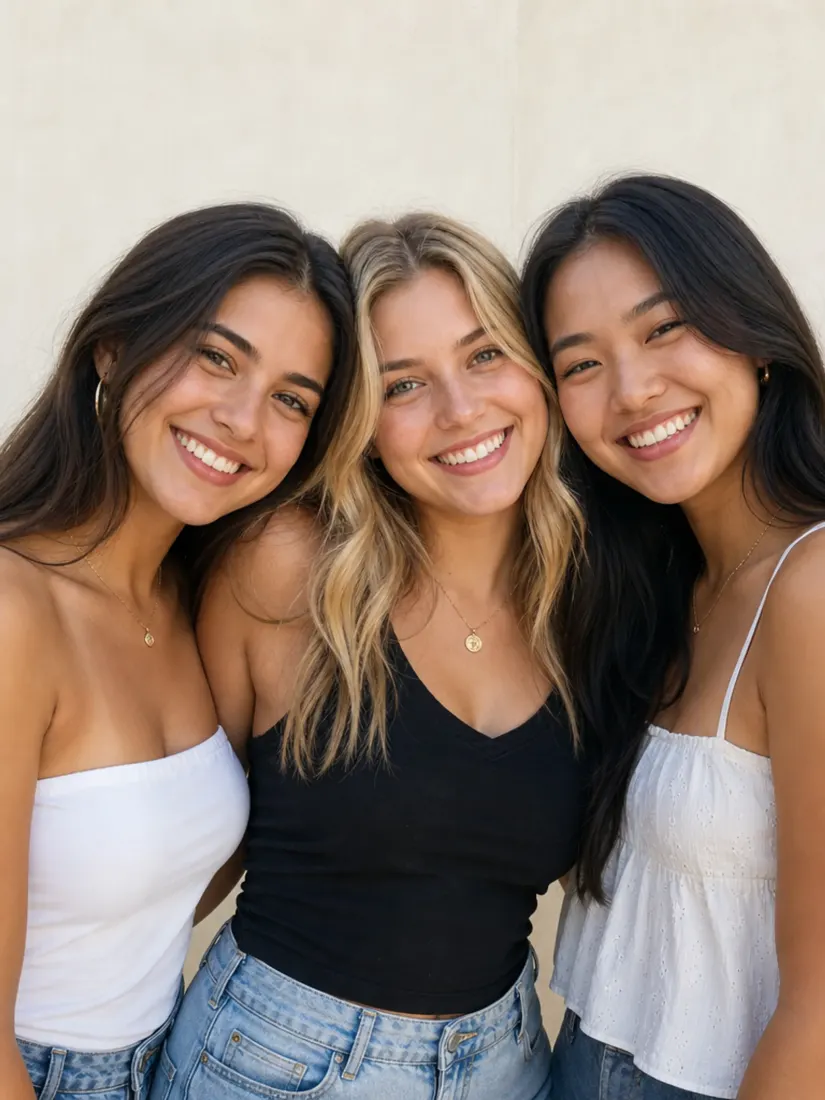
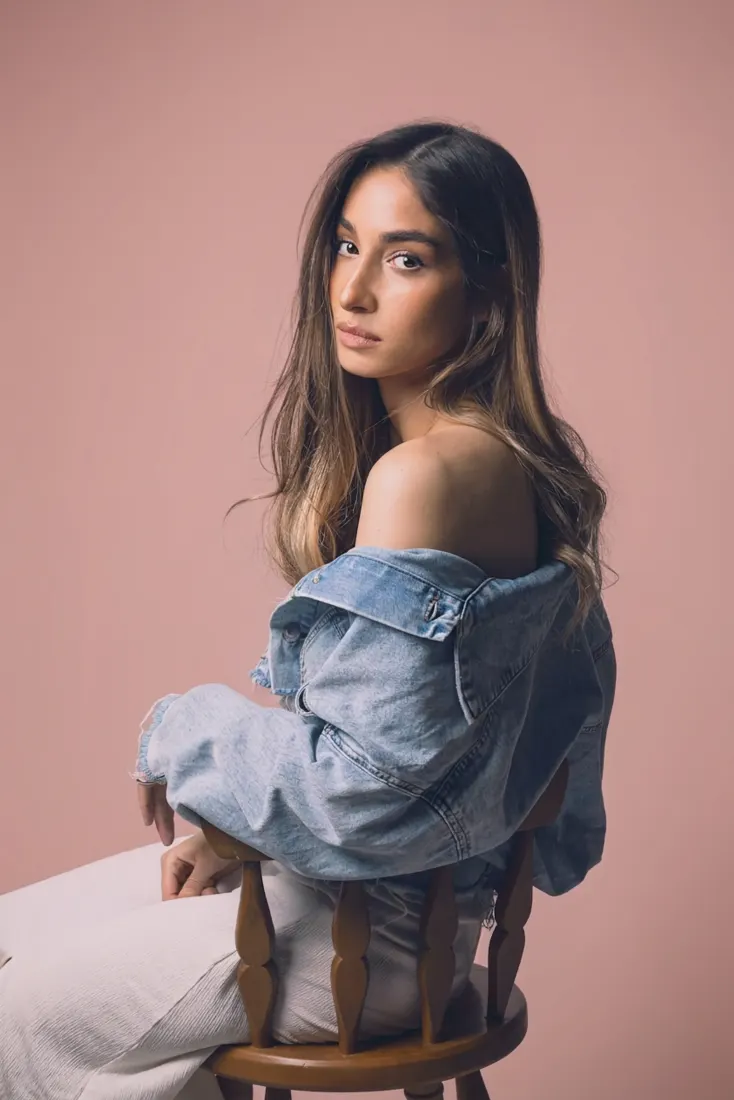
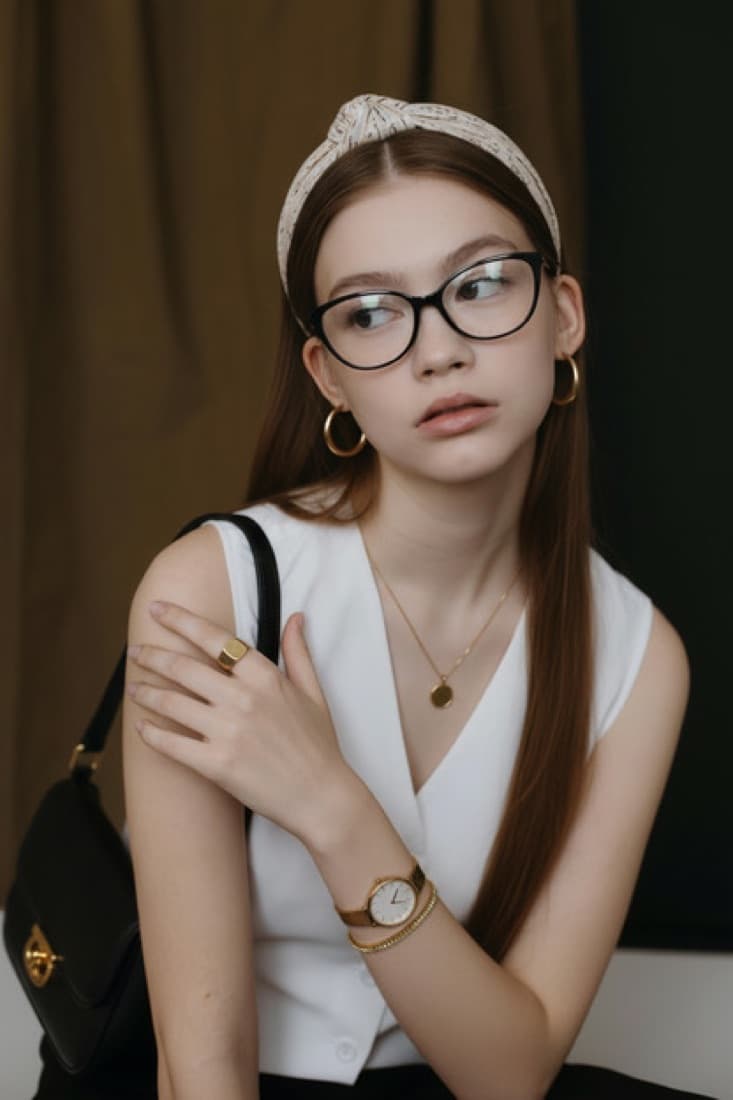
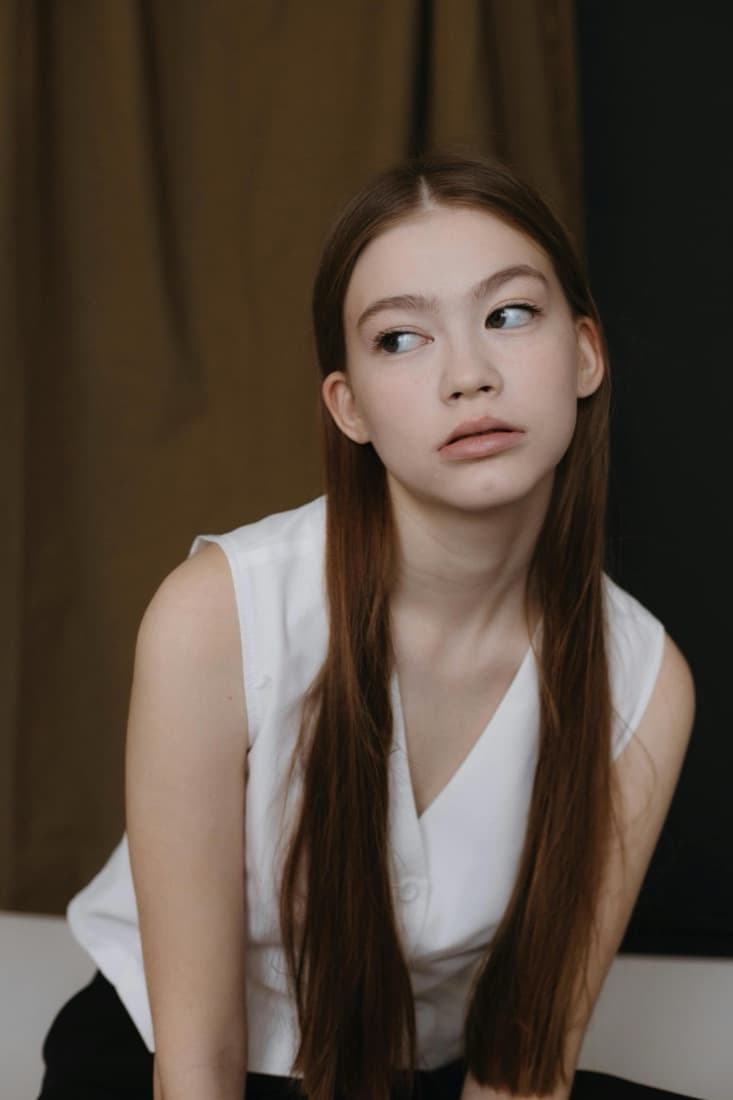
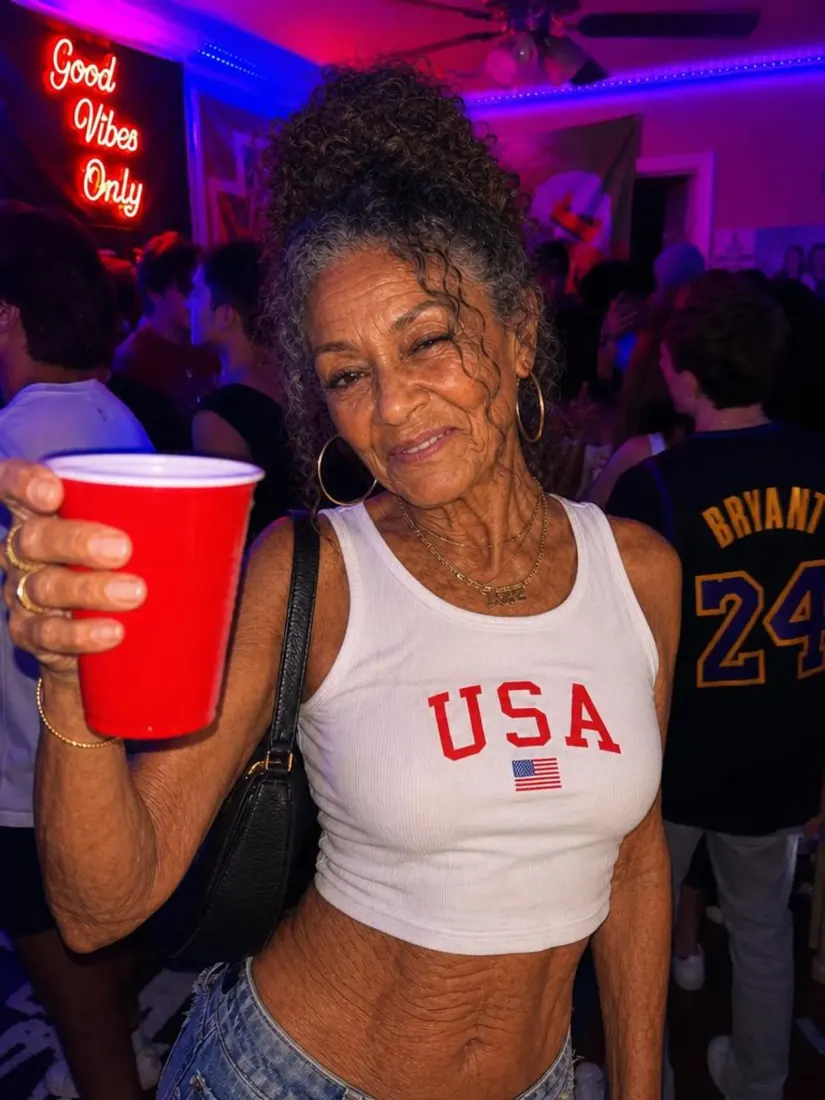
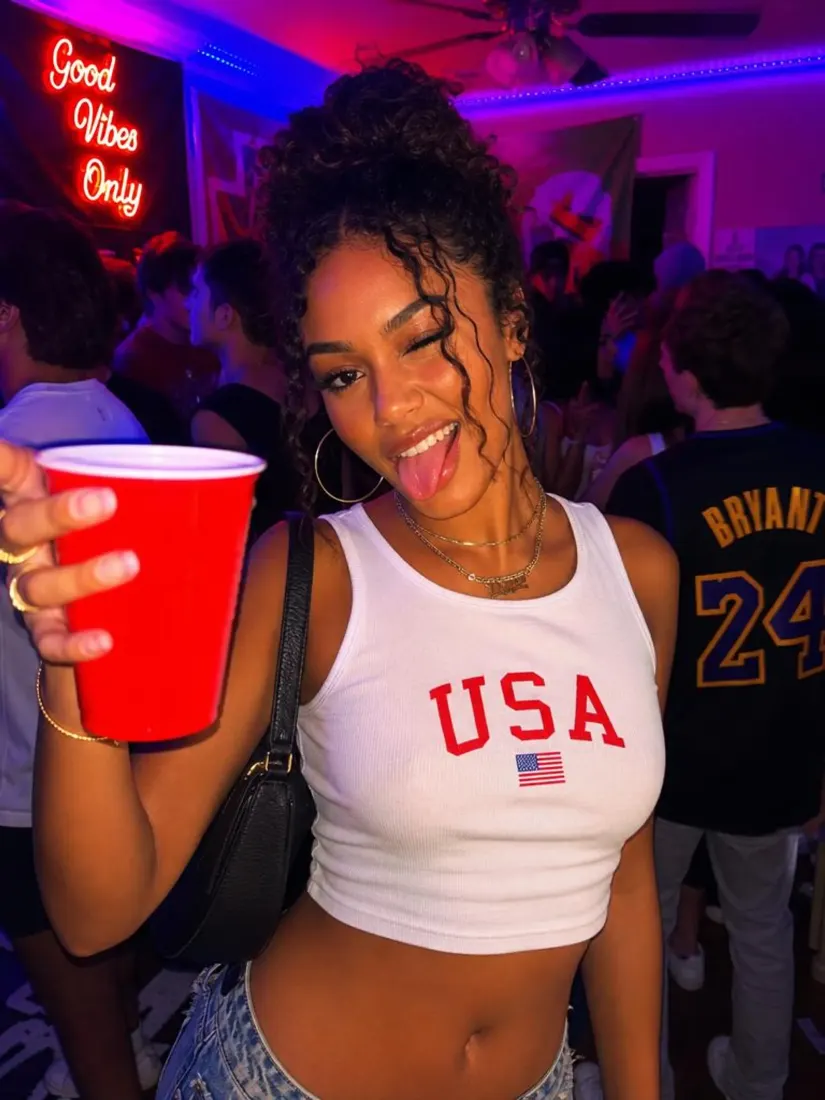
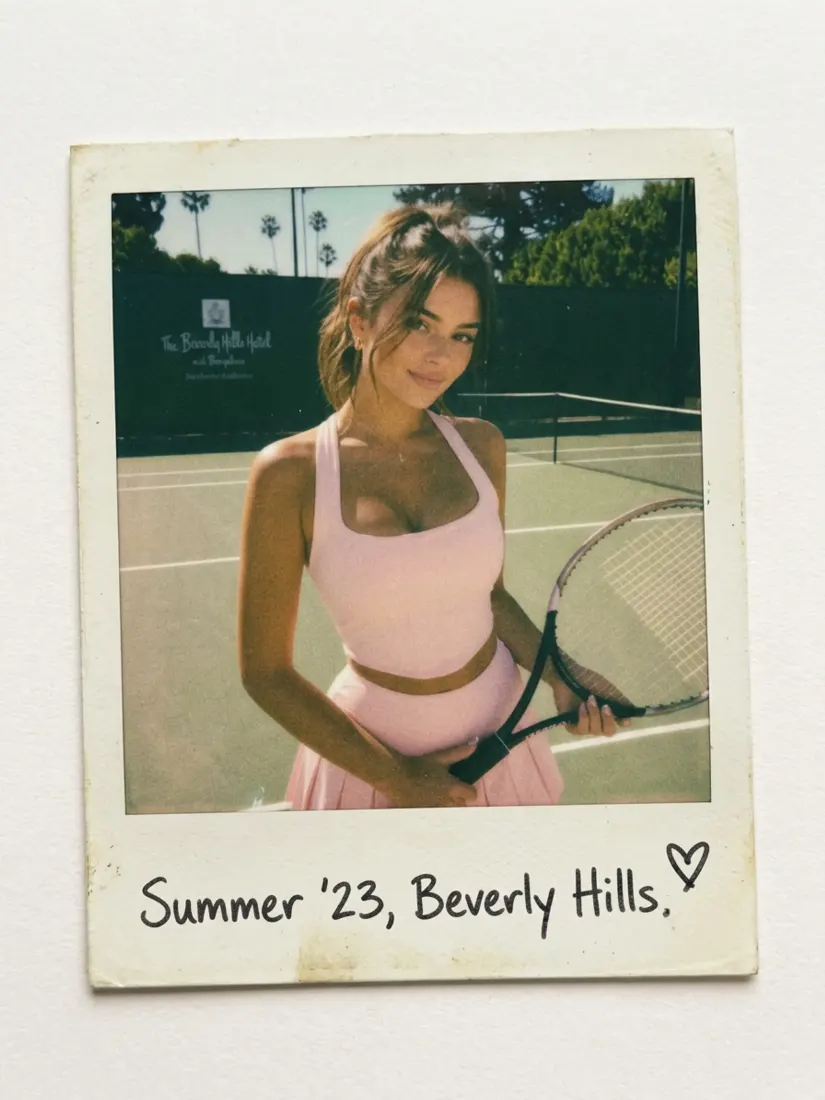
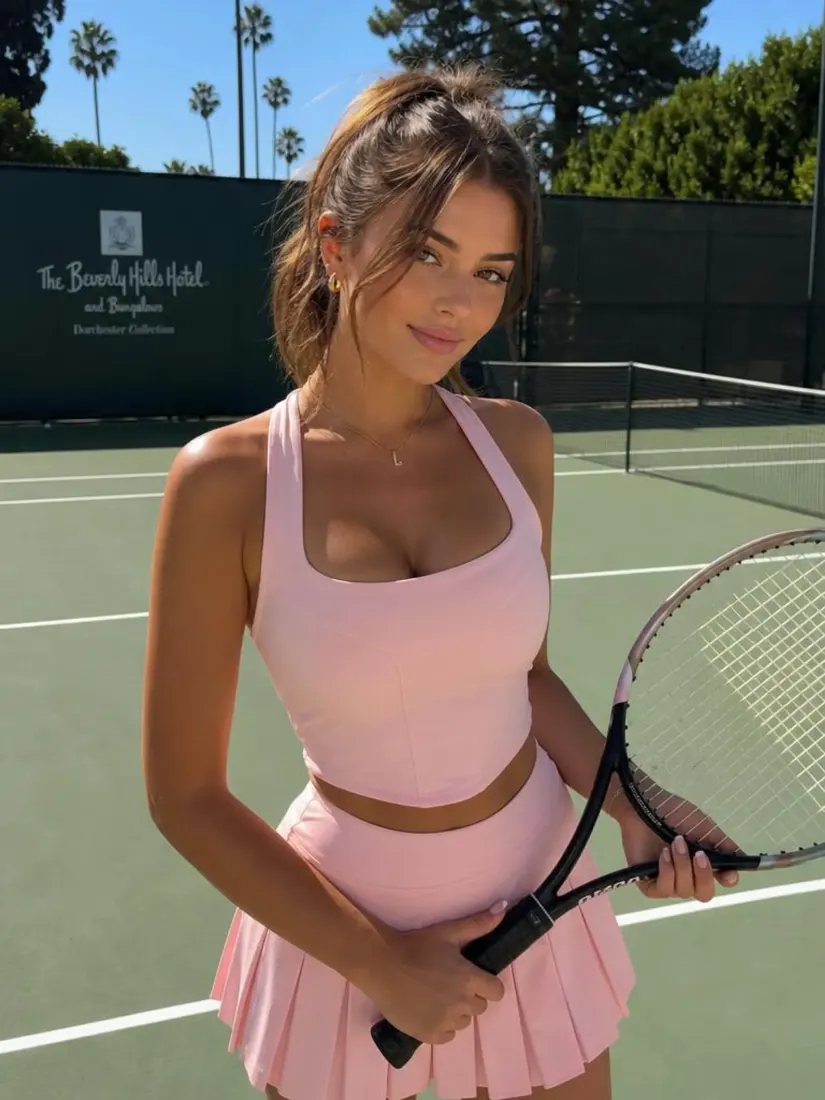
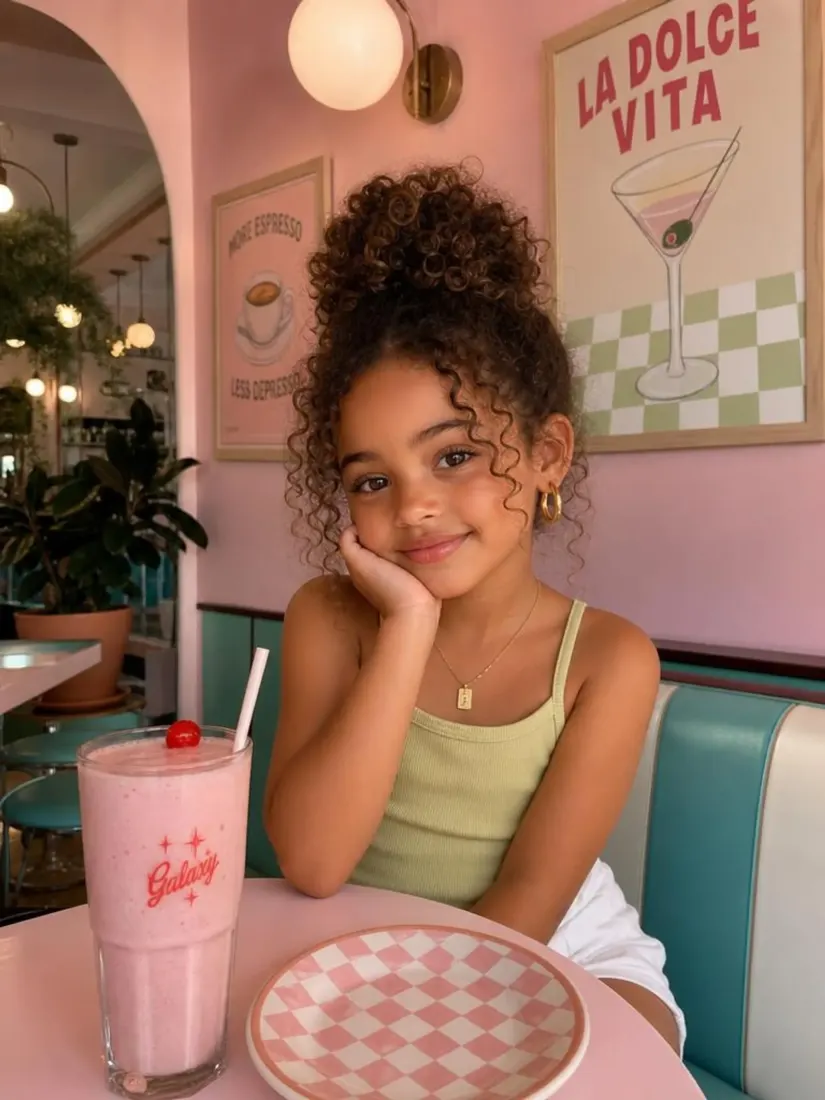
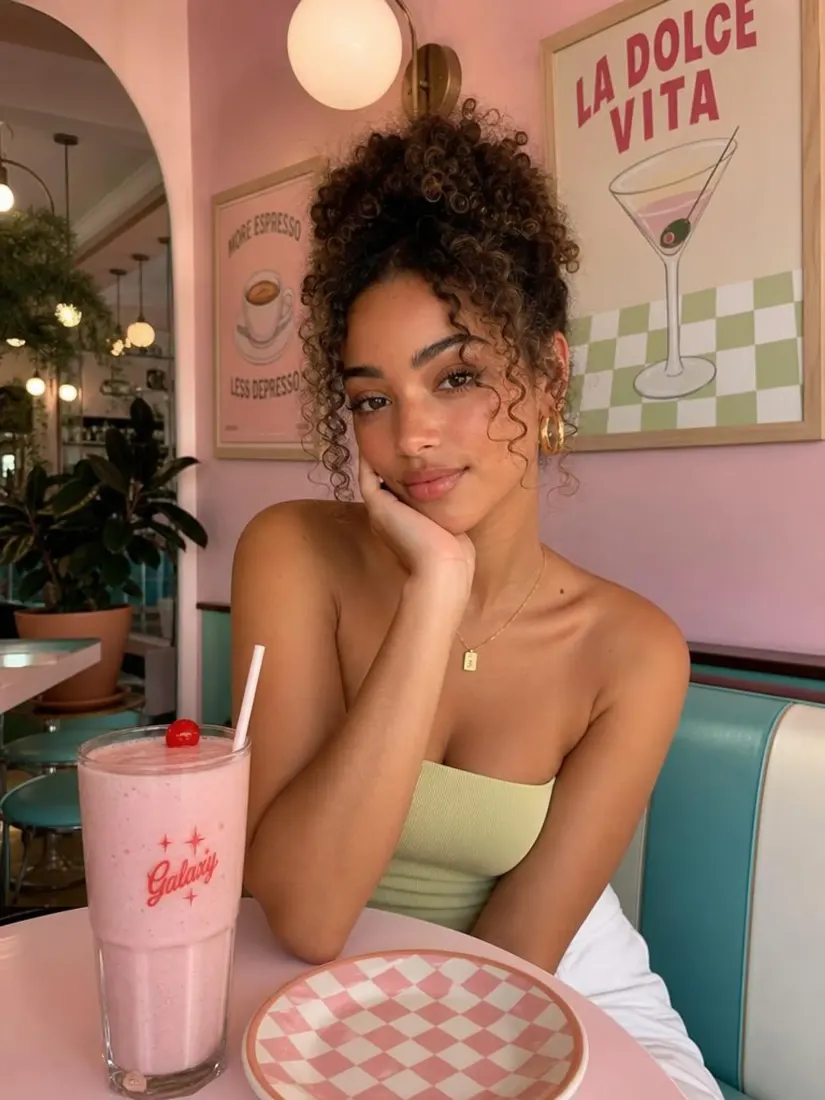
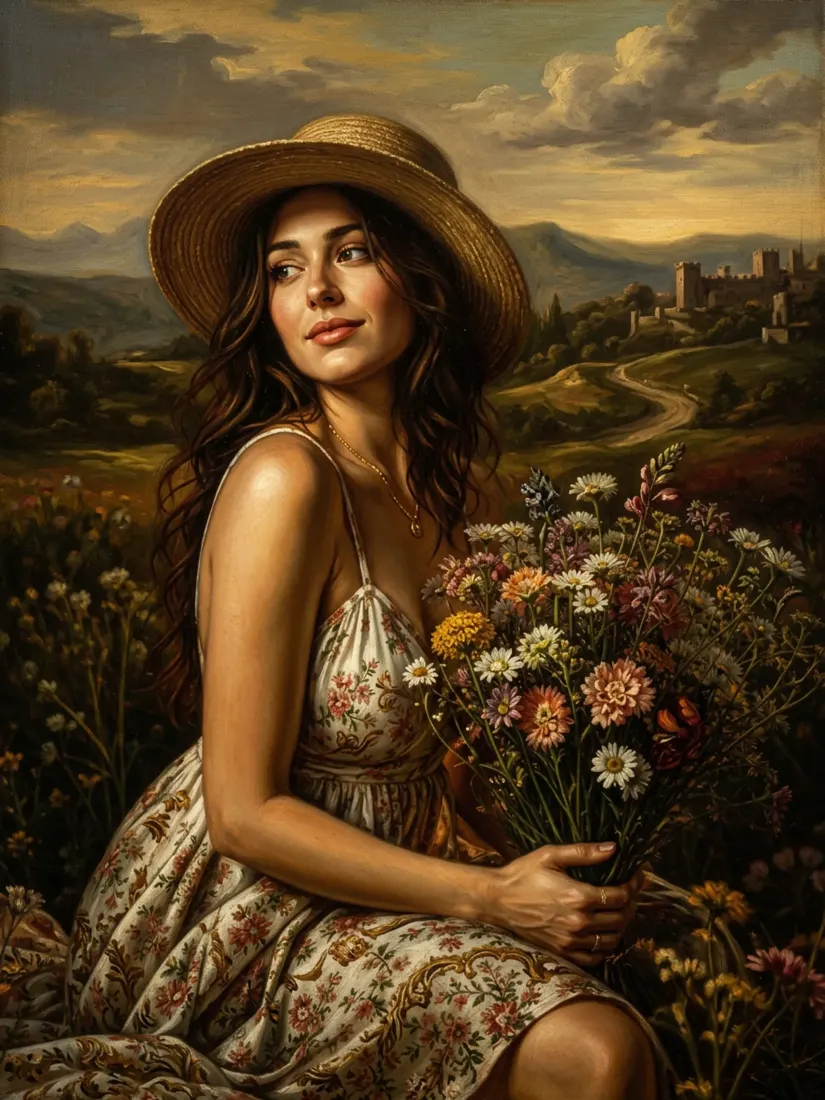
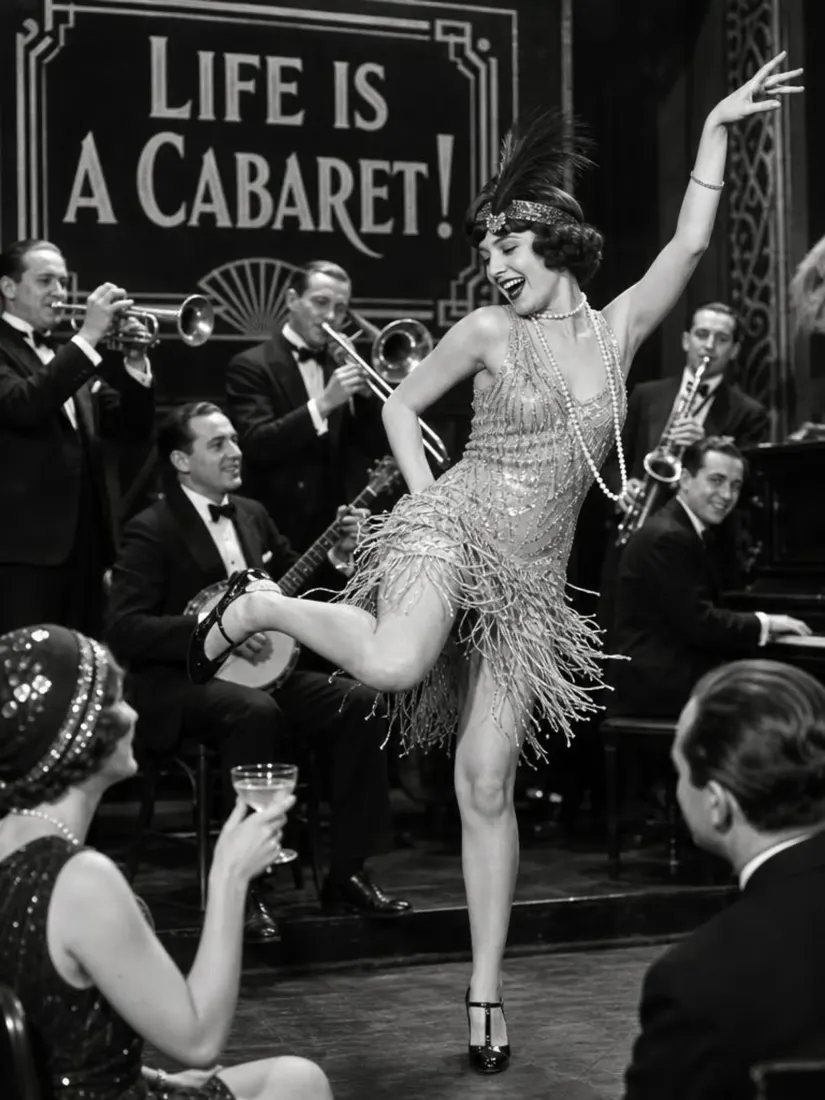
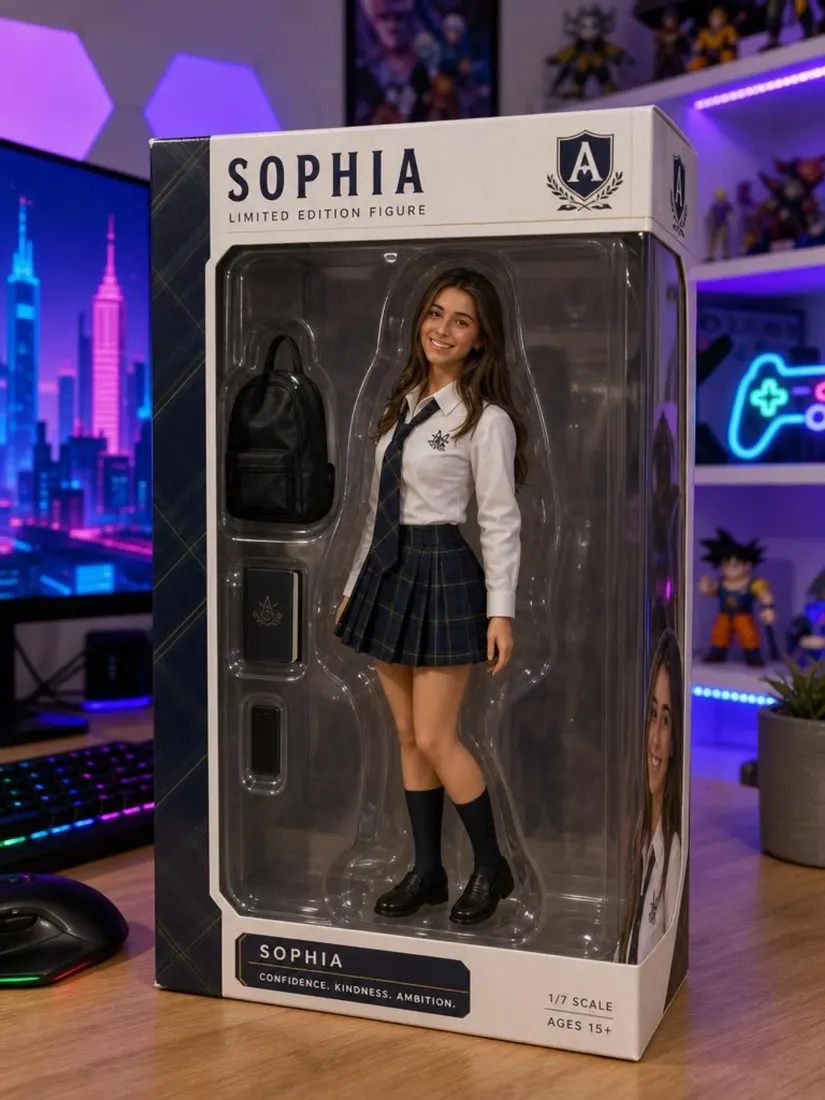
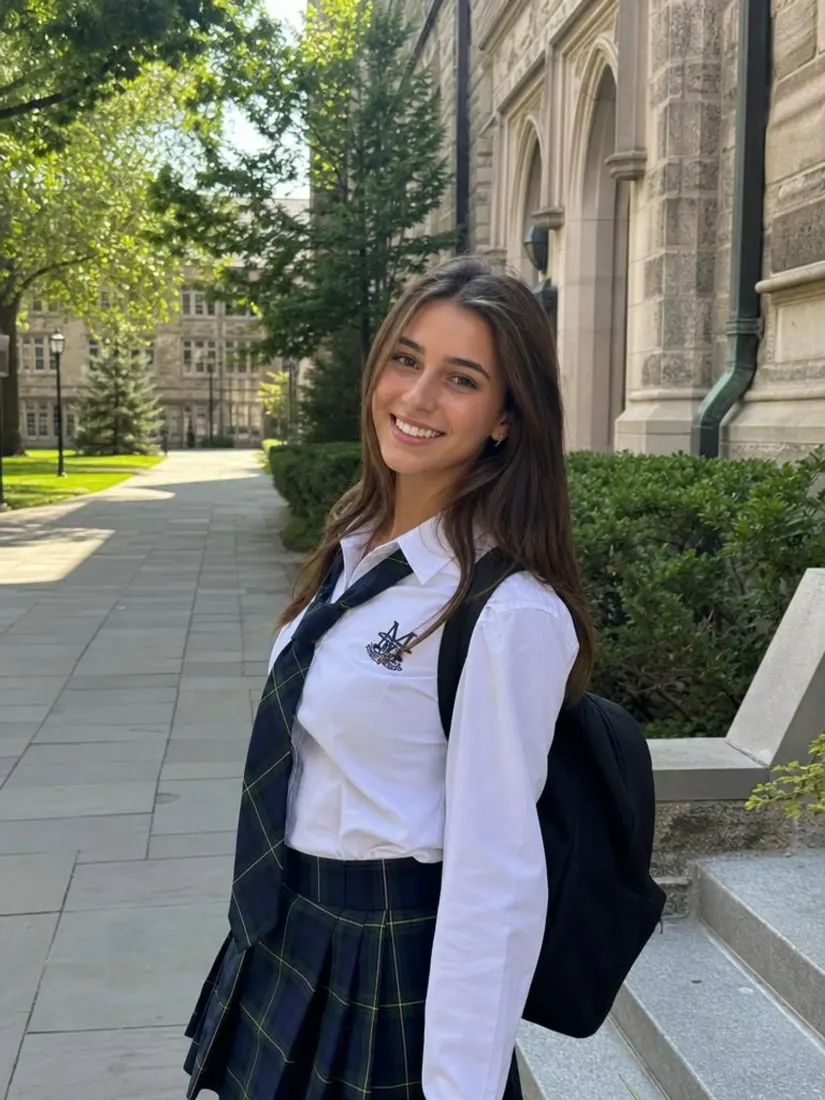
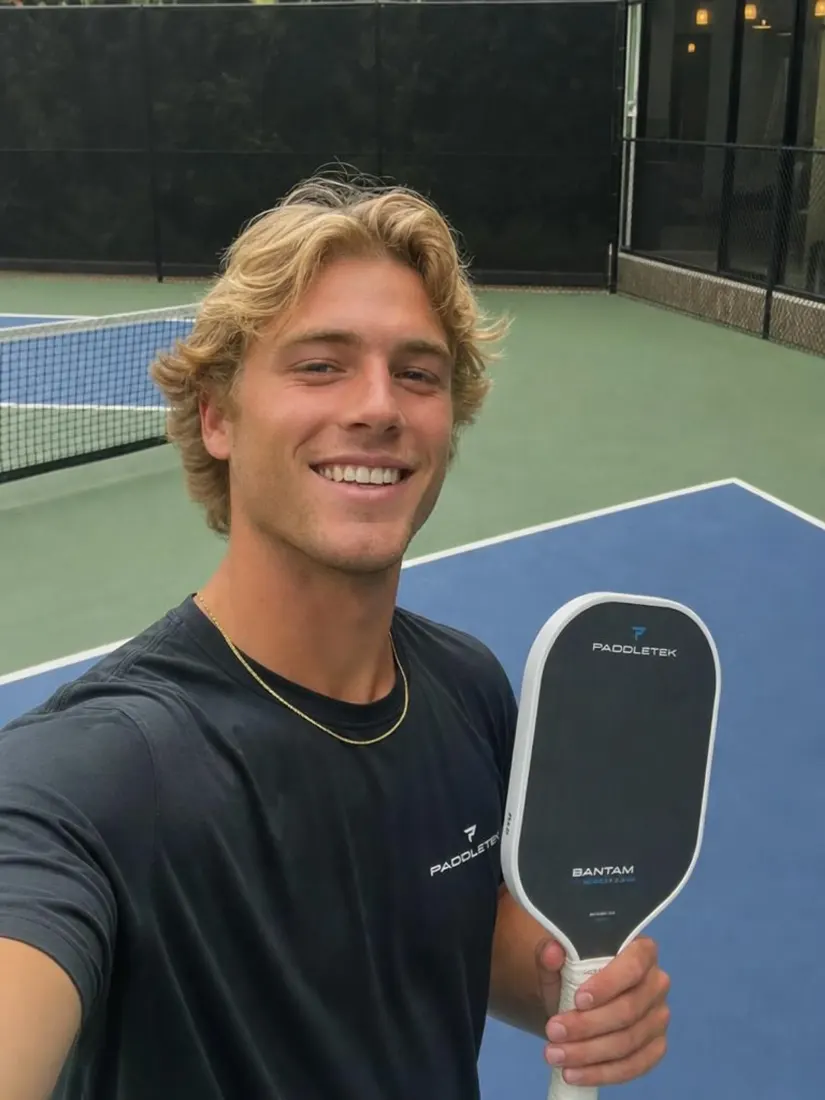
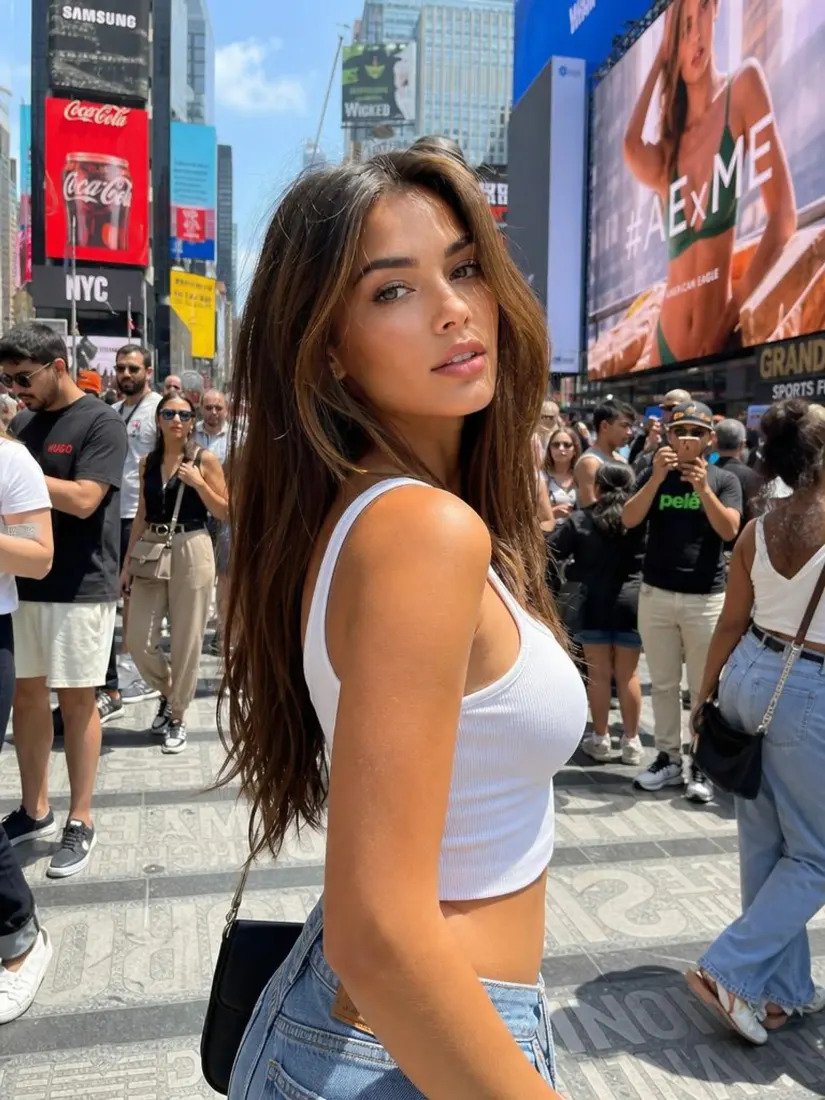
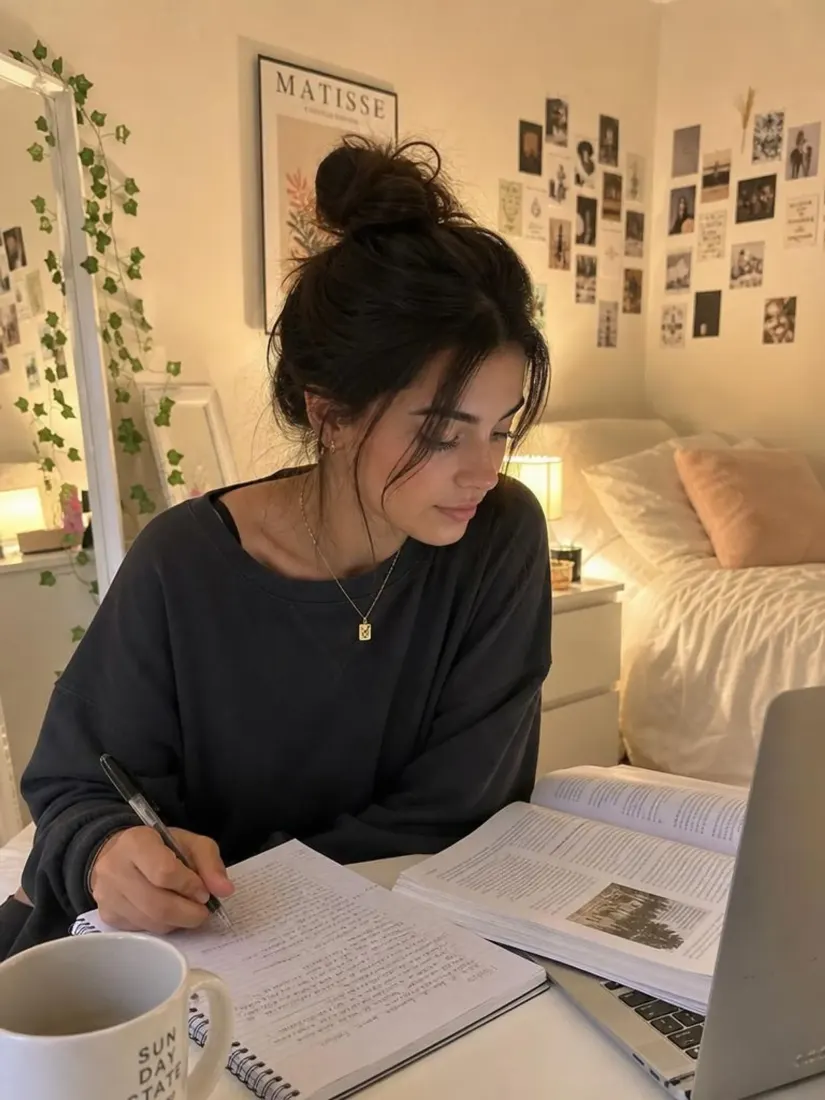
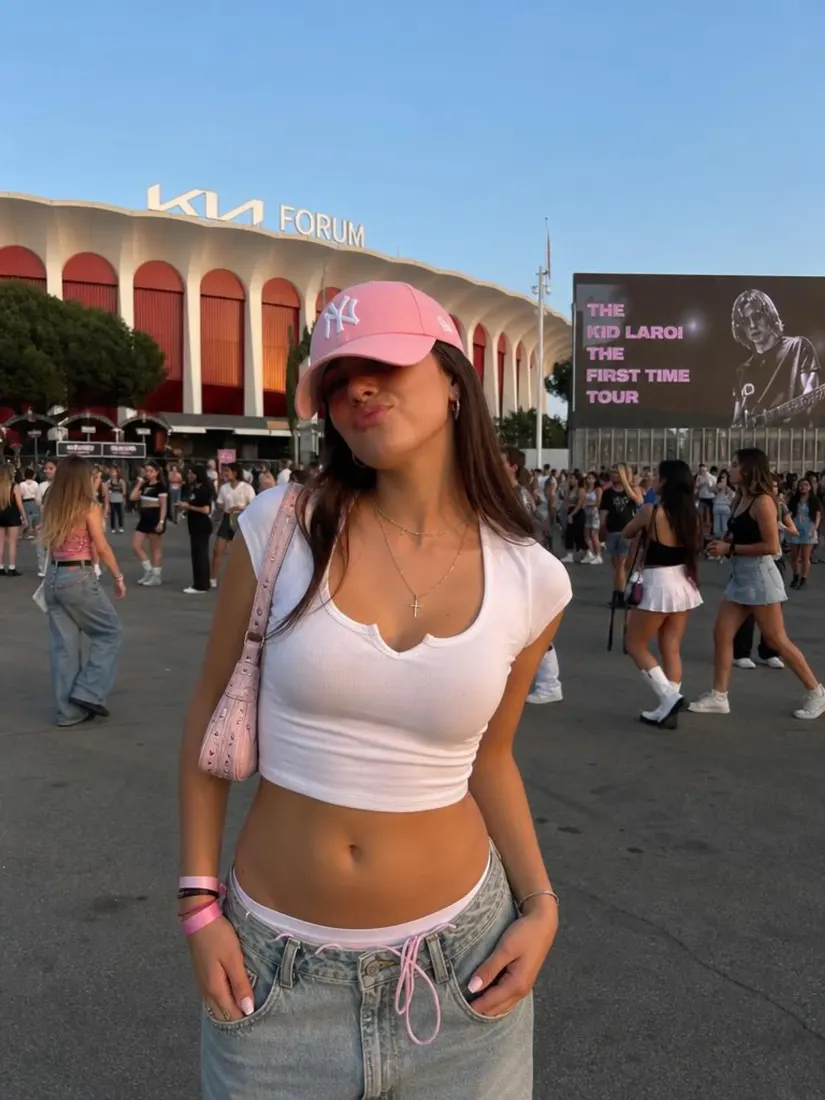
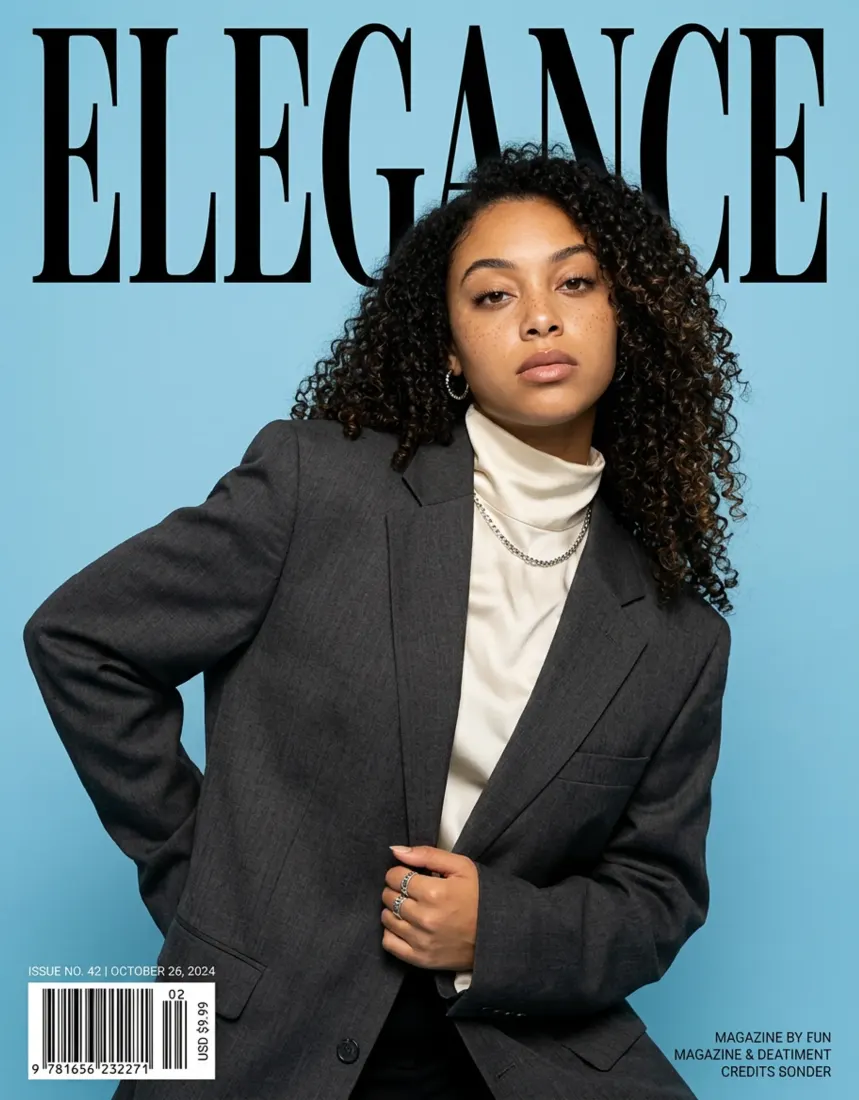
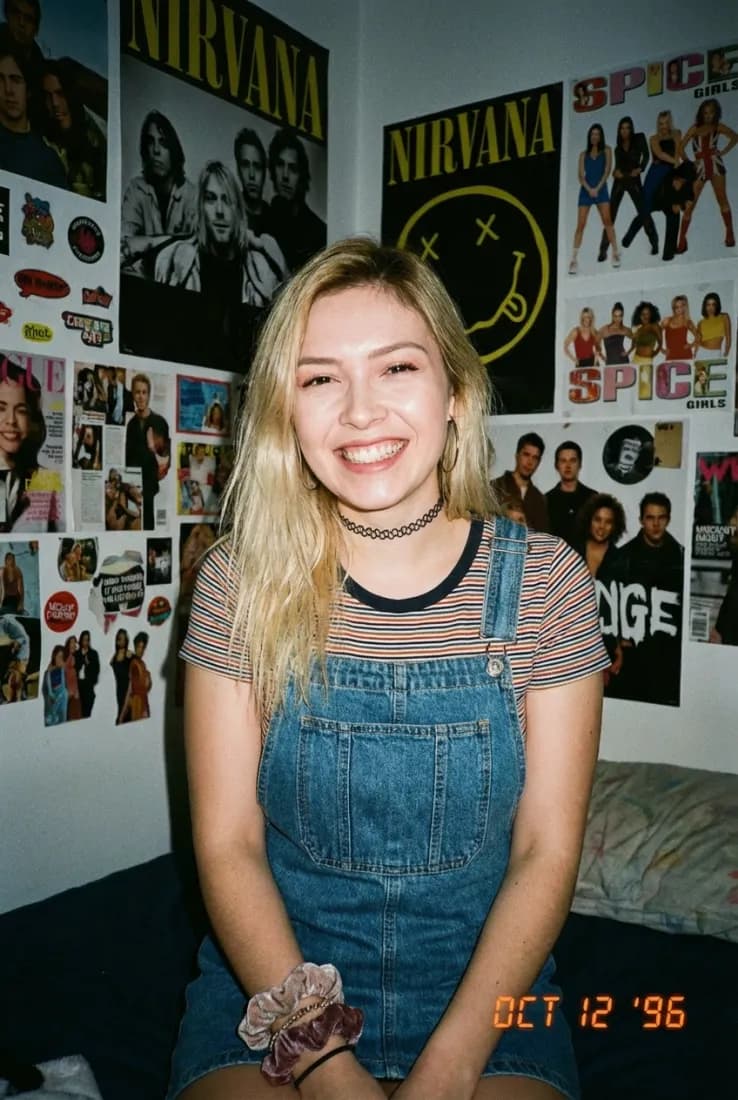
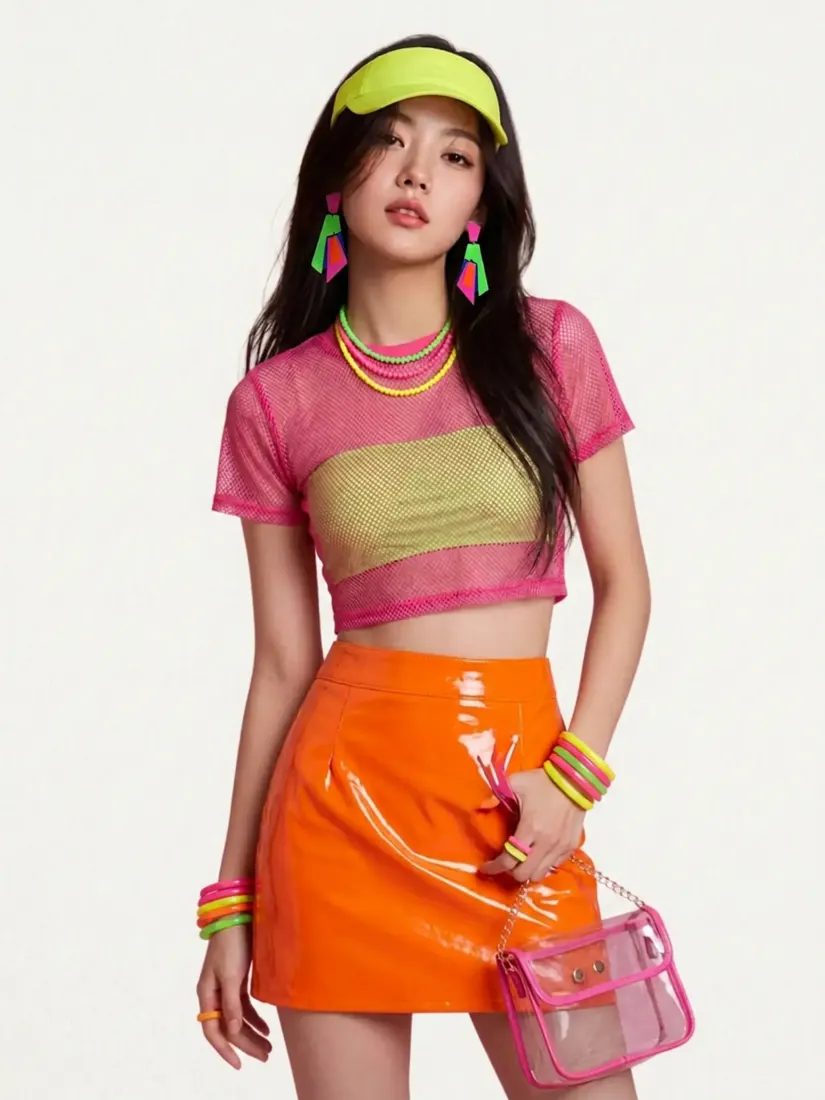
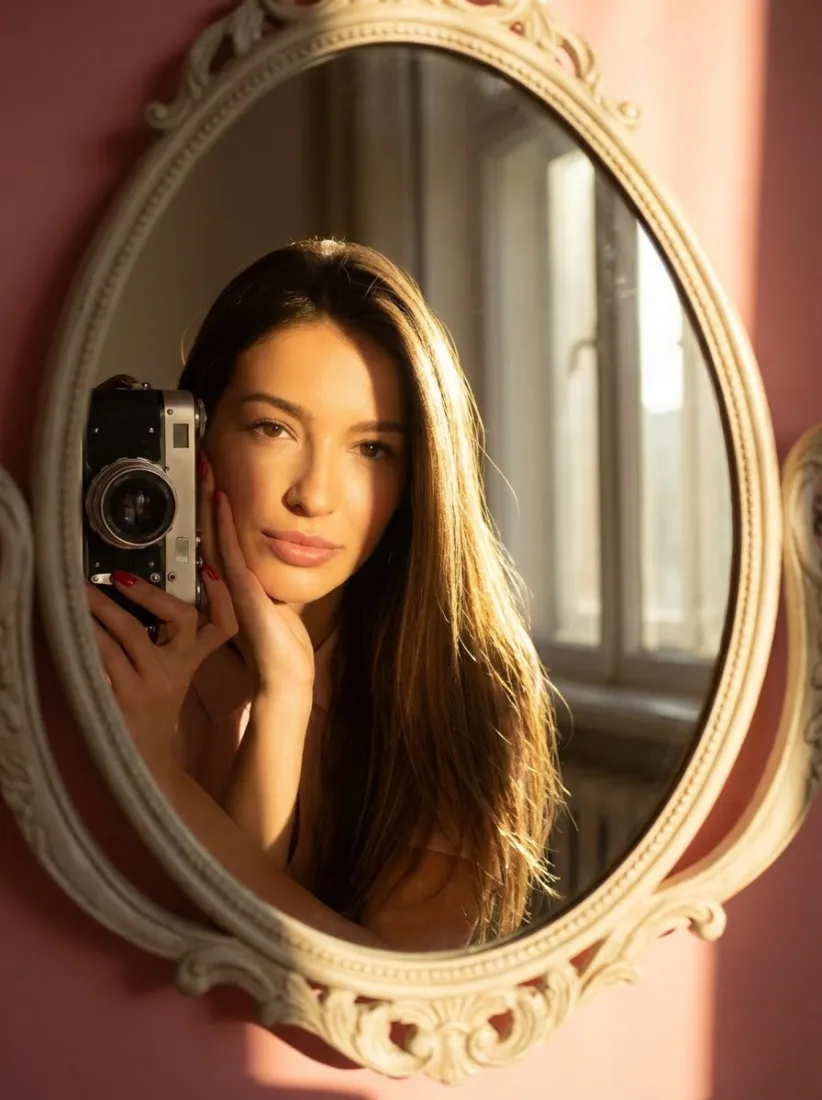
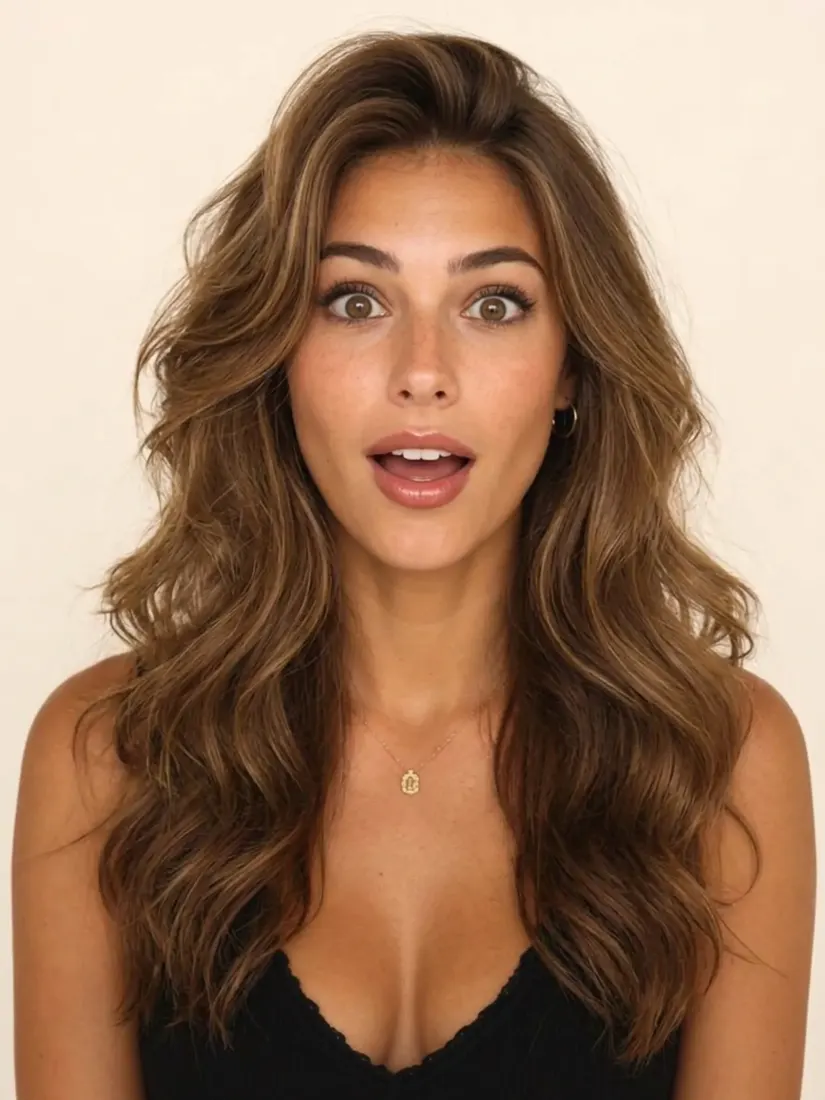
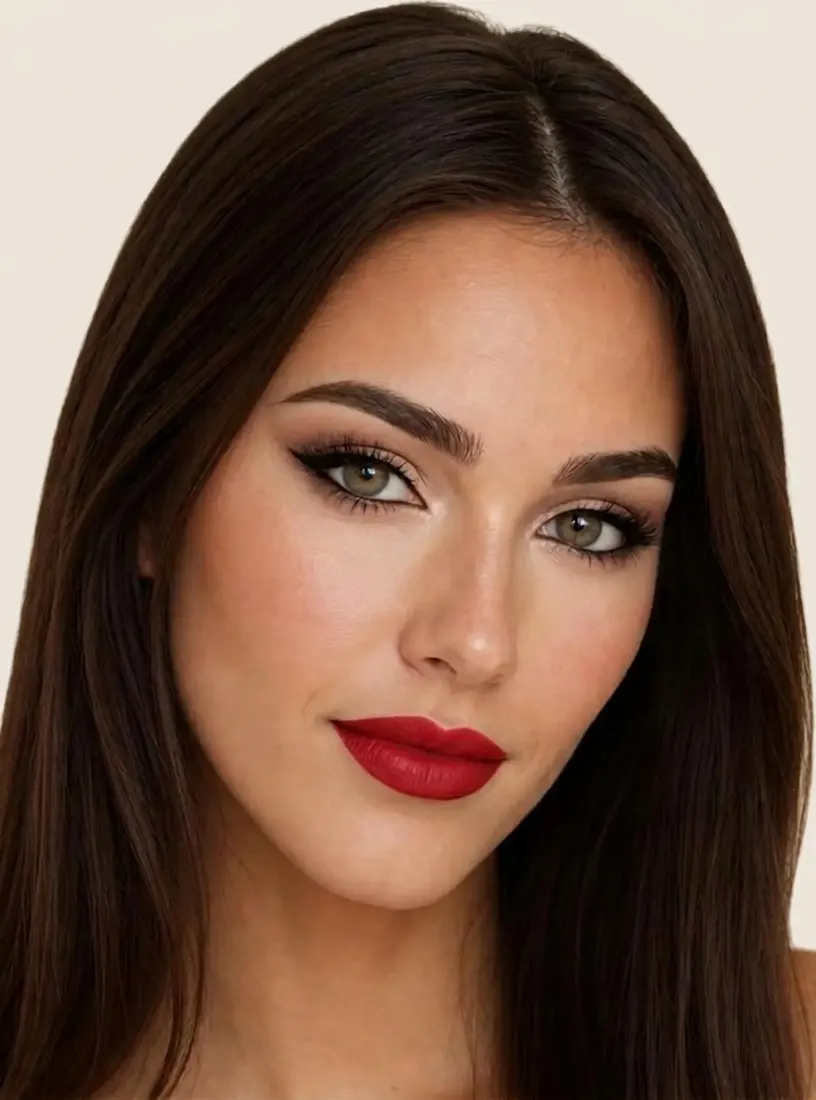
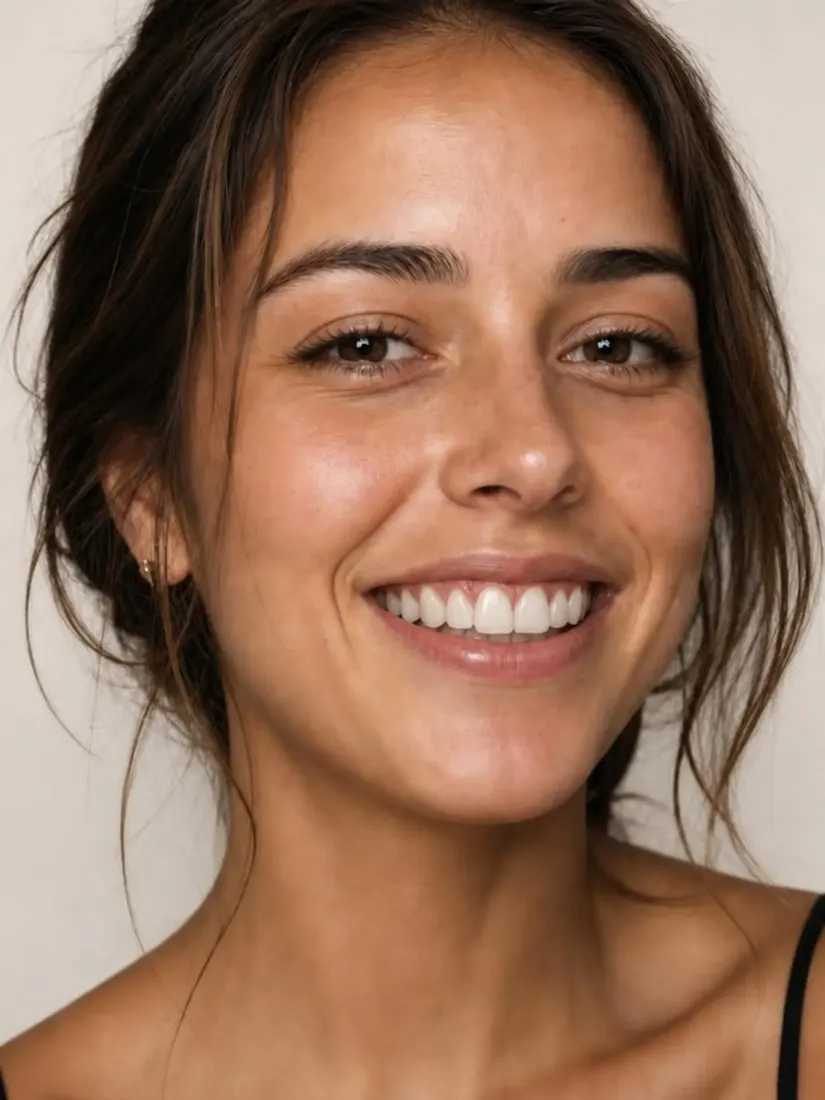
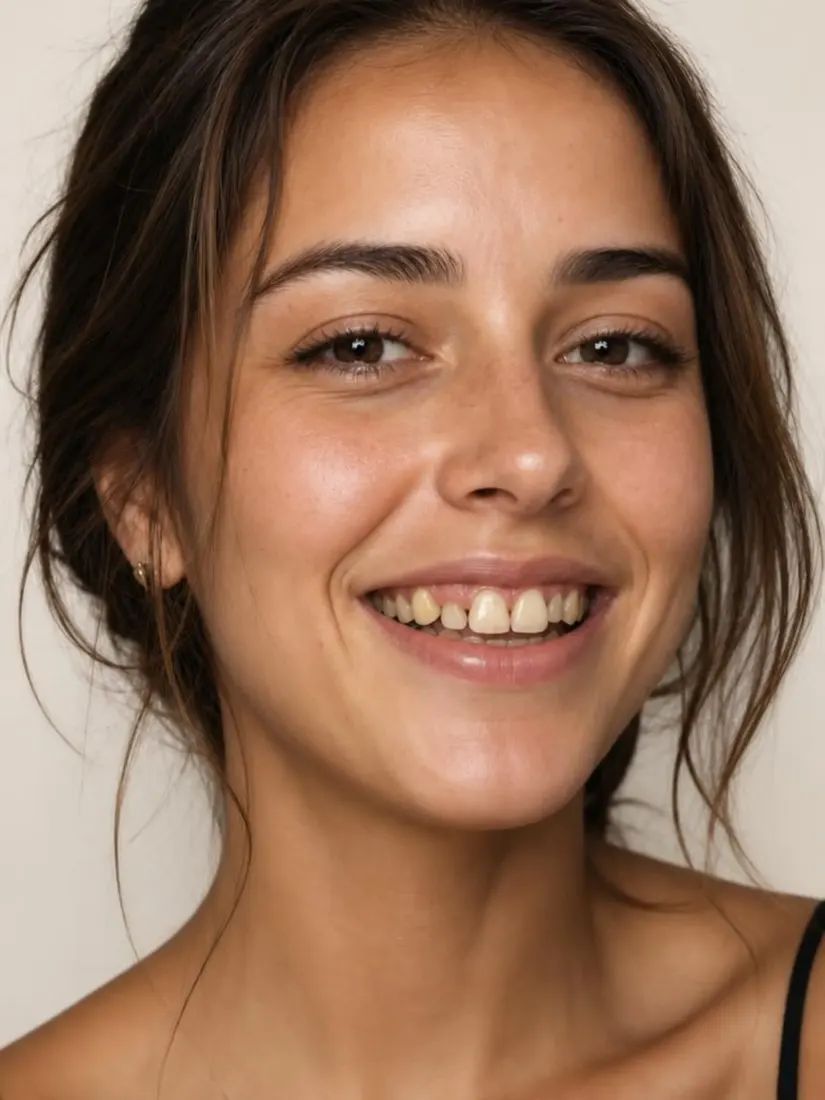
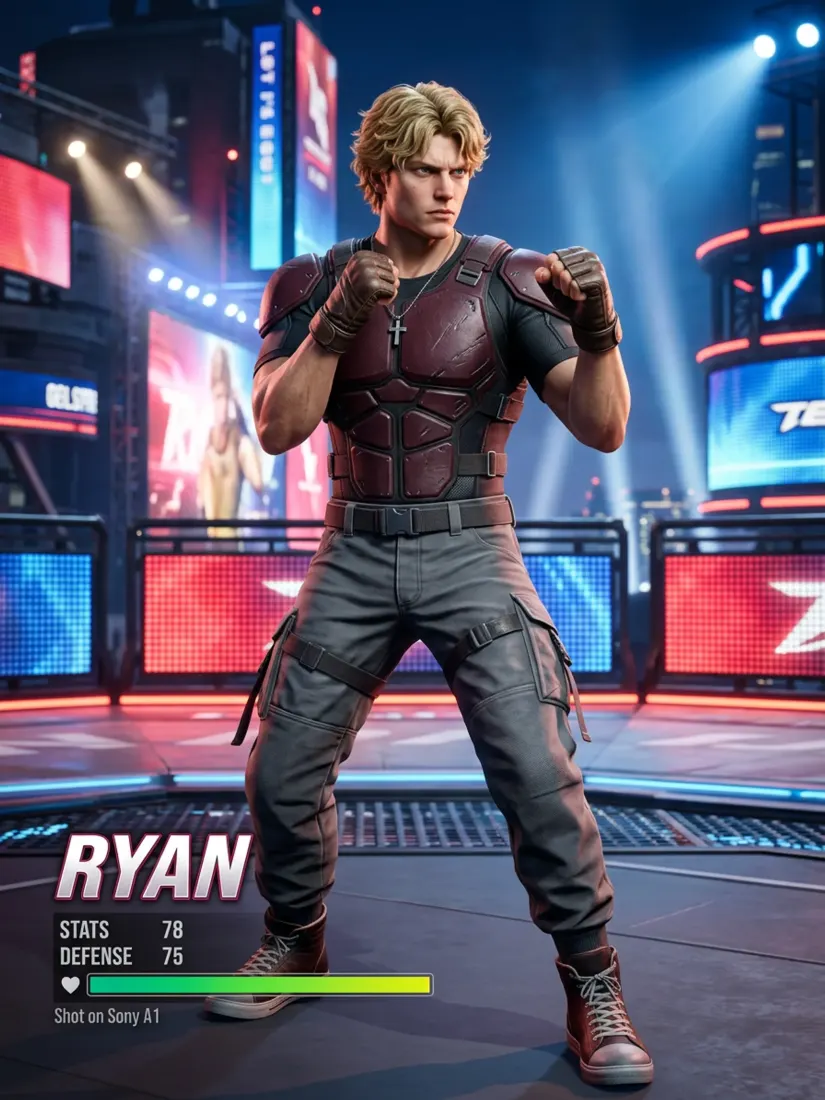
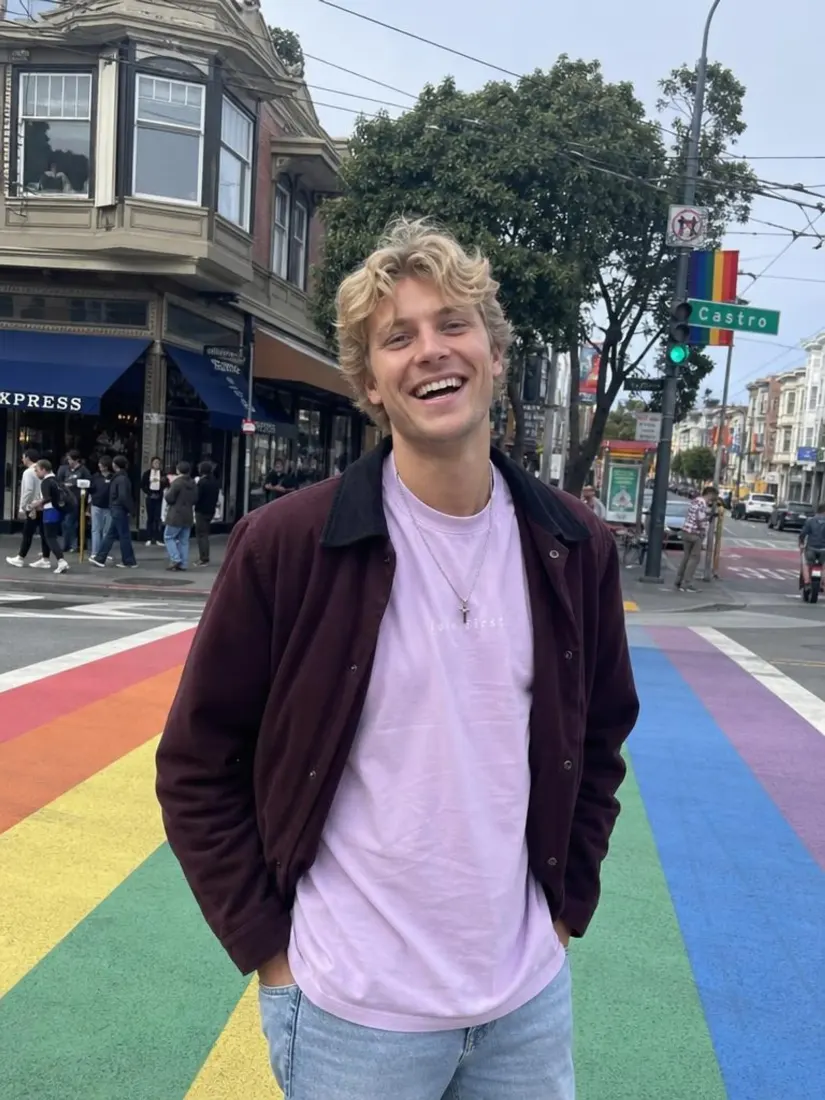
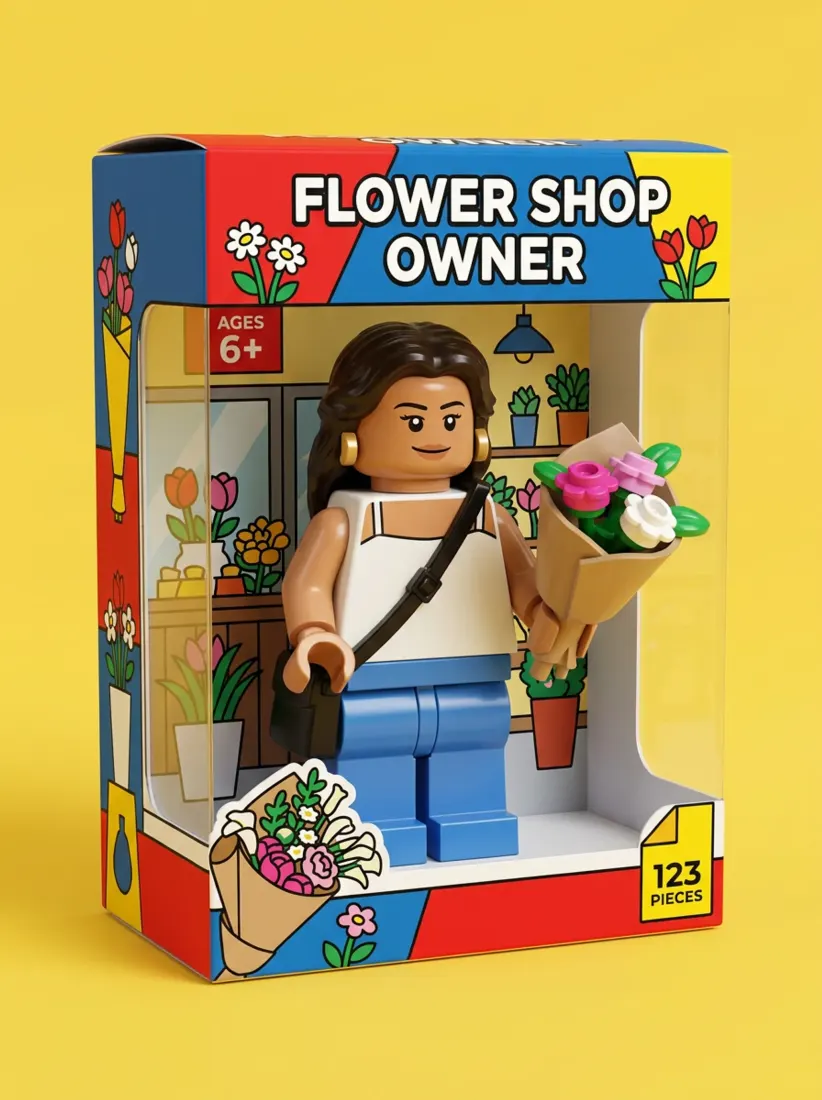
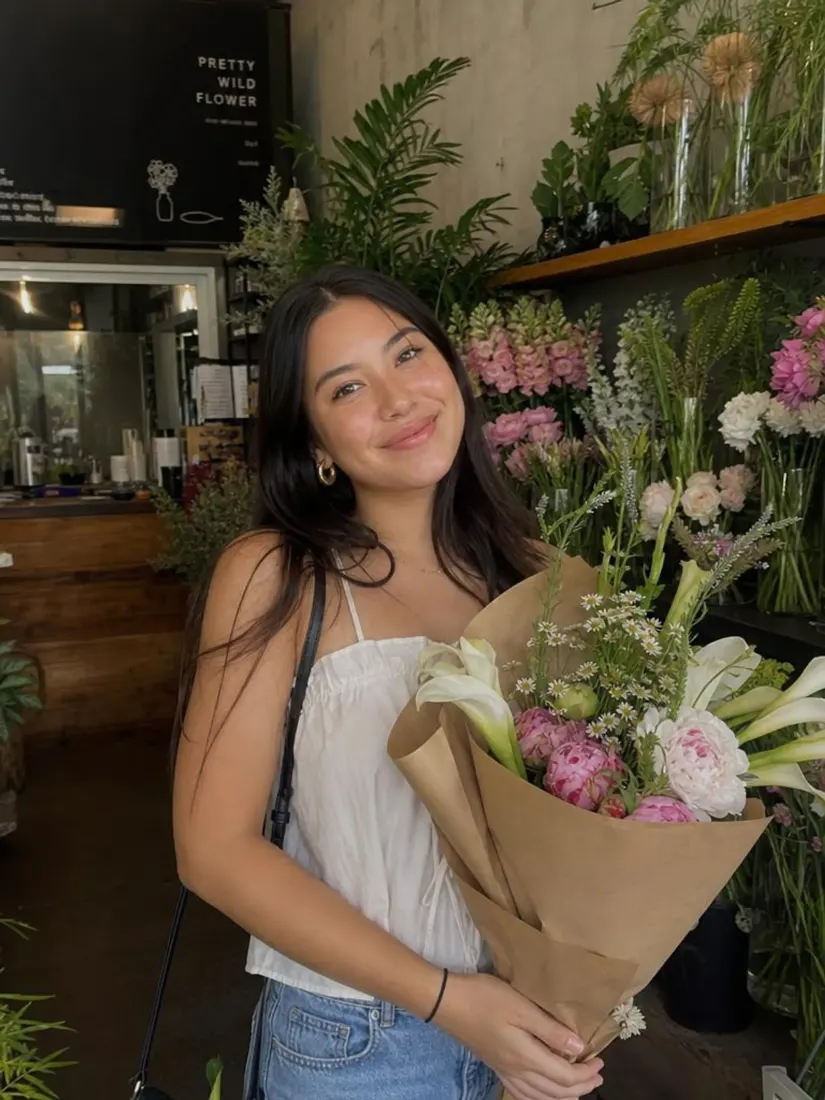
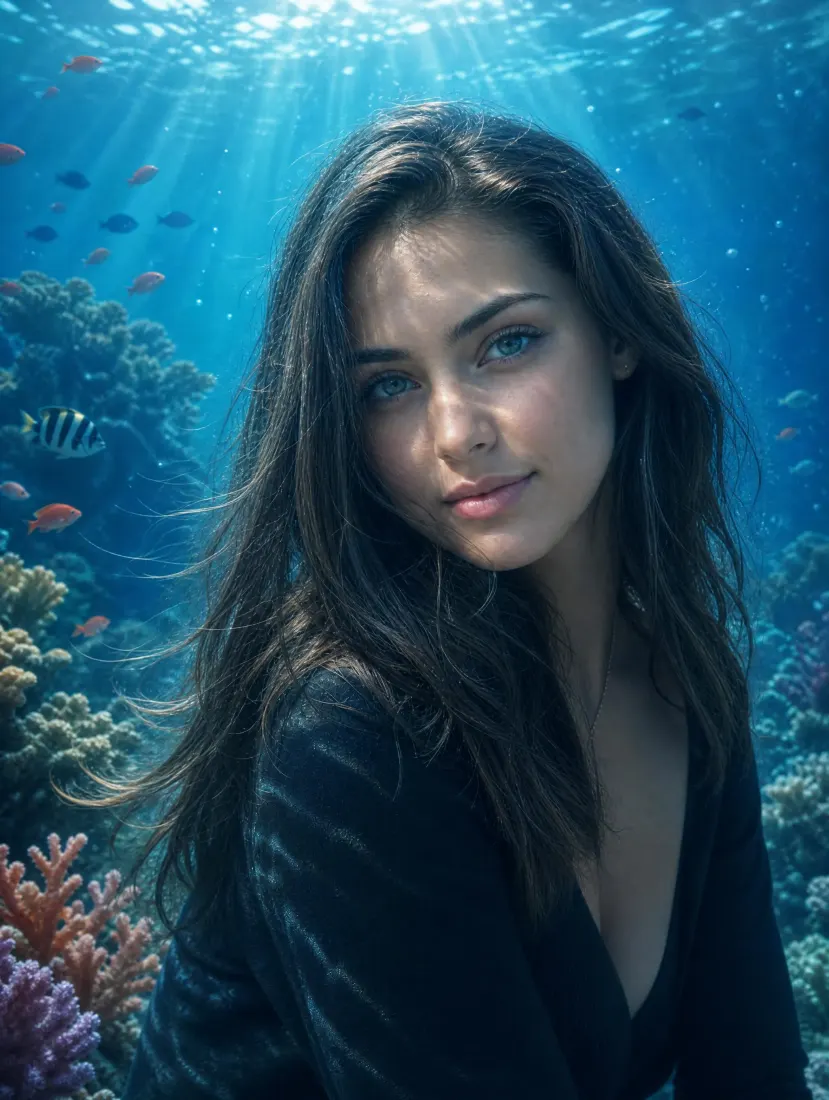
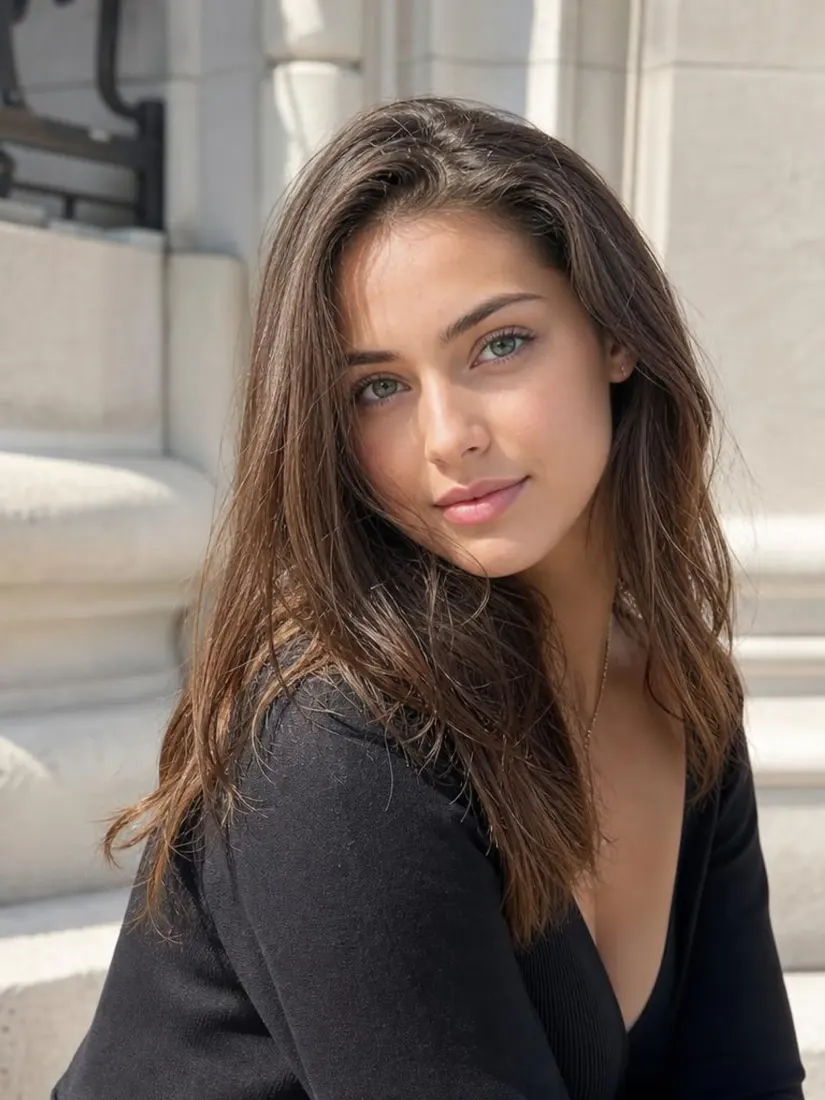
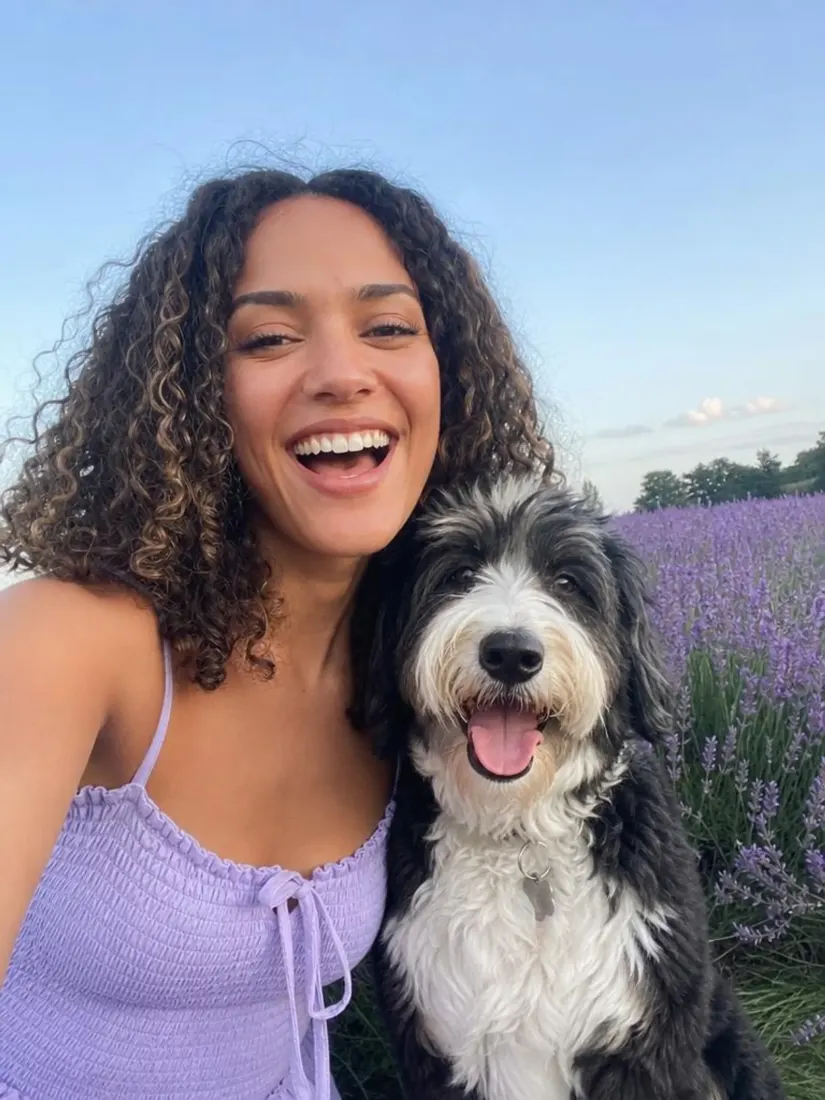
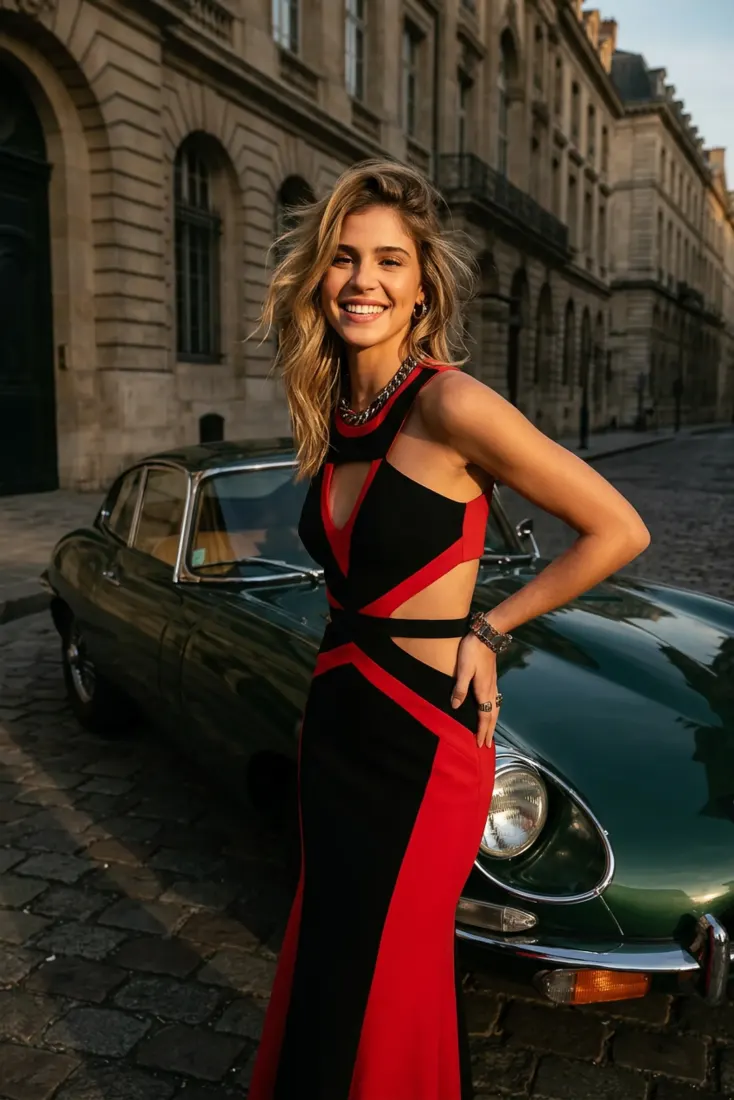
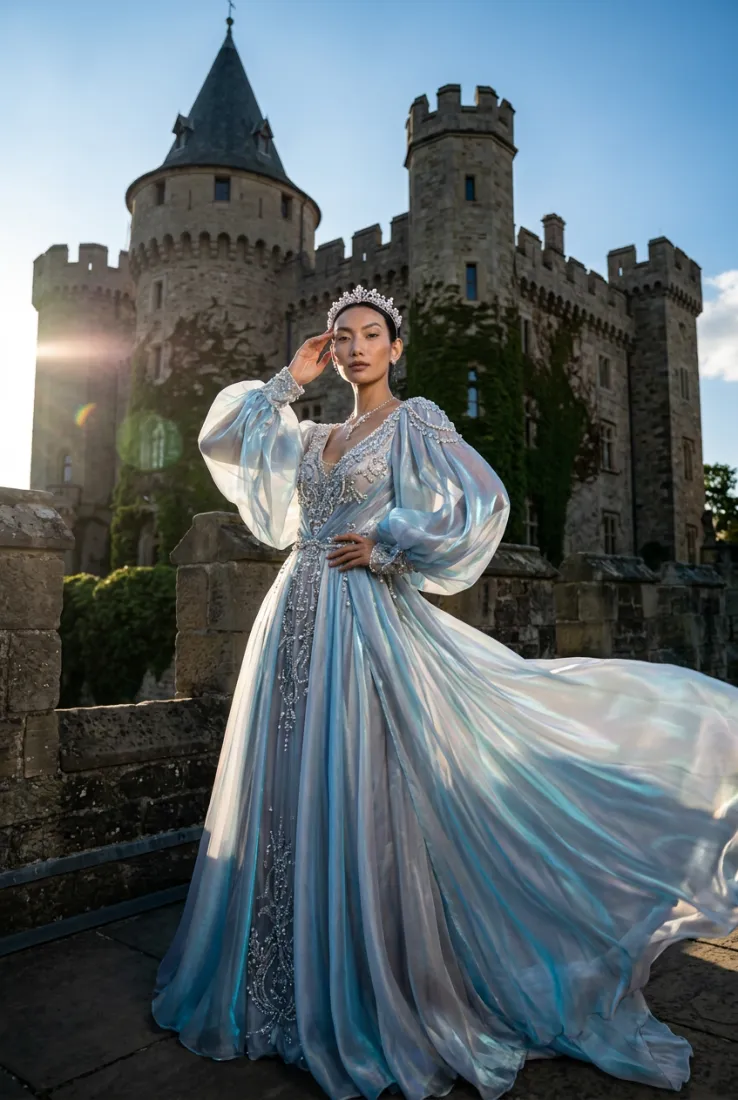
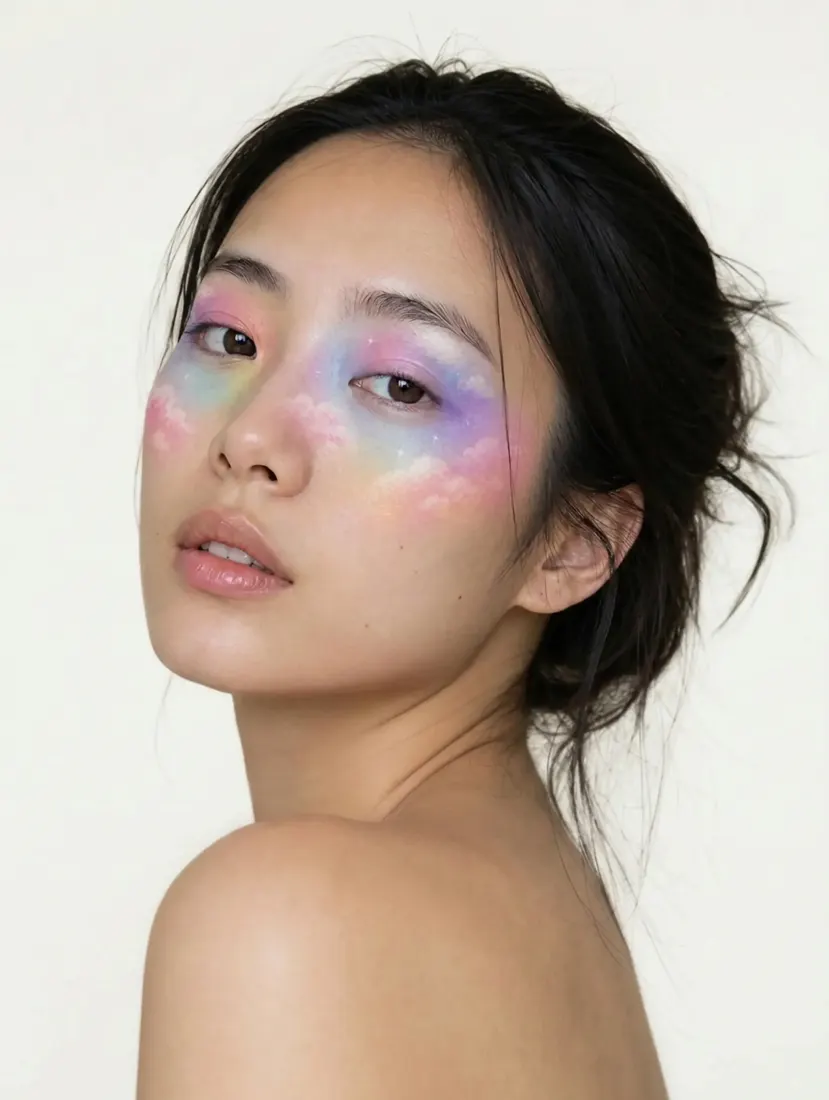
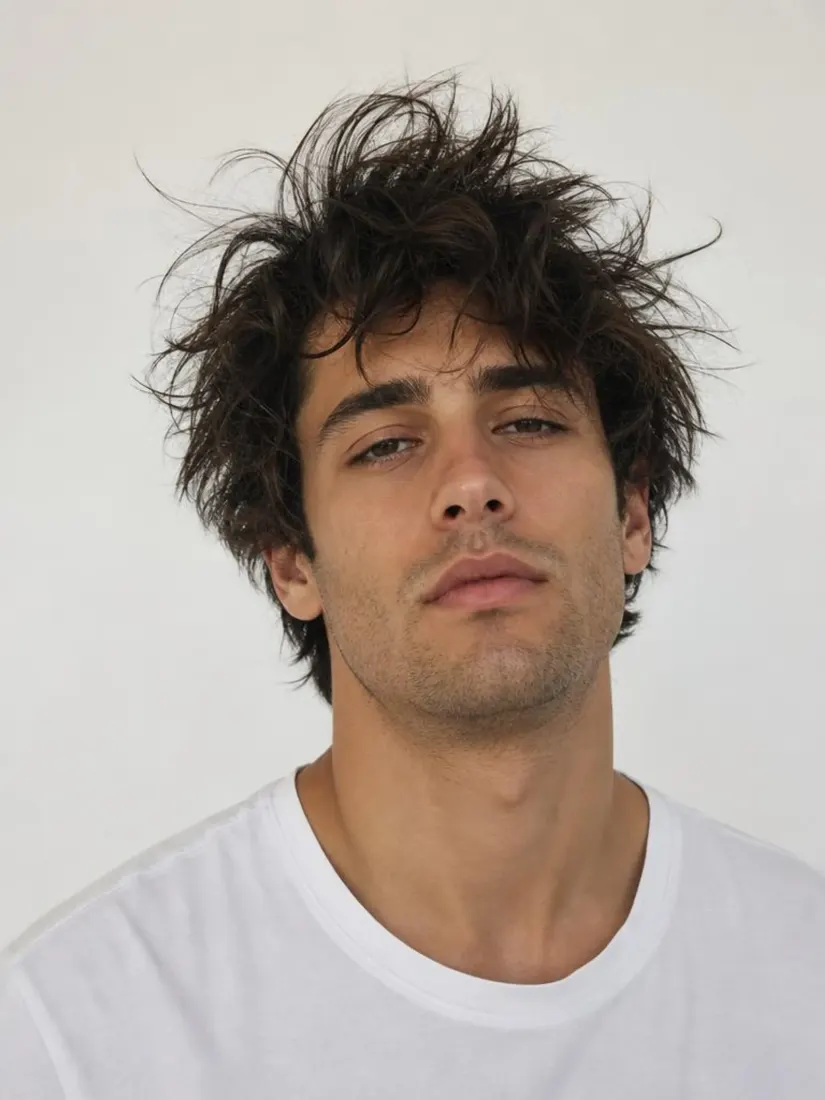
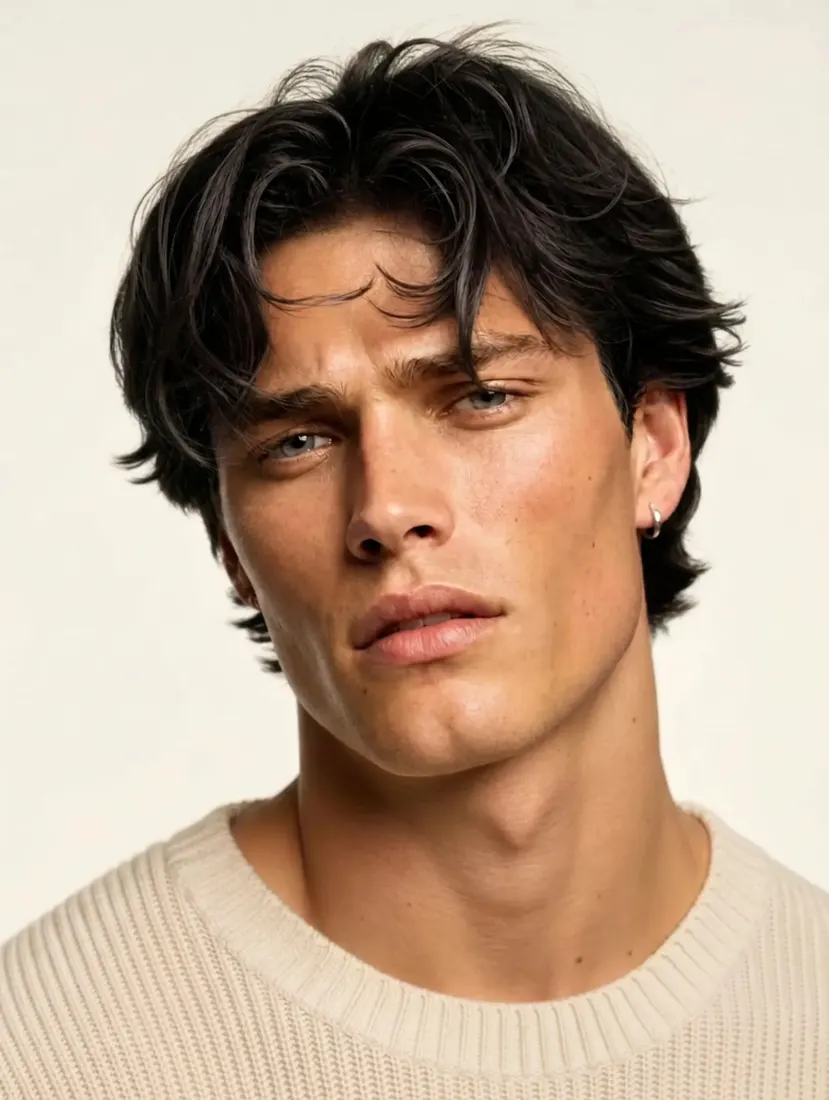
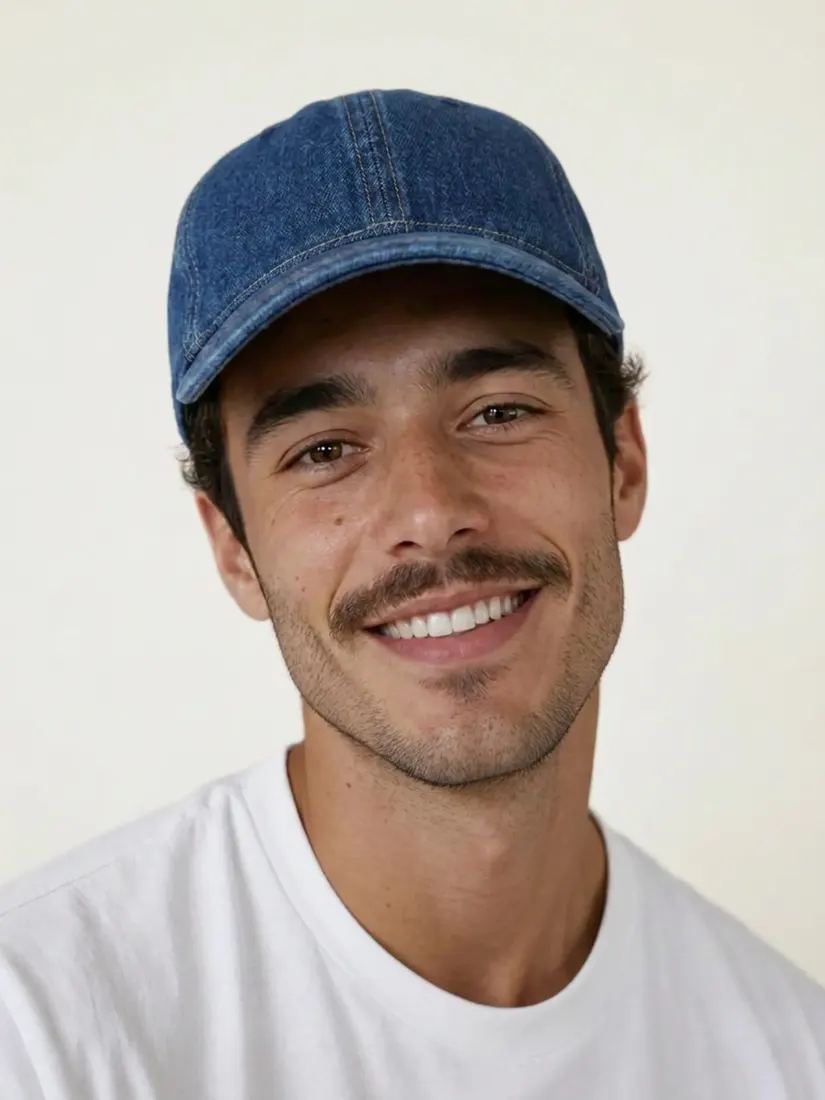
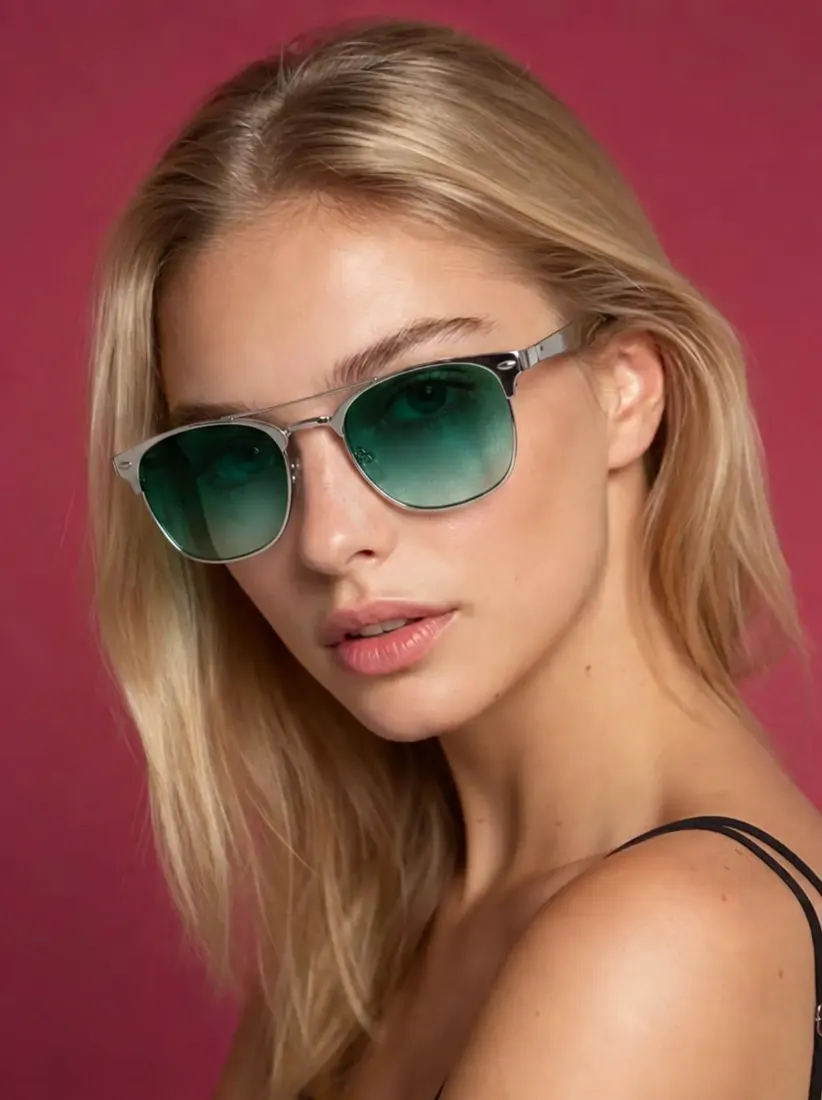
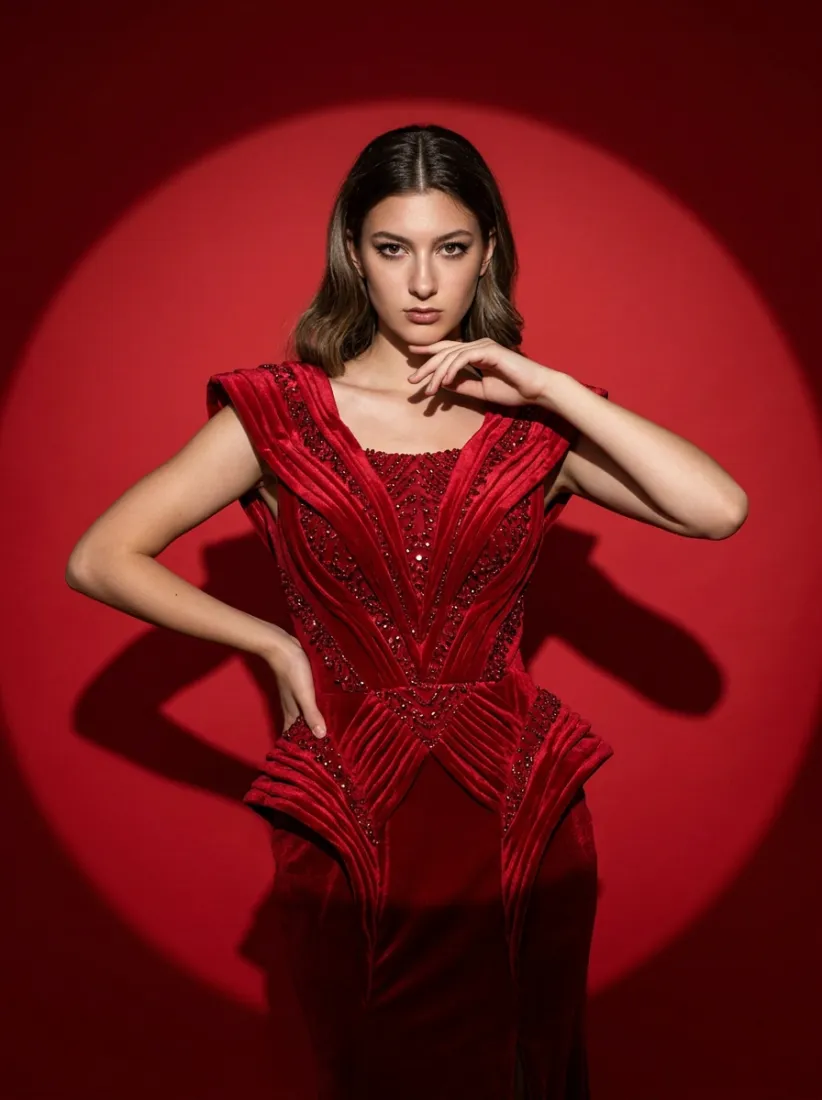
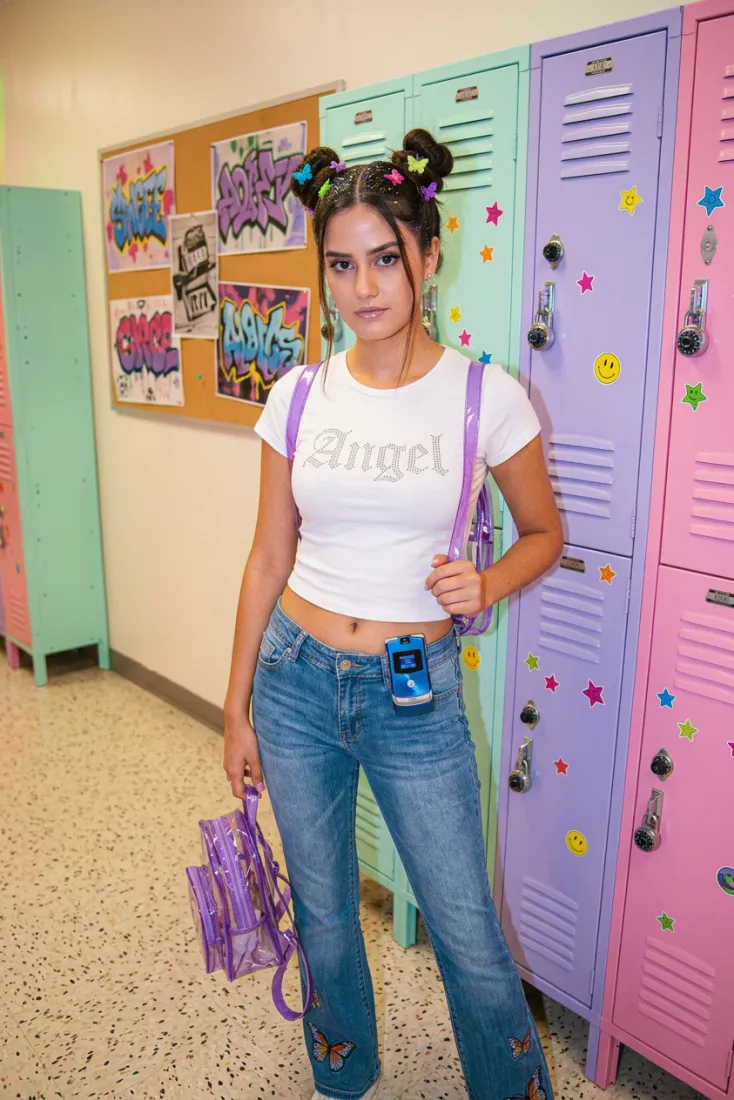
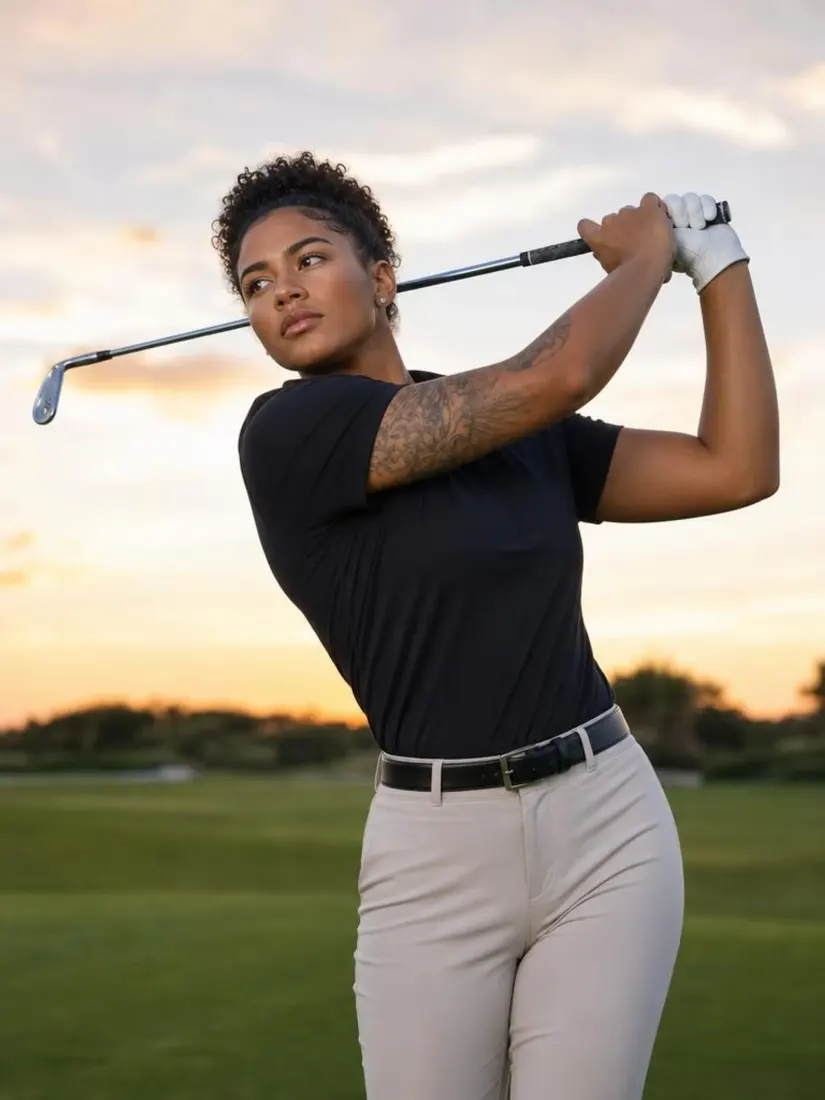
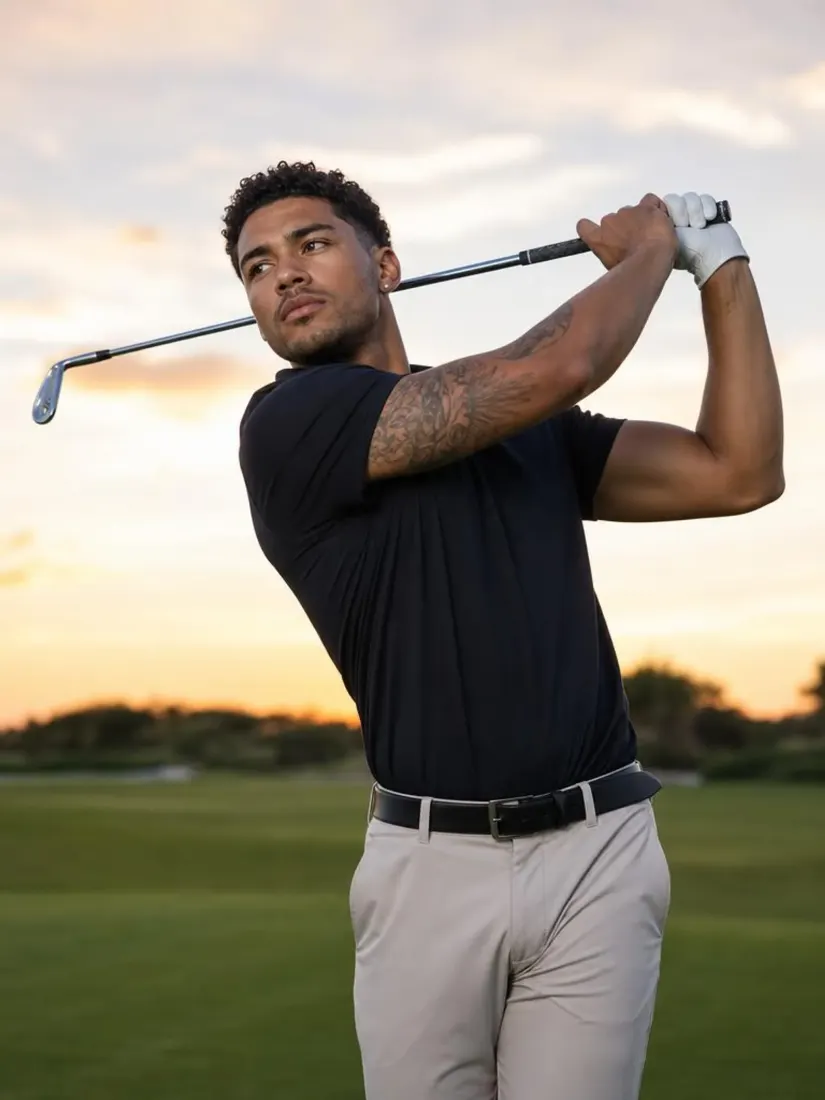
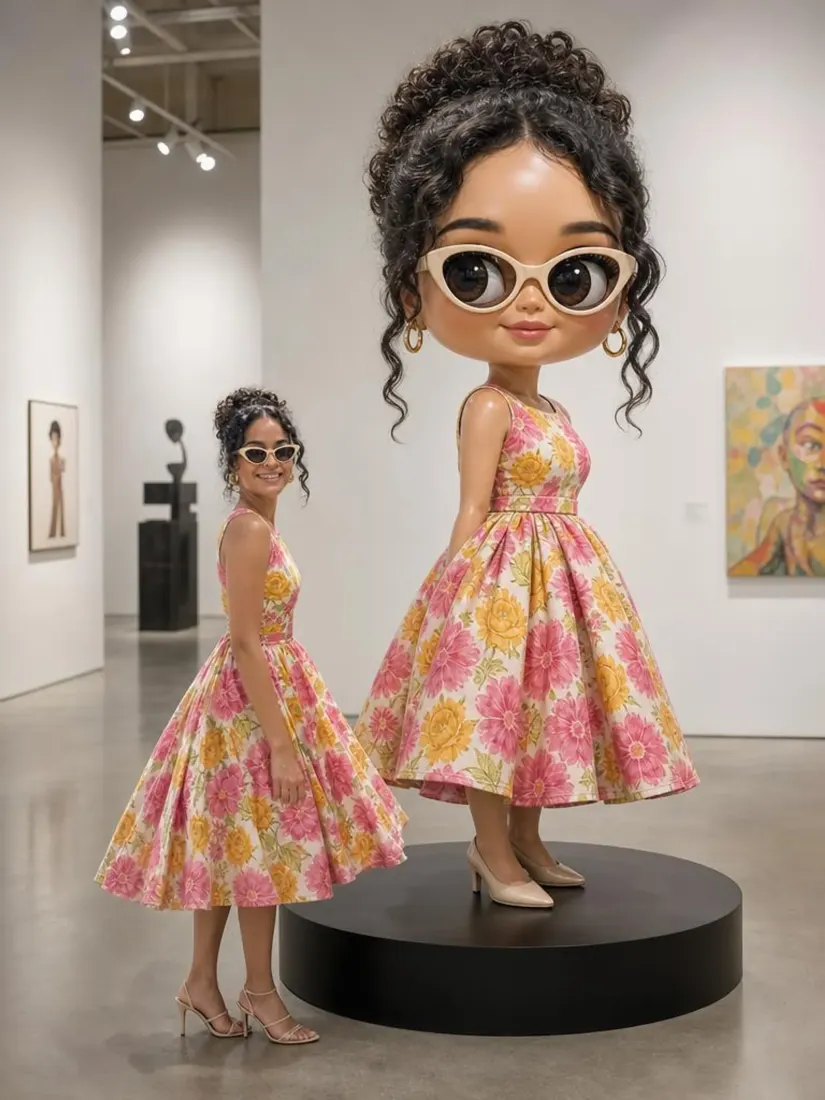
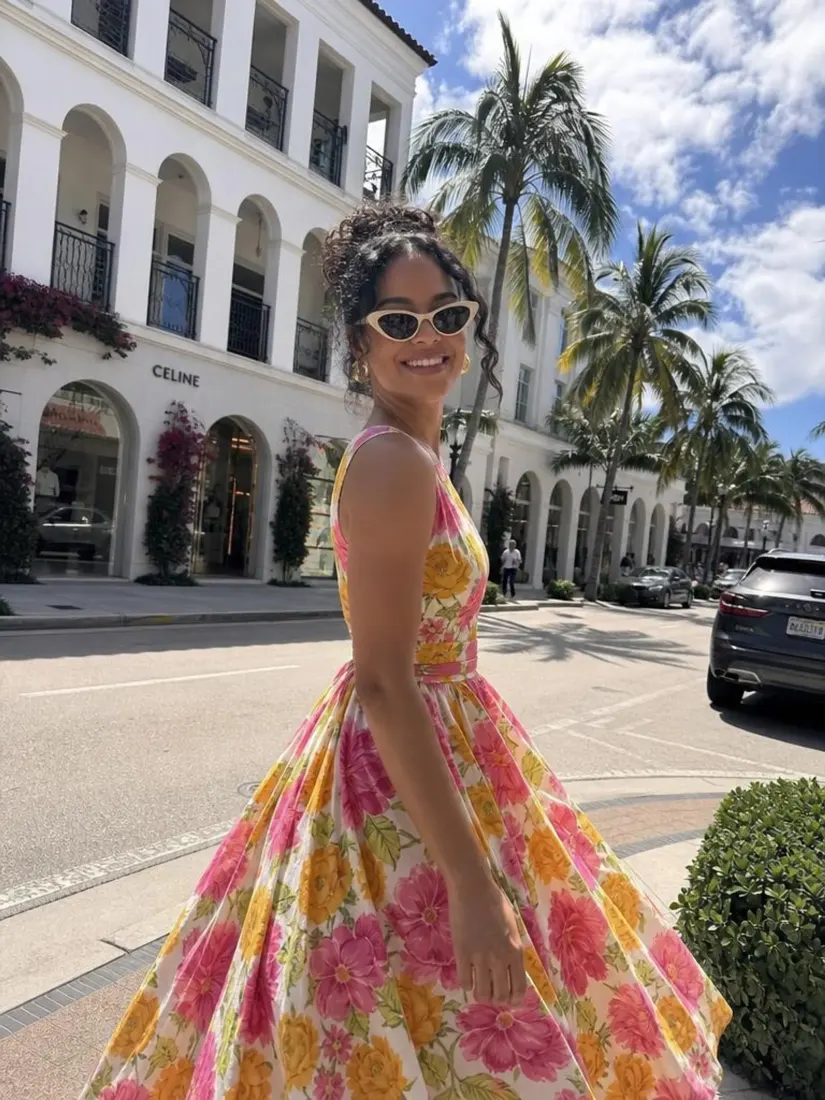
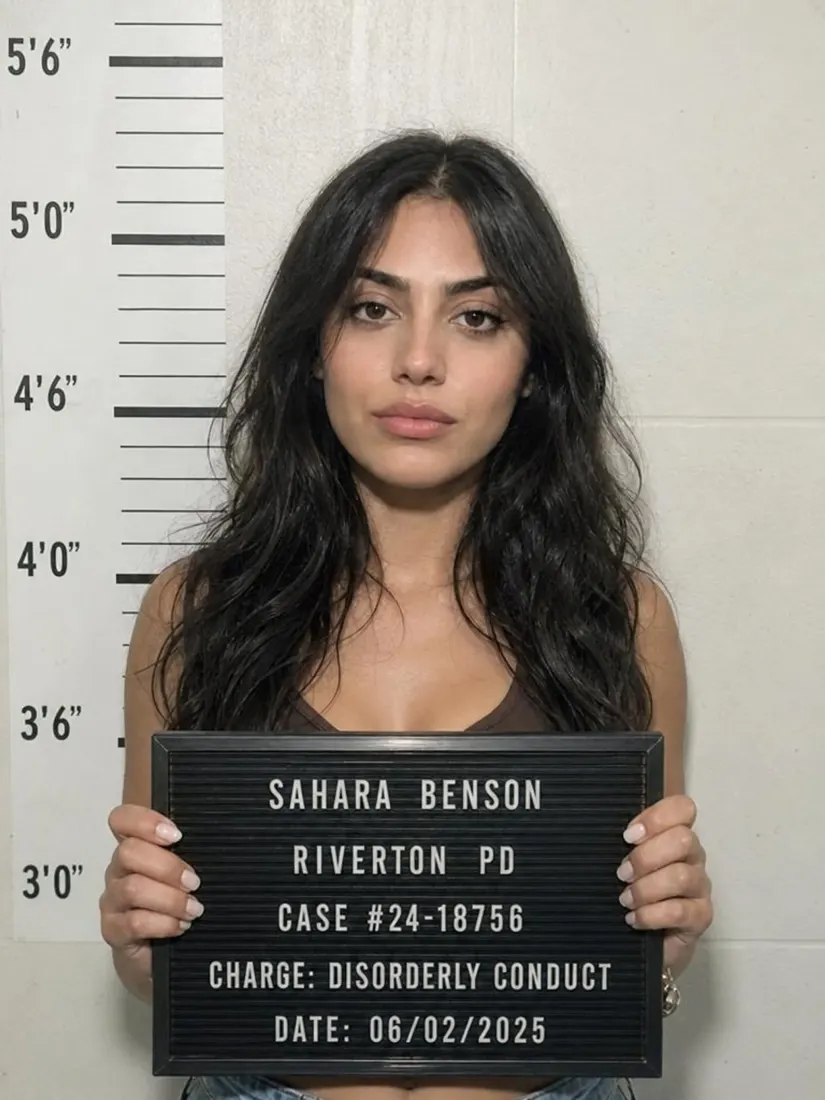
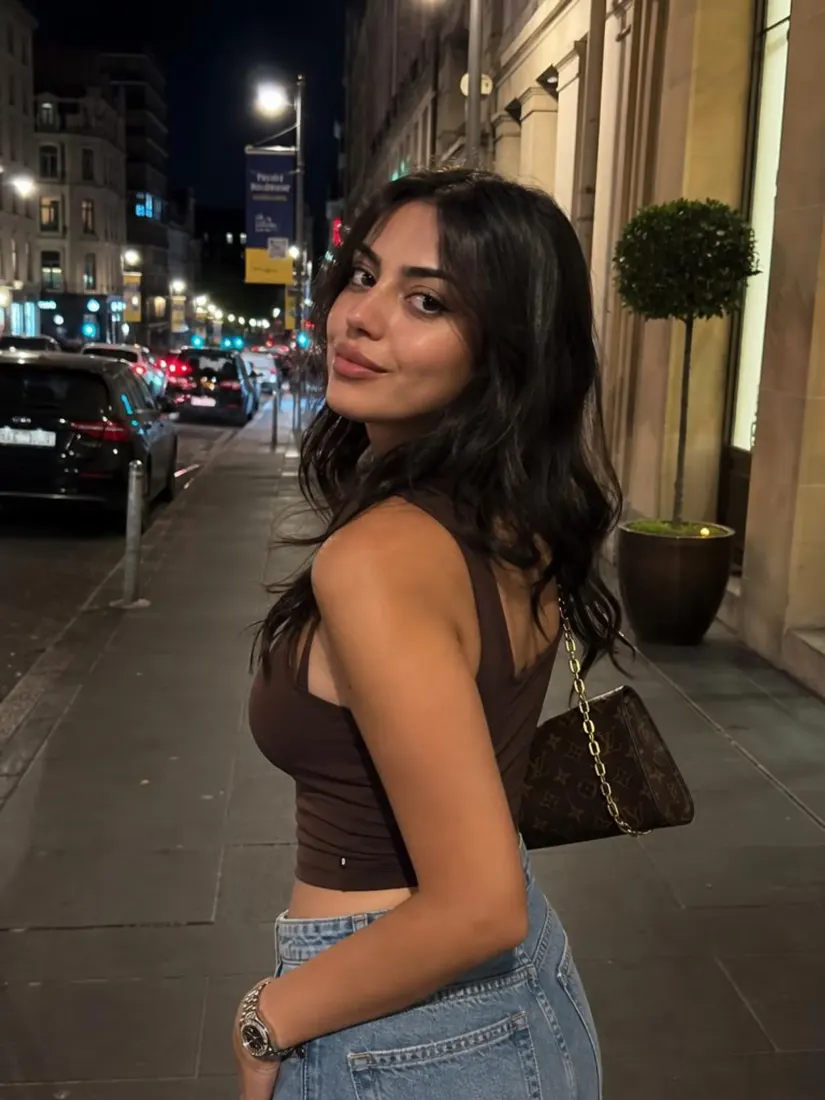
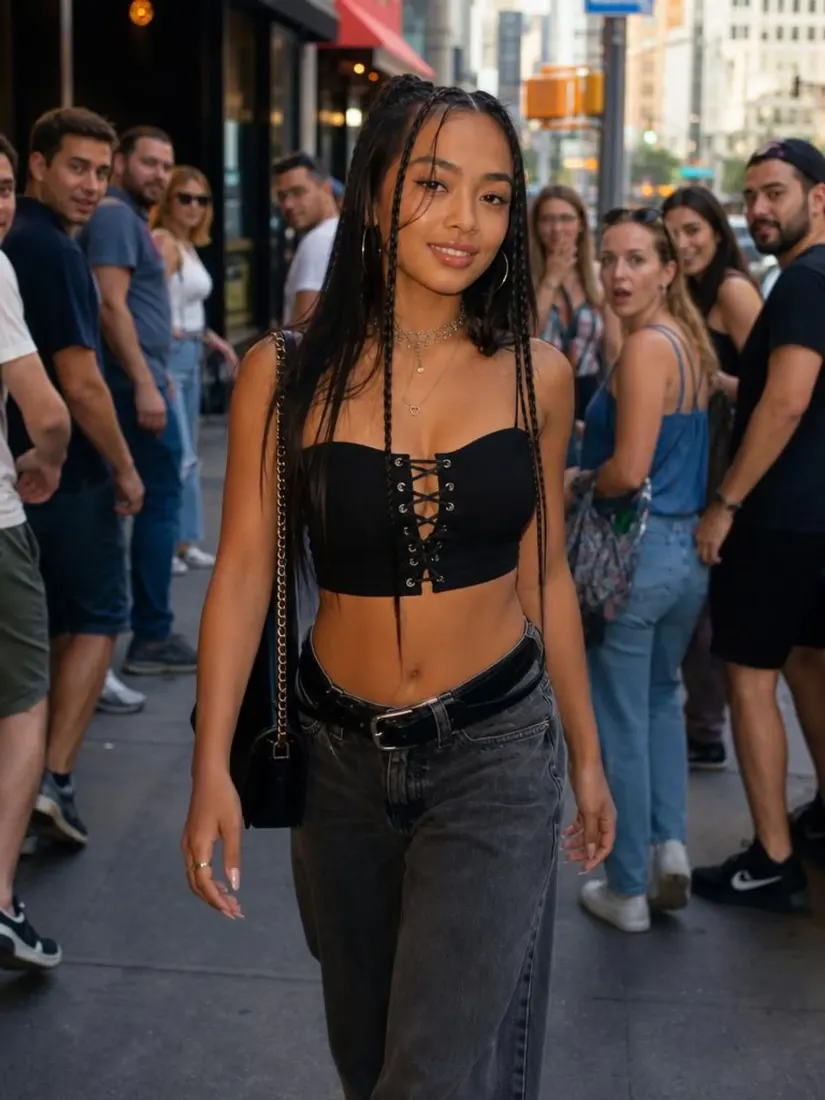
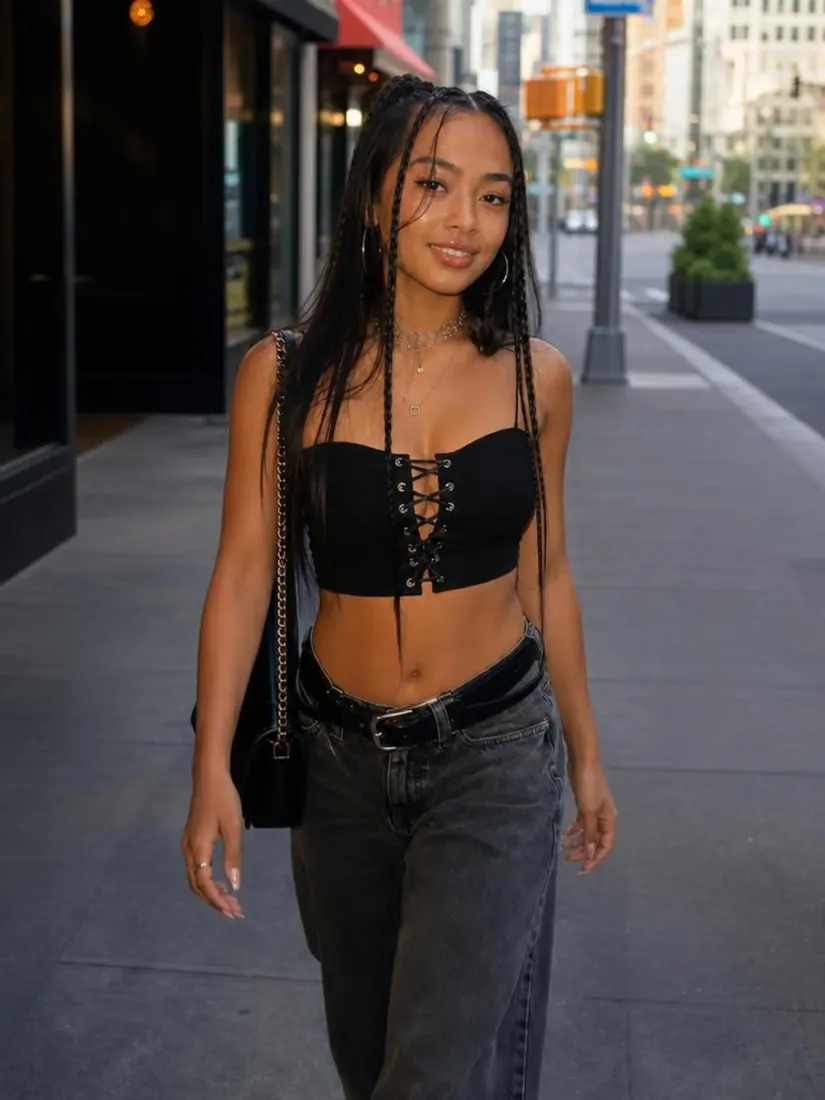
Bring your portraits to life with sharper, detailed visuals using AI. Enhance blurry selfies, upscale images, and improve clarity effortlessly. Perfect for social media or professional profiles, this tool ensures your photos stand out with sharpened quality and minimal effort.
Have a question? We're here to help
Customer satisfaction is our number one priority. Our live agents are available 7am - 11pm (PT), 5 days Sunday through Thursday.
Aragon's AI photo enhancer reads your photo and improves three things: sharpness, resolution, and noise. The tool rebuilds edge detail, upscales the image to a higher resolution, and removes grain or compression artifacts. Lighting, color, and composition stay intact, so the result looks like a sharper version of your original photo.
Better source photos give better enhanced results. For best output: use natural light when possible, hold the camera steady to avoid motion blur, fill the frame with your subject, and capture at the highest resolution your phone allows. Aragon's AI photo enhancer can fix moderate noise, slight blur, and low resolution, but it works best when the original has recoverable detail.
Upload your photo to Aragon's AI photo enhancer and the tool automatically boosts the resolution while sharpening detail. The output is delivered at higher resolution than the original, suitable for prints, social media, and e-commerce listings. For pure resolution upscaling without enhancement, see Aragon's Image Upscaler.
Photoshop's photo enhancement requires manual layer adjustments, sharpening filters, noise reduction tools, and editing skill to get a clean result. Aragon's AI photo enhancer does it in one click. Upload, wait, download. No filters, no manual masks, no editing experience needed.
Aragon's AI photo enhancer works on portraits, selfies, product photos, real estate listings, old family prints, screenshots, and any low-resolution or noisy image where the underlying detail is partially intact. It cannot recover detail that was never captured (extremely low pixel counts or photos that are completely out of focus), but it improves anything with recoverable information.
Yes. The AI rebuilds detail and increases resolution, so the enhanced file is typically larger than the original. The exact size depends on the original image, but expect the output to be 2-4x the file size.
Most photos finish in just a few minutes, depending on size and resolution. Larger or higher-resolution images may take slightly longer, but you'll get an enhanced version of your photo without leaving your browser.
Explore our other AI Photo Editing Tools
Touch up your photos even further with our suite of photo editing tools and features